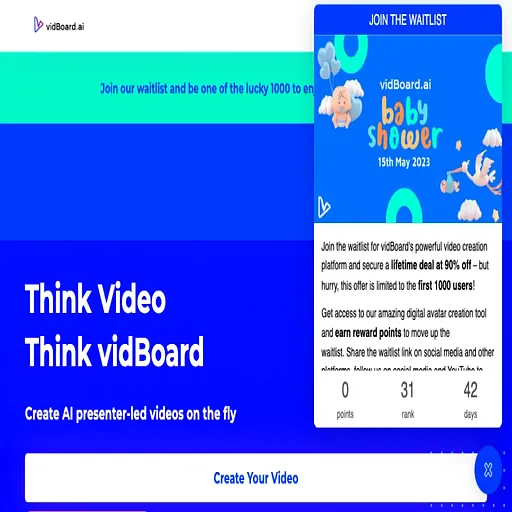
Vidboard AI
AI video studio that turns documents, links and sentences into narrated presenter videos
- Pricing
- Freemium
- Platforms
- Web, API
- Listing updated
- 2 days ago
Similar tools

About Vidboard AI
Vidboard AI is a freemium AI tool for business. It is available on Web and API.
The product turns a PDF, Word file, slide deck, spreadsheet, web link or a single sentence into a finished video with slides, a presenter, a voiceover and captions. Scripts and scene layouts are generated automatically, so a user can review and tweak rather than edit from scratch.
Beyond presenter videos, the site describes a wider toolkit: an avatar builder that can clone a user's face and voice from a photo or clip, AI dubbing into 125+ languages, auto subtitles, a thumbnail maker, a long-video-to-shorts repurposer, and browser-based trim, merge and mix tools for video and audio. A separate VidAI feature generates clips, images and music, and runs on the user's own FAL AI key.
The pricing page sells prepaid video packs rather than a monthly subscription, which suits people who produce video in bursts, such as course creators, coaches and marketing teams. Some reviewers quoted on the site describe producing many videos a day with it.
What it does
- Document and link conversion
- Turns uploaded PDFs, Word files, decks, spreadsheets or web pages into scripted, laid-out slide videos.
- Presenter avatars and digital twins
- Offers stock avatars and lets users build a custom presenter from a single photo or video.
- Voice cloning and dubbing
- Provides AI voices, voice cloning and dubbing across 125+ languages.
- Auto captions
- Generates timed, translated and styled subtitles for videos.
- Multi-track timeline editor
- Lets users cut, layer and polish clips with titles, transitions and effects.
- Template library
- Provides ready-made 16:9, 9:16 and data-focused slide templates with ten slides each.
Good for
- Turning training documents or course notes into narrated video lessons
- Producing short product explainers and launch videos from a written brief
- Creating localized versions of a video for new language markets
- Repurposing long videos into short clips for social platforms
- Making YouTube thumbnails and simple edits without a dedicated editor
Pricing
Freemium
Free plan with 9 videos; prepaid packs from $15 (10 videos), $99 (50) and $199 (150). No subscription.
Prices change. Check vidboard.ai before you buy.
Vidboard AI FAQ
Do I need video editing experience?
The site says no: the tool writes the script, builds the scenes and adds voice and captions, and the user reviews and tweaks the result.
Can I use my own face and voice?
Yes, a custom avatar can be created from a photo and a voice can be cloned, or users can pick from 120+ stock avatars and 500+ voices.
Is there a free way to try it?
A free plan includes 9 videos of up to 3 slides each, with no credit card required. Free videos carry a small vidBoard mark.
Does the company offer refunds?
Yes, every purchase comes with a 7-day refund policy, according to the pricing page.
Is Vidboard AI free?
Vidboard AI has a free plan, with paid plans for more usage or features.
What are the best alternatives to Vidboard AI?
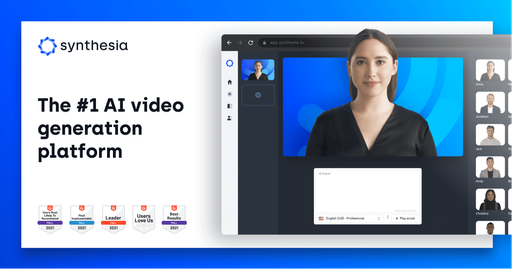
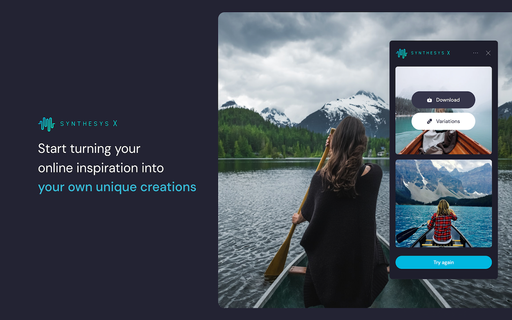
The closest alternatives to Vidboard AI are Synthesia, DeepBrain AI, Visla, Synthesys X and Colossyan.
Where this comes from
- Description: written from the project's website.