
SpeechGen
AI text-to-speech voiceovers in 150 languages, pay-as-you-go credits, no watermark
- Pricing
- Paid
- Platforms
- Web, API
- Listing updated
- 1 day ago
Similar tools


About SpeechGen
SpeechGen is a paid AI tool for business. It is available on Web and API.
The README-free product page centres on turning pasted text, subtitle files or documents into narration with a large catalogue of neural voices. Users pick a voice, language and quality tier, preview with their own sentences, then download MP3, WAV, FLAC or OGG files.
Beyond single narrations, the editor supports dialogue scripts where different voices are assigned to paragraphs, chapter splitting for long books via a cut marker, SSML tags for pauses and sound effects, and a built-in music library for mixing background tracks. SRT and VTT subtitle files can be voiced line by line at their timecodes.
It suits marketers producing voiceovers without a studio, trainers and educators turning course material into audio, and small businesses that need phone prompts or exhibit audio. Pricing uses prepaid credit packs rather than a subscription, and the site lists an API for batch generation.
What it does
- Large voice catalogue
- Offers over 5,000 voices across 150+ languages and regional accents, filterable by gender, accent and quality tier.
- Multi-speaker dialogue
- Assigns different voices to paragraphs using speaker tags so interviews or scripted scenes export as one file.
- Smart cache for repeats
- Regenerating identical text does not deduct credits, which helps when fixing typos or re-recording prompts.
- SSML pause and pitch control
- Accepts SSML tags for timed pauses, stress and inserted sound effects directly in the text.
- Subtitle-synced audio
- Converts SRT or VTT subtitle files into audio aligned to each line's timecode for video editors.
- Chapter-based file export
- Splits long text at cut markers so each chapter downloads as a separate audio file.
Good for
- Producing narration for YouTube videos and ads without hiring a voice actor
- Turning course material or lessons into audio for e-learning at scale
- Recording phone system prompts in several languages for small businesses
- Creating multilingual versions of a campaign video from one subtitle file
- Generating audio guides for museums, wineries or heritage sites
Pricing
Paid
Free 1,000 characters; pay-as-you-go credit packs, no subscription
Prices change. Check speechgen.io before you buy.
SpeechGen FAQ
Is there a free tier?
Yes. The first 1,000 characters can be converted without an account, and the site says registering increases the daily allowance for a limited period.
Can I use the audio commercially?
The site states a commercial license is included with every plan, free and paid, covering uses such as YouTube videos, ads and apps.
What file formats can I download?
The site lists MP3, WAV, FLAC and OGG downloads, with WAV offered as uncompressed audio for post-production.
How does pricing work?
Credits are sold in prepaid packs with no monthly subscription, and the pricing page says unused credits carry over for one year.
Is SpeechGen free?
No. SpeechGen is a paid product.
What are the best alternatives to SpeechGen?
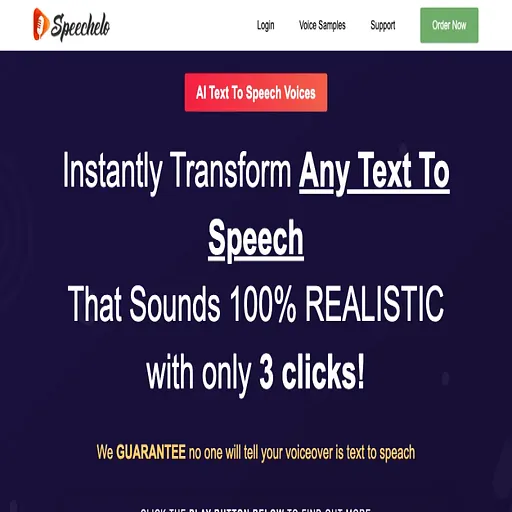
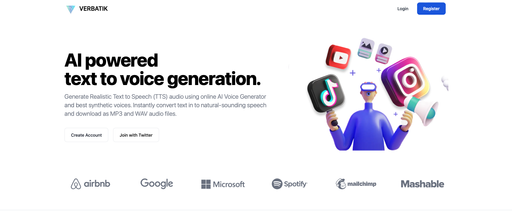
The closest alternatives to SpeechGen are Speechelo, Narration Box, Verbatik, beepbooply and SpeechEasy.
Where this comes from
- Description: written from the project's website.