Choppity
AI video editor that turns long podcasts and videos into captioned short clips
- Pricing
- Freemium
- Platforms
- Web, iOS, Android
- Listing updated
- 2 days ago
Similar tools
About Choppity
Choppity is a freemium AI tool for video editing. It is available on Web, iOS, Android, macOS, Windows and Chrome extension.
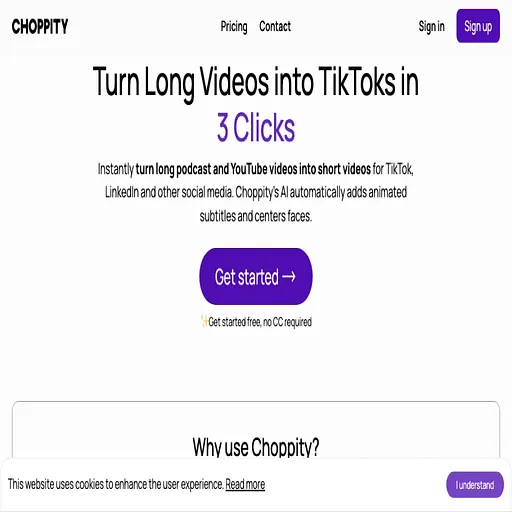
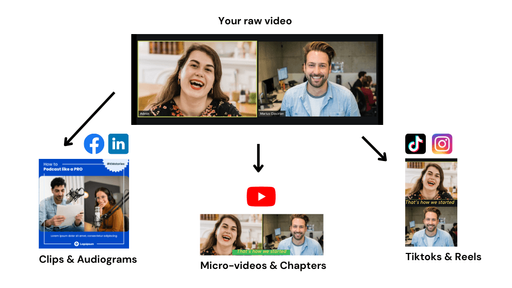
Choppity takes a long recording, such as a podcast episode, interview or tutorial, and uses AI to pick out the moments most likely to work as short vertical clips. The site describes it cropping, captioning and reframing each clip for TikTok, Instagram Reels and YouTube Shorts, with editing available afterward if you want to adjust a cut.
Beyond clipping, the product includes a screen and webcam recorder for lessons and a social scheduler that can publish to YouTube, TikTok, Instagram, LinkedIn, Facebook and Threads from one calendar. The three tools can be used separately or chained together, from recording through to posting.
It is aimed at podcasters, educators and content teams who already produce long-form video and want more short posts without doing the timeline editing themselves. Team workspaces with roles and usage tracking are offered on higher plans.
What it does
- AI clip discovery
- Finds engaging moments in a long video and turns them into short clips, from an upload or a pasted YouTube link.
- Transcript-based editing
- Trim, cut and caption video by editing the transcript text instead of a timeline.
- Automatic portrait reframing
- Tracks the active speaker to convert landscape footage into vertical framing for multi-speaker content.
- Styled captions
- Customizable caption fonts, colors and animations, with optional profanity censoring before publishing.
- Screen and webcam recorder
- Records screen and camera together with microphone audio, with zooms and layouts for tutorials.
- Multi-platform scheduler
- Plans, writes and schedules posts across several social networks in a single content calendar.
Good for
- Turning a weekly podcast episode into a batch of vertical clips for social channels
- Repurposing a long YouTube tutorial into short teaser videos
- Recording online course lessons with screen and webcam layouts
- Scheduling a month of posts across YouTube, TikTok and Instagram from one workspace
- Letting a small team share clip production and usage tracking
Pricing
Freemium
Free plan with limited analysis; Starter from $201.60/yr billed yearly; Creator, Team and custom Enterprise plans.
Prices change. Check choppity.com before you buy.
Choppity FAQ
Is there a free plan?
Yes, the pricing page lists a free plan with no credit card required, including 1 hour of AI video analysis and 2GB of cloud storage.
What does the Starter plan cost?
The pricing page lists Starter at $201.60 billed yearly, with 3 hours of AI video analysis and scheduling for one social account.
Can I import a YouTube video directly?
Yes, the site says you can paste a YouTube link and the video is imported and processed without a manual download.
Which platforms can I publish to?
The scheduler page lists YouTube, TikTok, Instagram, LinkedIn, Facebook and Threads.
Is there a refund policy?
The pricing FAQ says refunds can be requested within 14 days of payment through support.
Is Choppity free?
Choppity has a free plan, with paid plans for more usage or features.
What are the best alternatives to Choppity?
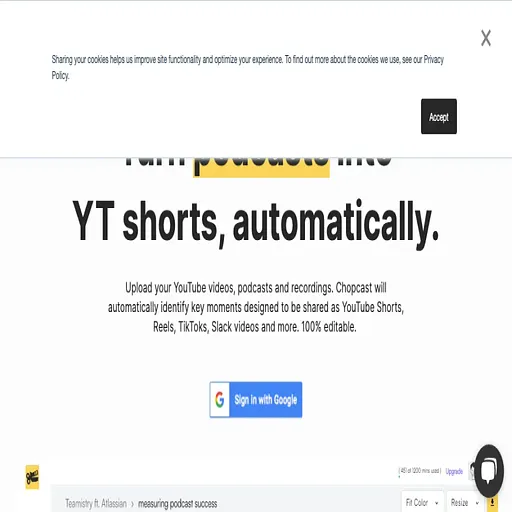
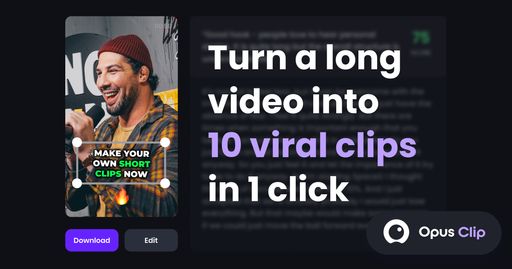
The closest alternatives to Choppity are Chopcast, Opus Clip, ClipMaker, Vidyo.ai and Klap.
Where this comes from
- Description: written from the project's website.