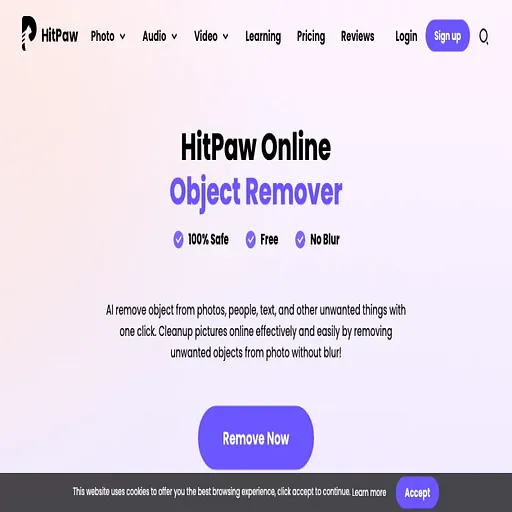
Remove object from photo by HitPaw
Browser tool that erases unwanted objects, people or text from photos using AI
Remove object from photo by HitPaw is an AI tool for video editing. It is available on Web.
- Platforms
- Web
- Listing updated
Similar tools


About Remove object from photo by HitPaw
The HitPaw online object remover works in a web browser, so there is nothing to install. You upload a picture, paint over the area you want gone with a brush, and download the edited image. The page describes it as handling objects, people, text, stickers and dates in a single pass, which covers most of the everyday clean-up jobs that would otherwise need a manual retouching tool.
The workflow is deliberately short: upload, select, download. Because the selection is made with a brush, you control exactly which pixels are replaced rather than relying on automatic detection alone. The site also links to other HitPaw online utilities such as watermark removal, background changing and format conversion, which share the same account system.
The tool suits people who need quick cleanup of personal or small-business photos without learning Photoshop. Pricing and output limits are not spelled out on the page I reviewed, so check the signup or pricing screens before relying on it for high-volume work.
What it does
- Brush-based object selection
- You paint over the exact area to be removed instead of selecting it by bounding box.
- Removes people and text
- The page lists people, text, stickers and dates among the items it can erase.
- Browser-based editing
- Photos are processed on the HitPaw website with no desktop software required.
- Three-step workflow
- The process is upload, select the area, then download the result.
- Related photo tools
- Watermark removal, background changing and image conversion are available on the same site.
Good for
- Removing a stranger or passerby from a holiday photo
- Erasing timestamps or dates from scanned or camera images
- Cleaning stickers or text overlays from product photos
- Removing small distractions from social media images without Photoshop
Remove object from photo by HitPaw FAQ
Do I need to install anything to use Remove object from photo by HitPaw?
No. The page describes it as an online tool, so you upload and edit photos in the browser.
What kinds of objects can Remove object from photo by HitPaw remove?
The page lists objects, people, text, stickers and dates as removable items.
How do I choose what to remove?
You use a brush to select the area you want removed, then download the saved image.
What are the best alternatives to Remove object from photo by HitPaw?
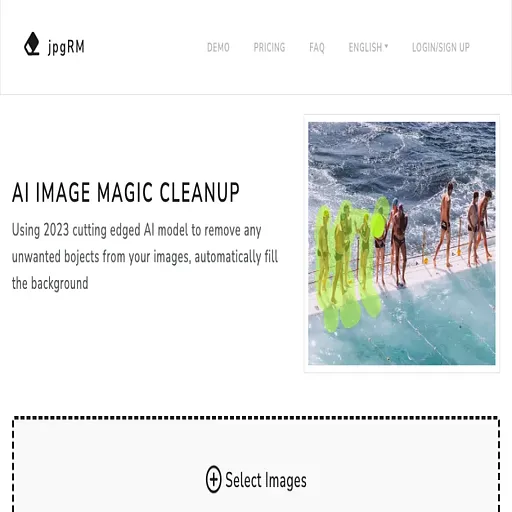
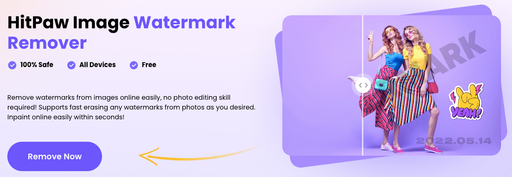
The closest alternatives to Remove object from photo by HitPaw are jpgRM, Imageeditor, HitPaw Watermark Remover, Removal.ai and Watermark Remover.
Where this comes from
- Description: written from the project's website.