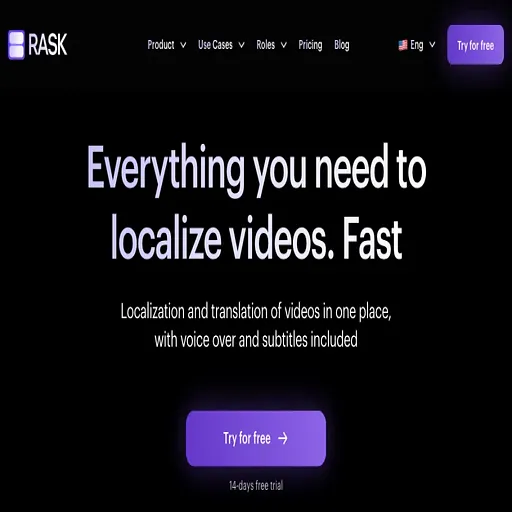
Rask
AI video dubbing and localization with editable transcripts and voice cloning
Rask is an AI tool for translation. It is available on Web and API.
- Pricing
- Contact sales
- Platforms
- Web, API
- Listing updated
Similar tools

About Rask
The README is absent, so this listing relies on the product site. Rask takes a video, transcribes it, translates the script and produces a dubbed version in 135+ languages that keeps each speaker's own voice. Instead of a one-shot output, a line-by-line editor lets you change transcript and translation text, adjust timing, speed and voice similarity, and re-dub only the segments you touched.
A terminology dictionary stores brand names and approved translations so new videos reuse the same wording. Multispeaker lip-sync adjusts mouths for each person on screen, and on-screen text such as slides and captions can be translated too. Subtitles can be burned in, exported as a file, or built from an uploaded SRT.
The site aims at podcasters, YouTubers, educators, course publishers and enterprise localization teams that need compliance review of translated text before publishing. Pricing is metered per minute of video, and the site lists SOC 2 Type II certification along with single sign-on and team workspaces.
What it does
- Line-by-line transcript editor
- Edit the transcript and translation for each line, then adjust timing, speed and voice settings before approving the output.
- Voice cloning per speaker
- Each speaker's voice, tone and emotion is kept across languages, with controls for similarity, accent and expressiveness.
- Terminology dictionary
- Store names and approved translations so every future video uses the same brand terms.
- Multispeaker lip-sync
- Lip movements are adjusted to match the dubbed audio for each speaker on screen.
- On-screen text translation
- Slides, captions and charts in the video frame can be translated into the target language.
- Flexible subtitles
- Subtitles can be burned into the video, exported as a file, or built from an uploaded SRT, with SDH captions available on request.
- Selective re-dubbing
- Only edited segments are regenerated, so fixes do not require re-rendering the whole video.
Good for
- Localizing a podcast or interview series into several languages with the original host voices
- Translating course libraries and training videos for international students or staff
- Producing multilingual versions of YouTube videos for new channels
- Reviewing translated text for compliance before publishing client-facing video
- Turning a multi-language sermon or event recording into localized versions
Pricing
Contact sales
Per-minute pricing with a plan based on monthly minutes; the pricing page lists plans but the figures were not provided.
Prices change. Check rask.ai before you buy.
Rask FAQ
How many languages does Rask support?
The site says dubbing is available in 135+ languages.
Can I edit the translation before the final render?
Yes. The line-by-line editor lets you change the transcript and translation, adjust timing and voices, and approve the final version before rendering.
Do I pay again if I re-dub a segment?
The pricing page includes an FAQ on this question, and the site advertises re-dubbing with no extra charge for refinements.
Can I add subtitles to the dubbed video?
Yes. Subtitles can be burned into the video or exported as a file, and you can upload your own SRT.
How much does Rask cost?
Rask does not publish prices. Contact the company for a quote.
What are the best alternatives to Rask?
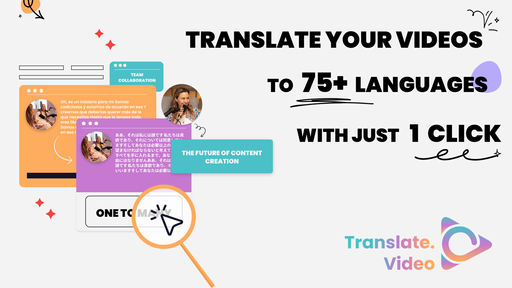
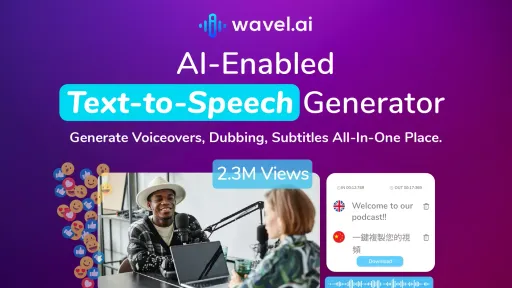
The closest alternatives to Rask are Translate.Video, Wavel.ai, vidby, DeepBrain AI and Narration Box.
Where this comes from
- Description: written from the project's website.