Laxis
AI note taker and voice keyboard for meetings and everyday writing
- Pricing
- Freemium
- Platforms
- Web, iOS, Android
- Listing updated
- today
Similar tools
About Laxis
Laxis is a freemium AI tool for speech-to-text. It is available on Web, iOS, Android, macOS, Windows, API and Chrome extension.
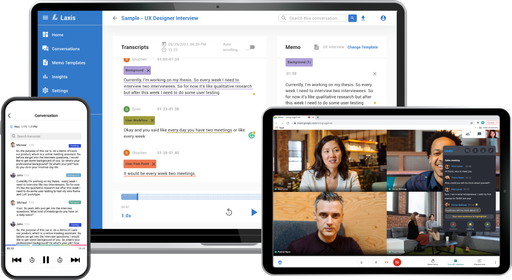
Laxis records meetings without adding a bot to the call, then turns the conversation into notes, tasks and a follow-up email once it ends. Recordings can be made online or in person, and the company says it also works with Apple Watch, AI earbuds and a 360° meeting camera.
The same account includes a voice keyboard that works inside other apps. You dictate rough thoughts and it returns punctuated text, with filler words such as um and uh removed, and it can also translate what you say into another language. The note taker and the keyboard share one memory of your meetings and preferences, which the company says is used to shape the writing.
The product suits sales, client-facing and team roles who spend much of their day in calls and writing messages. Pricing tiers limit monthly transcription minutes and recording length, so heavy meeting users will need to check which plan fits.
What it does
- Bot-free meeting recording
- Records online and in-person meetings without joining the call as a visible bot participant.
- Automatic meeting outputs
- Produces summaries, action items, a report and a follow-up email when a call ends.
- Voice keyboard in any app
- Dictated speech is cleaned up and inserted as finished text in the app you are using.
- Pre-meeting briefs
- Shows what was discussed last time and which items are still open before a meeting.
- Searchable conversation history
- Lets you search across recorded conversations, with folders and export options.
- Multi-language support
- Transcribes in 100+ languages and offers translation in the voice keyboard.
Good for
- Writing meeting notes and follow-up emails without manual typing after calls
- Keeping CRM records updated from sales conversations
- Dictating replies and documents in email or messaging apps
- Reviewing past client calls to prepare for the next meeting
- Capturing in-person conversations with a wearable or meeting camera
Pricing
Freemium
Free Basic plan with 300 min/mo; paid Premium and Business tiers; Enterprise by quote.
Prices change. Check laxis.com before you buy.
Laxis FAQ
Does Laxis need a bot in my meetings?
No. The product describes its recording as bot-free.
Is there a free trial?
New accounts start with a 14-day free trial of Premium with no credit card required. After it ends, the account moves to the free Basic plan.
How are minutes counted?
Meetings, voice keyboard dictation and live translation draw from the same monthly transcription pool, which resets each billing month.
What happens to recordings if I downgrade?
Meetings beyond the plan's limit are archived rather than deleted, and upgrading restores them.
How long can one recording run?
Up to 45 minutes on Basic, 2 hours on Premium and 4 hours on Business.
Is Laxis free?
Laxis has a free plan, with paid plans for more usage or features.
What are the best alternatives to Laxis?
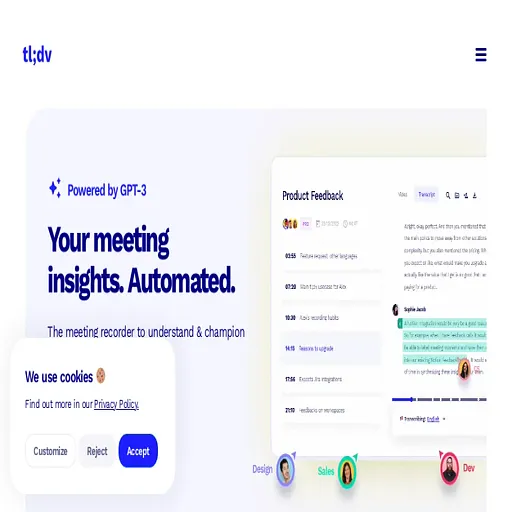
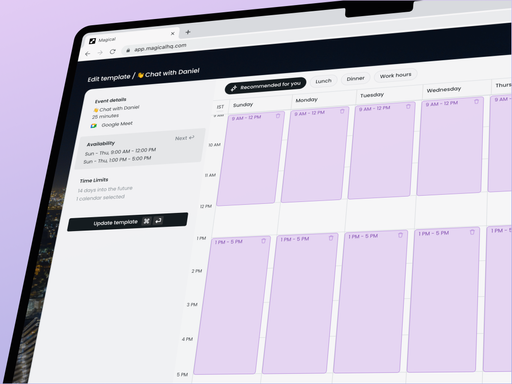
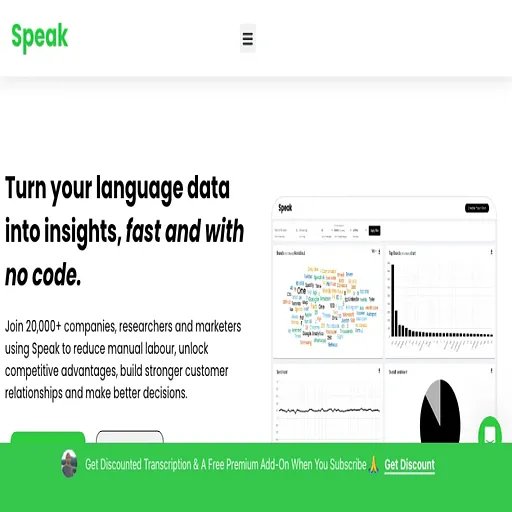
The closest alternatives to Laxis are Tldview, Magical, Speak Ai, Fireflies AI and Jamie.
Where this comes from
- Description: written from the project's website.