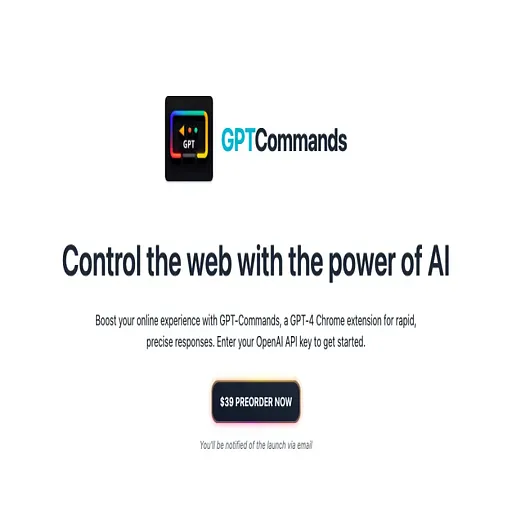
GPT Commands
Chrome extension that runs GPT-4 writing, translation and grammar helpers in the browser
GPT Commands is an AI tool for translation. It is available on Chrome extension.
- Platforms
- Chrome extension
- Listing updated
Similar tools


About GPT Commands
GPT Commands is a browser extension that brings GPT-4 into everyday web writing. The page describes it as a Chrome extension that you connect with your own OpenAI API key, so requests go to OpenAI under your account.
The extension offers a few preset modes. A writer mode drafts text from a short set of requirements, such as a social media post, a translator mode converts passages between languages, and a grammar fix mode corrects errors and tightens phrasing. The page also mentions an influencer mode aimed at Twitter engagement, though it gives no detail on how that mode works.
The page is mainly marketing copy and does not list pricing, a public changelog or a full feature set.
What it does
- GPT-4 writing mode
- Generates text such as social posts from a short description of what you need.
- Translation mode
- Converts text between languages directly in the browser.
- Grammar correction
- Detects and fixes grammatical errors to clean up written text.
- Bring your own key
- Works with an OpenAI API key that the user enters to get started.
Good for
- Drafting social media posts in the browser
- Translating text while reading or writing on the web
- Proofreading messages and posts before publishing
GPT Commands FAQ
What do I need to use GPT Commands?
The site says you enter your OpenAI API key to get started.
Which browser is GPT Commands built for?
The page describes it as a Chrome extension.
What are the best alternatives to GPT Commands?
The closest alternatives to GPT Commands are ChatGPT Phantom, ChatGPT Super, Checkget, RiteBot - SEO + GPT and UseChatGPT.
Where this comes from
- Description: written from the project's website.