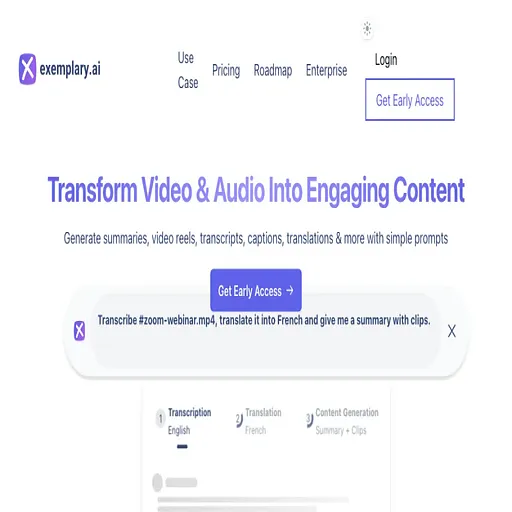
Exemplary ai
Turns long videos and recordings into transcripts, subtitles, clips and posts
- Pricing
- Freemium
- Platforms
- Web, iOS, Android
- Listing updated
- 2 days ago
Similar tools


About Exemplary ai
Exemplary ai is a freemium AI tool for transcriber. It is available on Web, iOS, Android, Chrome extension, API, Self-hosted and Slack.
The README-free listing starts from a single upload: drop in a video, audio file or link and the platform produces a transcript that you can edit like a document, with text-based cutting that removes words and the matching video. From that same transcript it generates subtitles, short captioned clips, chapters, show notes, blog posts and social captions.
The site describes an AI chat assistant called Emmy that sits beside each transcript. You can ask it to summarize a recording or make an audiogram, and answers cite the timestamp they came from so you can jump to that point. A meeting notetaker that joins Zoom, Meet, Teams and Webex is listed, with calendar auto-join marked as coming soon.
It suits creators, podcasters, educators, researchers and small teams who want one recording to feed several text and video outputs. Transcription and subtitles cover 99 languages, with translation into 116 languages. Free use is limited to 300 one-time credits and 720p exports with a watermark, and paid tiers are priced in monthly credits.
What it does
- Transcript-based editing
- Cut, delete and rearrange video by editing the text transcript like a document.
- Automatic short clips
- Turns a long video into captioned short clips with virality scores.
- Multilingual subtitles
- Generates subtitles in 99 languages and translates them into 116 languages.
- Timestamped AI chat
- Emmy answers questions about a recording and links each answer to its moment.
- Written content generation
- Produces blog posts, show notes, chapters, summaries and social captions from a transcript.
- Silence and filler removal
- Removes silences and filler words, with speaker detection on paid plans.
- Meeting notetaker
- Joins Zoom, Meet, Teams and Webex calls to record and write notes.
Good for
- Turning a podcast episode into show notes, a transcript and audiogram clips
- Adding translated subtitles to YouTube videos to reach other language audiences
- Producing short social clips and captions from a long webinar or interview
- Creating searchable transcripts of meetings, lectures or interviews
- Drafting blog posts from existing video content
Pricing
Freemium
Free plan with 300 one-time credits; Creator, Pro and Business are paid monthly or yearly tiers.
Prices change. Check exemplary.ai before you buy.
Exemplary ai FAQ
Do I have to pay to start?
No. The Free plan includes 300 one-time credits, with 720p exports that carry a watermark. Paid plans add monthly credits and higher-quality exports.
Do credits roll over?
No. Credits reset every month, and yearly plans get the full monthly amount every month.
How many languages are supported?
The site says subtitles can be generated in 99 languages and translated into 116 languages.
Can I cancel?
Yes. Every Paddle receipt carries a cancel link, and support can cancel for you. You keep the plan until the end of the paid period.
Do you offer on-prem?
Yes, on the Enterprise plan, with on-premise or private cloud deployment and SSO.
Is Exemplary ai free?
Exemplary ai has a free plan, with paid plans for more usage or features.
What are the best alternatives to Exemplary ai?
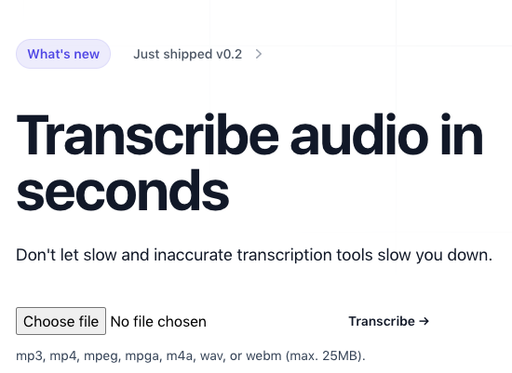
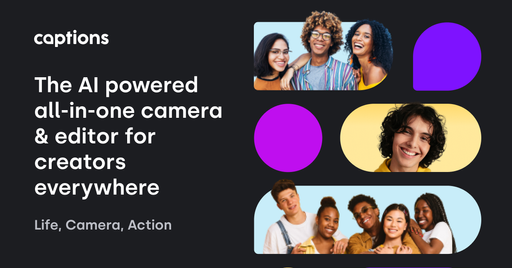
The closest alternatives to Exemplary ai are Transkribieren, Audo AI, Swell AI, Captions and Videohighlight.
Where this comes from
- Description: written from the project's website.