
Cutout Pro
AI photo and video editor for background removal, retouching and product images
Cutout Pro is an AI tool for image improvement. It is available on Web, iOS, Android, macOS, Windows and API.
- Platforms
- Web, iOS, Android
- Listing updated
Similar tools


About Cutout Pro
The site describes Cutout.pro as a suite of AI image and video tools rather than a single editor. Its core offerings include background removal for photos and videos, object removal, upscaling and enhancement, colorization, and passport photo creation, alongside newer generators for images and short video clips built on third-party visual models. A cutout.pro account is used through a web interface, with desktop and mobile apps and a Shopify plugin also listed.
The platform is aimed at people who handle large volumes of visual content. Testimonials on the site come from e-commerce sellers batch-editing product photos, print-on-demand sellers, and video producers who want to drop green screens. The company also offers an API for developers who want to embed these processing steps in their own applications.
What it does
- Background removal for images and video
- Removes backgrounds from still photos and from video clips, including HD footage, as described on the site.
- Object and blemish retouching
- Removes unwanted objects from photos using a retouch tool.
- Photo enhancement and upscaling
- Improves image quality and enlarges photos with dedicated enhancer and upscaler tools.
- Colorization and sketch conversion
- Converts photos to sketches or adds colour to old black-and-white images.
- Passport and ID photo maker
- Produces passport-style photos with dedicated maker tools.
- Developer API
- Offers APIs for integrating image and video processing into applications, with a stated 98%+ uptime guarantee.
Good for
- Batch removing backgrounds from e-commerce product photos
- Removing video backgrounds without a green screen for marketing clips
- Creating passport or ID photos from selfies
- Restoring and colourising old family photos
- Adding processing steps to a media app through the API
Cutout Pro FAQ
Does Cutout.pro offer an API?
Yes. The site lists API integration for developers, with documentation linked from the support section.
Where is the company based?
The site lists an office in Kowloon, Hong Kong, and says the company was founded in 2018.
What happens to uploaded files?
The site states that uploaded data and results are discarded immediately after processing.
What are the best alternatives to Cutout Pro?
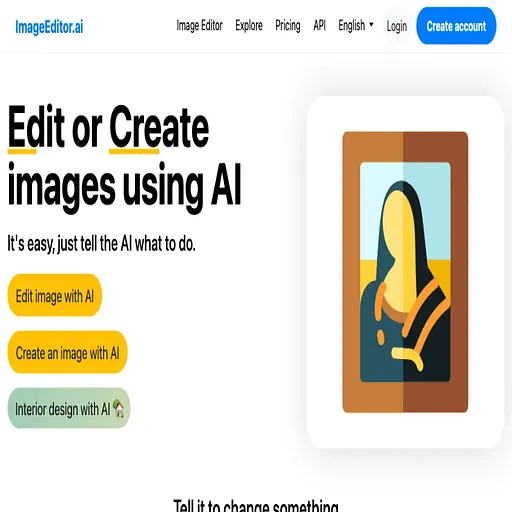
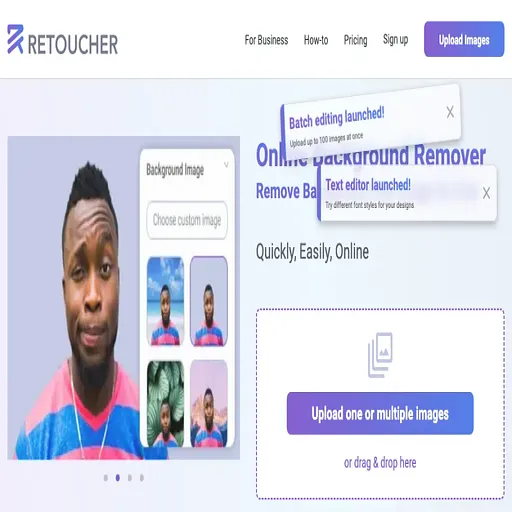
The closest alternatives to Cutout Pro are Pixelcut, Removal.ai, Imageeditor, Retoucher and PhotoRoom.
Where this comes from
- Description: written from the project's website.