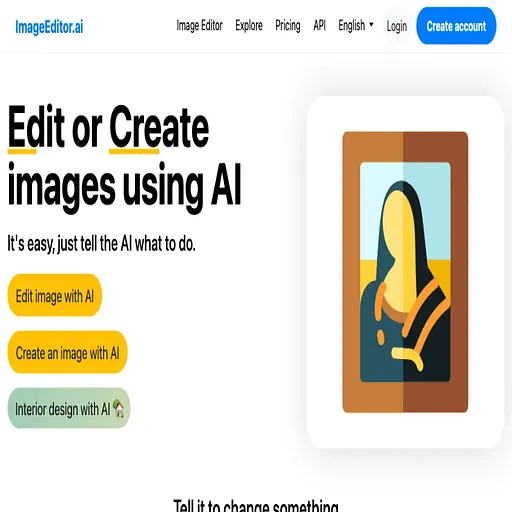
Imageeditor
Browser-based AI photo editor for removing backgrounds, objects and restoring photos
Imageeditor is a freemium AI tool for image improvement. It is available on Web and API.
- Pricing
- Freemium
- Platforms
- Web, API
- Listing updated
Similar tools
About Imageeditor
The README-free listing draws on the product's own site, which offers a set of AI image tools that run in the browser without installing software. Core jobs include cutting out backgrounds, erasing objects or text, upscaling, unblurring, and restoring damaged or black-and-white photos.
Beyond the AI tools, the site also provides plain utilities such as compressing, resizing, cropping and converting between PNG, JPG and WebP. Newer options described on the page include AI-driven editing from a text prompt, generative fill, outpainting, background replacement and style transfer.
The product suits people who need quick photo cleanup for product shots, social posts or old family pictures without learning desktop editing software. Free use is available with daily limits, and a paid tier removes those limits and watermarks.
What it does
- One-click background removal
- Cuts the subject out of a photo and exports a transparent PNG.
- Object and text erasure
- Brush over unwanted objects, text or watermarks and the AI fills the area.
- Image upscaling
- Increases resolution up to 4x while attempting to recover detail.
- Old photo restoration
- Repairs scratches, tears and fading, with colorization for black-and-white images.
- Browser-based utilities
- Compress, resize, crop and convert image formats without extra software.
- Text-driven AI edits
- Describe a change in plain language and the AI applies it to the image.
Good for
- Make product photos with transparent or replaced backgrounds for a store listing
- Remove watermarks or stray objects from images before publishing
- Restore and colorize old family photographs
- Sharpen blurry portraits or enlarge low-resolution images
- Compress and resize pictures for web and email use
Pricing
Freemium
Free daily edits; Pro gives unlimited editing; per-edit credits also available
Prices change. Check imageeditor.ai before you buy.
Imageeditor FAQ
Is this AI image editor free?
You can try the image editing tools for free, with a daily allowance of free AI edits. A Pro plan offers unlimited editing.
Do I need an account to edit?
No, editing can start without signing up. A free account gives more daily edits and lets you save work.
What file formats are supported?
JPG, PNG and WebP are supported, and the Convert tool switches between them.
Is there a watermark?
Free edits may include a small watermark, while Pro exports are watermark-free.
Do you have an API?
The site says developers can access the editing tools programmatically through API documentation and developer plans with API credits.
What are the best alternatives to Imageeditor?
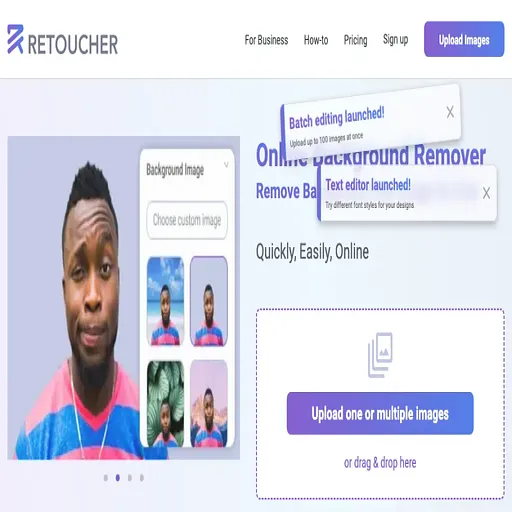
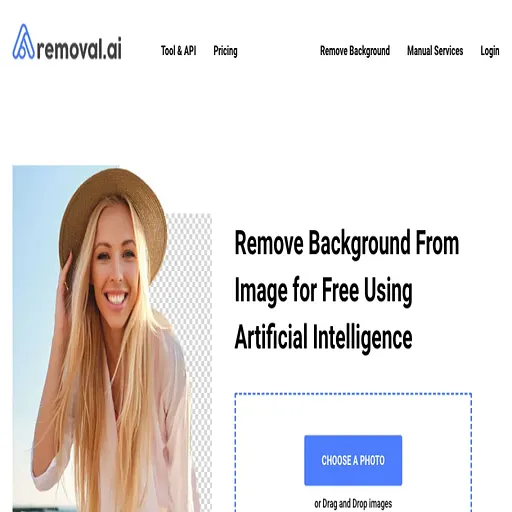
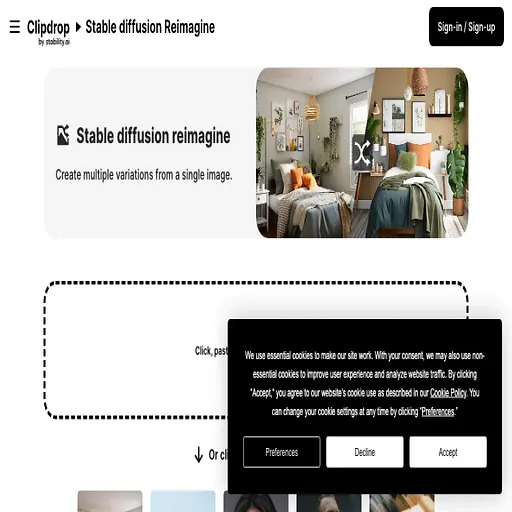
The closest alternatives to Imageeditor are Retoucher, Removal.ai, Reimagine, jpgRM and Remove object from photo by HitPaw.
Where this comes from
- Description: written from the project's website.