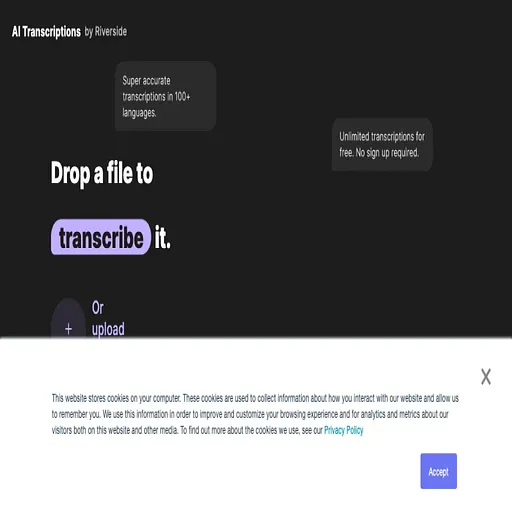
AI Transcriptions by Riverside
Free browser tool that turns uploaded audio and video into text transcripts
AI Transcriptions by Riverside is a freemium AI tool for transcriber. It is available on Web, iOS, Android, macOS and Windows.
- Pricing
- Freemium
- Platforms
- Web, iOS, Android
- Listing updated
Similar tools

About AI Transcriptions by Riverside
The free transcriber accepts MP3, WAV, MP4 and MOV uploads and returns an AI transcript in more than 100 languages and dialects, with no account needed. Transcripts can be exported as TXT for written reuse or SRT for subtitle files, and the speaker is picked by choosing the recording's language before upload.
The same transcripts are part of Riverside's recording and editing platform. Text edits in the transcript sync back to the video timeline, and the transcript can be searched, used to generate captions, and cleaned up with a bulk correction option. A chat-based editor can pull quotes or turn a transcript into posts, articles or emails.
The free transcriber suits people who only need a transcript of an existing file. Multi-speaker uploads are not split by speaker on the free tool, so all text is attributed to one speaker; speaker detection is part of the paid editing suite.
What it does
- Multi-language transcription
- Transcribes recordings in over 100 languages and dialects after the user selects the spoken language.
- TXT and SRT export
- Downloads transcripts as plain text for written content or as timestamped subtitle files.
- No-signup free tool
- The standalone transcriber can be used without creating an account.
- Transcript-synced editing
- Text edits in the transcript update the underlying video when edited inside the Riverside editor.
- Search and caption generation
- Search for words or phrases in a transcript and generate captions from it.
- Repurposing with chat editor
- Extracts quotes or drafts posts, articles and emails from a transcript using a chat-based editor.
Good for
- Generating a text transcript of a podcast episode for show notes
- Creating SRT subtitle files for a video before publishing
- Pulling quotes from an interview recording
- Turning a recorded webinar into written content
Pricing
Freemium, from $24 a month
Free unlimited transcription; paid plans from $24/month billed annually
Prices change. Check riverside.fm before you buy.
AI Transcriptions by Riverside FAQ
What formats can I download my transcripts in?
Transcripts can be downloaded as SRT (timestamped subtitle file) or TXT (plain text file).
Does the free plan support multiple speakers?
No. On the free plan, all transcribed text from multi-speaker audio or video is assigned to a single speaker.
How much does AI Transcriptions by Riverside cost?
Unlimited transcription is free without signing up. Paid plans start at $24/month on annual billing, and the pricing page lists Pro at $29 monthly.
What are the best alternatives to AI Transcriptions by Riverside?
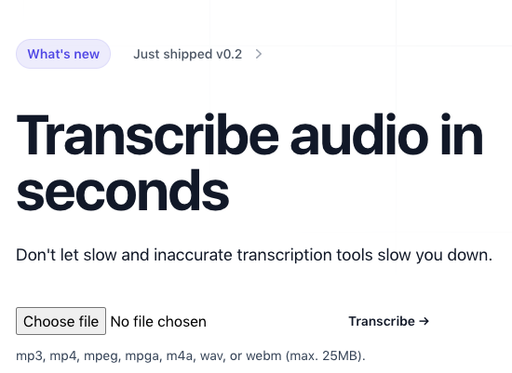
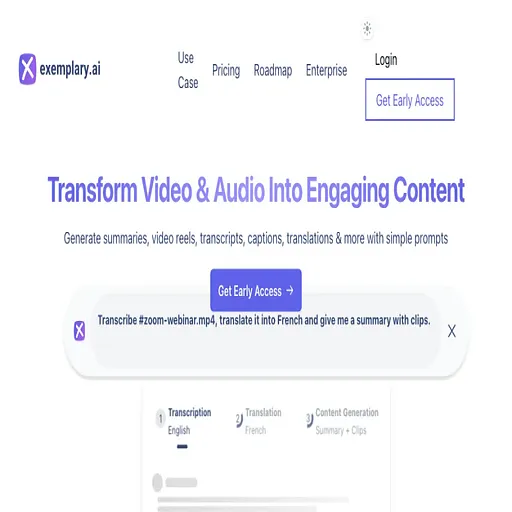
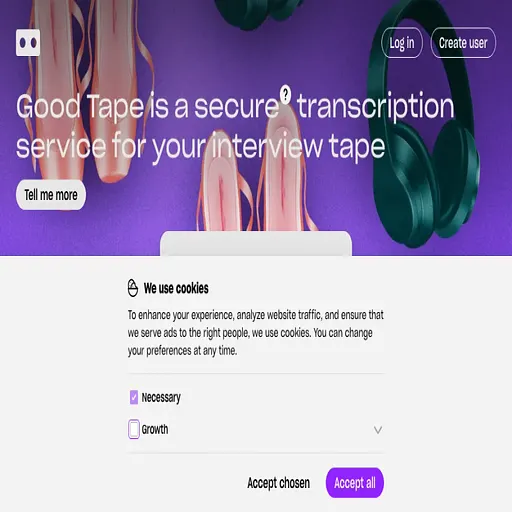
The closest alternatives to AI Transcriptions by Riverside are Transkribieren, Exemplary ai, Audo AI, Good Tape and Vid2Txt.
Where this comes from
- Description: written from the project's website.