
Cattalog
Turns spreadsheet price lists and photos into print-ready PDF catalogs via AI
The server answered 3 hours ago with a sign-in request for OAuth (HTTP 401), so we could not list its tools.
- Pricing
- Freemium
- Platforms
- Web, API
- Runs
- Remotely
- Access
- Needs sign-in (OAuth)
- Version
- 1.0.0
- Listing updated
- today
Similar MCP servers



About Cattalog
Cattalog is a freemium MCP server for files and documents. It runs as a hosted remote server, so there is nothing to install locally.
The MCP server gives an AI assistant access to a Cattalog account, so catalog work can be done in a chat with Claude, ChatGPT or another client rather than only in the browser editor. The web product itself starts from a spreadsheet of products and a folder of photos, then lays them out on pages from a template that can be edited by clicking headings, photos or whole pages.
When a price in the source sheet changes, the pages that show it update as well, which is the main reason the product is aimed at suppliers who reprint price lists often. Catalogs can also be shared as a flipbook link, embedded on a website, or exported as a CMYK PDF with bleed and crop marks.
It suits wholesalers, distributors and manufacturers that maintain product data in Excel or an ERP and need regular printed or digital catalogs. The MCP endpoint is streamable HTTP and is hosted by the vendor, so there is no local install listed in the registry entry.
Install
Run in a terminal
claude mcp add --transport http cattalog https://app.cattalog.ai/api/mcpAdd to Settings → Connectors → Add custom connector
https://app.cattalog.ai/api/mcpAdd to ~/.cursor/mcp.json
{
  "mcpServers": {
    "cattalog": {
      "url": "https://app.cattalog.ai/api/mcp"
    }
  }
}Add to .vscode/mcp.json
{
  "servers": {
    "cattalog": {
      "type": "http",
      "url": "https://app.cattalog.ai/api/mcp"
    }
  }
}
Add to ~/.codeium/windsurf/mcp_config.json
{
  "mcpServers": {
    "cattalog": {
      "serverUrl": "https://app.cattalog.ai/api/mcp"
    }
  }
}
Add to Grok Bot desktop app → Connect apps → Add a custom connector
https://app.cattalog.ai/api/mcpEnter a Name (for example "Cattalog"), choose Type: Remote HTTPS, paste this as the Server URL and choose Add plugin. When we checked, this server asked for OAuth sign-in. If its docs give you an OAuth client ID and secret, enter them in the form's OAuth Client ID and Client Secret fields.
Add to your client's MCP settings (most use this shape)
{
  "mcpServers": {
    "cattalog": {
      "type": "http",
      "url": "https://app.cattalog.ai/api/mcp"
    }
  }
}
Using several servers? Build one config file with the MCP config generator.
What it does
- Spreadsheet to catalog
- Builds catalog pages from CSV, XLS or XLSX product data with a matching photo folder or zip.
- Live price updates
- Changing a price in the source data updates every page that displays it.
- Template editing
- Start from a template and adjust headings, photos, colours and page layout directly on the page.
- AI assistant control
- Describe layout changes in plain words, or connect an external AI assistant to edit the catalog.
- Undo and version restore
- Each AI change has its own undo, and earlier versions can be restored.
- Print-ready PDF export
- Exports CMYK PDFs with bleed, crop marks and selectable industry colour profiles.
- Flipbook sharing
- Shares catalogs as a link or embed, and converts existing PDFs into flipbooks.
Good for
- Turning a supplier price list into a printed catalog each season
- Keeping a sales catalog in sync with an ERP or spreadsheet price changes
- Producing multilingual or category-split catalogs from one product dataset
- Sharing a catalog with buyers as an online flipbook
Pricing
Freemium, from $49 a month
Free to build and preview; $19 one-time per catalog to export; Pro $49/mo launch price, Business $149/mo launch price.
Prices change. Check cattalog.ai before you buy.
Cattalog FAQ
What does the MCP server let an assistant do?
The product page says an assistant can start a catalog from a price list, change a section, and export the PDF, with changes appearing in the user's account.
Is there a free tier?
The Free plan lets you build and preview a catalog at no cost, with 100 credits a month and one catalog. PDF exports on Free require a one-time $19 unlock per catalog.
What does Pro cost?
Pro is listed at a launch price of $49 a month, with a regular price of $149 a month, and includes 20 PDF exports a month.
Which file formats can be imported?
The site says CSV, XLS or XLSX spreadsheets are accepted, and pictures inside an Excel file are imported too.
Is Cattalog free?
Cattalog has a free plan, with paid plans for more usage or features. Paid plans start at $49 a month.
How do I add Cattalog to Claude Code?
Run this command in your terminal: claude mcp add --transport http cattalog https://app.cattalog.ai/api/mcp
What are the best alternatives to Cattalog?
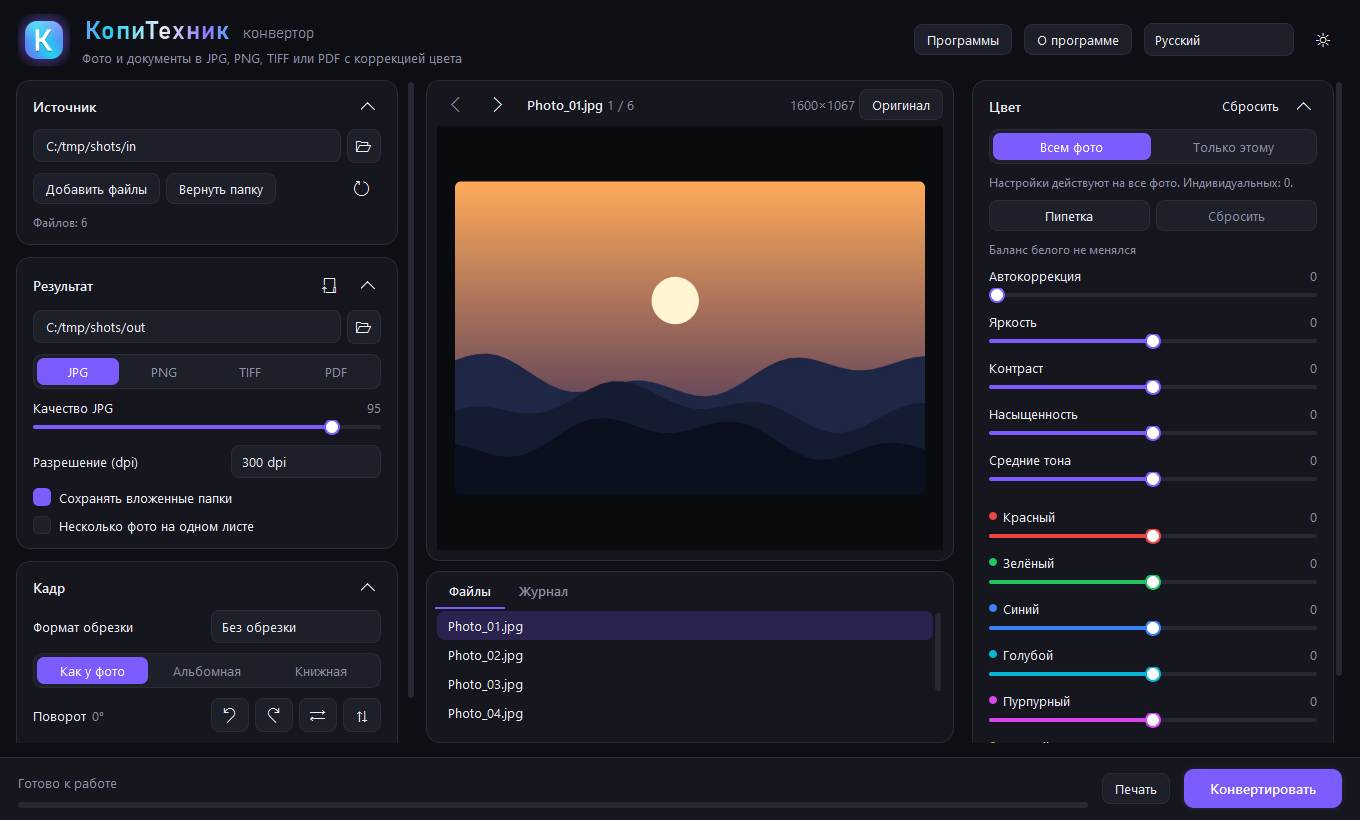
The closest alternatives to Cattalog are Cloudlabels, Suidasu, KopiTehnik Converter and Coloring Magic Art.
Where this comes from
- Description: written from the project's website and its MCP Registry entry.
- Status: checked automatically by AIPoweredBot on 19 November 2026.
- Install steps: from the official MCP Registry entry.