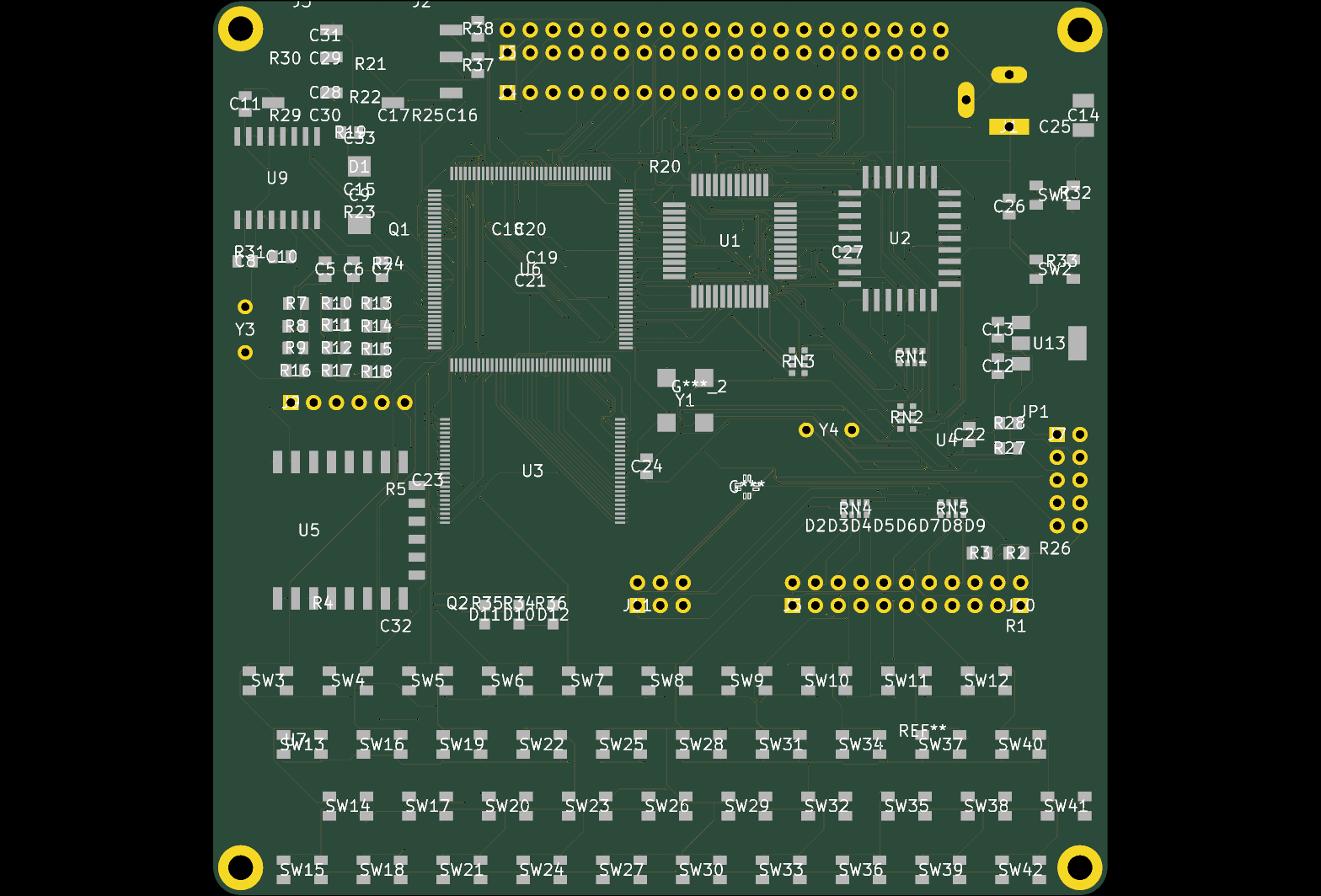
Autonomous 0-DRC PCB Routing Foundry & Hardware MCP Server
Hosted MCP server for PCB routing, DRC checks and KiCad analysis from Calligraphy Systems
- Platforms
- Web, API
- Runs
- Remotely
- Version
- 1.3.0
- Listing updated
- 5 days ago
Similar MCP servers


About Autonomous 0-DRC PCB Routing Foundry & Hardware MCP Server
Autonomous 0-DRC PCB Routing Foundry & Hardware MCP Server is an MCP server for developer tools. It runs as a hosted remote server, so there is nothing to install locally.
The benchmark numbers below are the vendor's own claims. The service takes an unrouted 2 to 4 layer board from Altium, KiCad 8 to 10, Allegro or OrCAD, atopile or tscircuit, and says it returns a layout with zero opens and zero design-rule errors, plus a 2D/3D viewer and a fab bundle for JLCPCB or PCBWay.
The MCP tools named on the site include analyze_kicad_pcb, analyze_specctra_dsn, audit_pcb_dfm_rules, calculate_pcb_trace_impedance, calligraphy_route_pcb, calligraphy_compile_board, calligraphy_preflight_audit, calligraphy_get_job_status, calligraphy_download_fab_bundle and calligraphy_list_gallery_boards.
The site publishes a scoreboard it says was checked with kicad-cli DRC, and notes that 6 to 16 layer HDI work is waiting on an early-access queue. Pricing is by quote.
Install
Run in a terminal
claude mcp add --transport http vibe-hardware-mcp https://calligraphyeda.com/api/v1/mcpAdd to Settings → Connectors → Add custom connector
https://calligraphyeda.com/api/v1/mcpAdd to ~/.cursor/mcp.json
{
  "mcpServers": {
    "vibe-hardware-mcp": {
      "url": "https://calligraphyeda.com/api/v1/mcp"
    }
  }
}Add to .vscode/mcp.json
{
  "servers": {
    "vibe-hardware-mcp": {
      "type": "http",
      "url": "https://calligraphyeda.com/api/v1/mcp"
    }
  }
}
Add to ~/.codeium/windsurf/mcp_config.json
{
  "mcpServers": {
    "vibe-hardware-mcp": {
      "serverUrl": "https://calligraphyeda.com/api/v1/mcp"
    }
  }
}
Add to Grok Bot desktop app → Connect apps → Add a custom connector
https://calligraphyeda.com/api/v1/mcpEnter a Name (for example "Autonomous 0-DRC PCB Routing Foundry & Hardware MCP Server"), choose Type: Remote HTTPS, paste this as the Server URL and choose Add plugin.
Add to your client's MCP settings (most use this shape)
{
  "mcpServers": {
    "vibe-hardware-mcp": {
      "type": "http",
      "url": "https://calligraphyeda.com/api/v1/mcp"
    }
  }
}
Using several servers? Build one config file with the MCP config generator.
Tools this server provides (10)
Taken from the project documentation; the running server may differ.
- analyze_kicad_pcb
- Analyses a KiCad PCB file.
- analyze_specctra_dsn
- Analyses a Specctra DSN file.
- audit_pcb_dfm_rules
- Audits a board against DFM rules.
- calculate_pcb_trace_impedance
- Calculates trace impedance.
- calligraphy_compile_board
- Compiles a board.
- calligraphy_download_fab_bundle
- Downloads the fabrication bundle.
- calligraphy_get_job_status
- Returns a job's status.
- calligraphy_list_gallery_boards
- Lists gallery boards.
- calligraphy_preflight_audit
- Runs a preflight audit.
- calligraphy_route_pcb
- Routes a PCB.
What it does
- Autonomous routing
- Routes unrouted boards through calligraphy_route_pcb.
- Pre-flight audits
- Runs DFM and preflight checks before a job.
- KiCad analysis
- Analyses KiCad PCB and Specctra DSN files.
- Impedance math
- Calculates PCB trace impedance.
- Fab bundle
- Downloads a ZIP for JLCPCB or PCBWay.
Good for
- Check a board for DFM issues before ordering
- Route a 2-4 layer design automatically
- Calculate trace impedance for RF lines
- Fetch a fabrication bundle from a finished job
Pricing
Pricing unknown
Quote-based; prices not published
Prices change. Check calligraphyeda.com before you buy.
Autonomous 0-DRC PCB Routing Foundry & Hardware MCP Server FAQ
Which design formats work?
Altium, KiCad 8 to 10, Allegro/OrCAD, atopile and tscircuit, per the site.
Is there a quote step?
Yes, an instant pre-flight quote is offered on the site.
Are the benchmark results independent?
They are the vendor's own scoreboard, checked with KiCad's DRC.
How do I add Autonomous 0-DRC PCB Routing Foundry & Hardware MCP Server to Claude Code?
Run this command in your terminal: claude mcp add --transport http vibe-hardware-mcp https://calligraphyeda.com/api/v1/mcp
What are the best alternatives to Autonomous 0-DRC PCB Routing Foundry & Hardware MCP Server?
The closest alternatives to Autonomous 0-DRC PCB Routing Foundry & Hardware MCP Server are Copper-KiCad, PCBEditor, MakeIRL, PCBBrew and Altium Designer MCP.
Where this comes from
- Description: written from the project's README and the project's website.
- Install steps: from the official MCP Registry entry.