Copper-KiCad
MCP server that lets AI apps design KiCad PCBs, from schematic to JLCPCB fab files
- Pricing
- Open source
- Platforms
- Windows, macOS, Linux
- Listing updated
- 1 day ago
Similar MCP servers


About Copper-KiCad
Copper-KiCad is an open-source MCP server for developer tools. It is available on Windows, macOS, Linux, API, CLI, vscode and self-hosted.
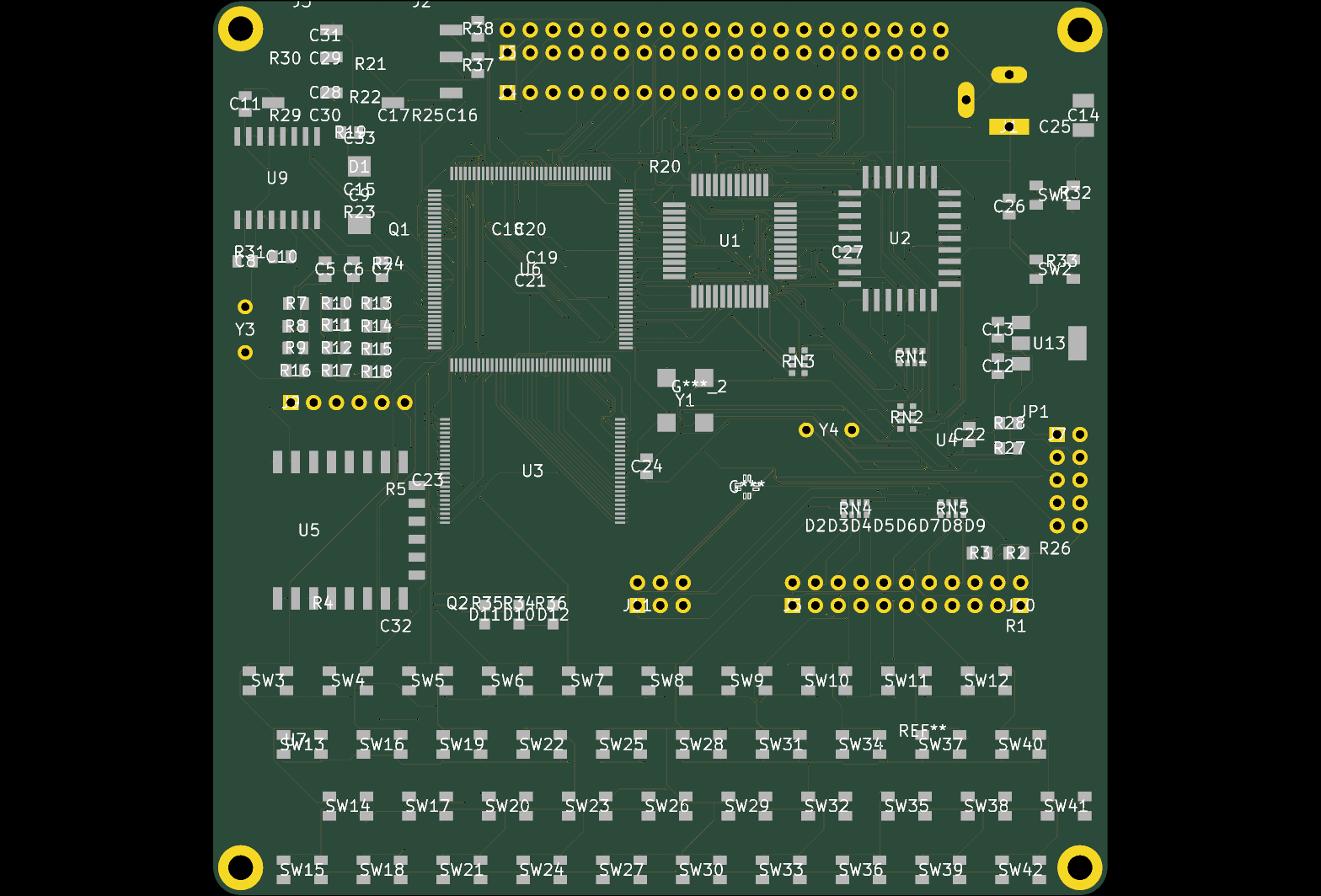
The README says Copper gives an AI app access to KiCad so it can produce printed circuit boards that can be ordered from a fab house. The assistant works through the schematic, pulls real parts from LCSC and JLCPCB, places and routes the board, and checks the result with KiCad's own electrical and design rule checks.
The server runs on the user's machine and keeps designs local. It exposes 31 tools and works with any MCP-capable app, while the language model itself is supplied by that app rather than by Copper. Setup is offered as a Windows installer, a Claude plugin, an npx command, or a one-line script for macOS and Linux, with the README noting that Windows is the route tested end to end.
It suits hardware developers and hobbyists who already use KiCad 10 and want an assistant to handle repetitive schematic entry, part lookup, and fab file generation.
What it does
- Schematic and netlist editing
- Connects component pins to named nets rather than raw coordinates.
- LCSC part search
- Searches LCSC and JLCPCB for parts with live stock and imports symbols and footprints.
- ERC and DRC checks
- Re-runs KiCad's electrical and design rule checks after each change and suggests fixes.
- Placement and routing
- Staged router with length matching, differential pairs, copper pours and Freerouting support.
- Board renders
- Returns schematic, layer and 3D renders to the model for review.
- JLCPCB fab output
- Generates Gerbers, drill, BOM and placement files, zipped, for JLCPCB, PCBWay, OSH Park or generic fabs.
Good for
- Drafting a small microcontroller board from a short written brief
- Finding in-stock LCSC parts and importing their KiCad symbols and footprints
- Clearing ERC and DRC errors on an existing KiCad project
- Generating JLCPCB order files from a finished layout
Pricing
Open source
MIT-licensed and free to run locally; no paid plan is mentioned.
Copper-KiCad FAQ
Which KiCad version is required?
The README says you need KiCad 10.
Does the Copper server call a language model?
No. The README says the MCP server and CLI never call a model; the model is provided by your AI app.
Does Copper send design data online?
The README says designs stay on your machine and there is no telemetry. It connects online only to search and download parts, check for KiCad updates, and fetch Freerouting and Java when autorouting is requested.
Which platforms are fully tested?
The README says Windows is tested end to end, while the macOS and Linux routes are newer and may fail.
Is Copper-KiCad free?
Yes. Copper-KiCad is open source, so you can use and self-host it for free.
What are the best alternatives to Copper-KiCad?
The closest alternatives to Copper-KiCad are Autonomous 0-DRC PCB Routing Foundry & Hardware MCP Server, PCBEditor, Altium Designer MCP, PCBBrew and Network Sketcher (Local MCP).
Where this comes from
- Description: written from the project's README.