Cutout Pro vs Unscreen
Cutout Pro is an AI tool for image improvement. Unscreen is a paid AI tool for video editing.
- Cutout Pro is best for batch removing backgrounds from e-commerce product photos.
- Unscreen is best for isolating a presenter in a tutorial video and placing them over a branded scene.

- What it is
- Cutout Pro is an AI tool for image improvement.Unscreen is a paid AI tool for video editing.
- Best for
- Batch removing backgrounds from e-commerce product photosIsolating a presenter in a tutorial video and placing them over a branded scene
- Kind
- ToolTool
- Pricing
- Paid
- Platforms
- Web, iOS, Android, macOS, Windows, APIWeb
- Good for
- Batch removing backgrounds from e-commerce product photos; Removing video backgrounds without a green screen for marketing clips; Creating passport or ID photos from selfiesIsolating a presenter in a tutorial video and placing them over a branded scene; Showcasing a product in a promo clip with a clean background; Replacing a cluttered backdrop without re-shooting
What Cutout Pro does
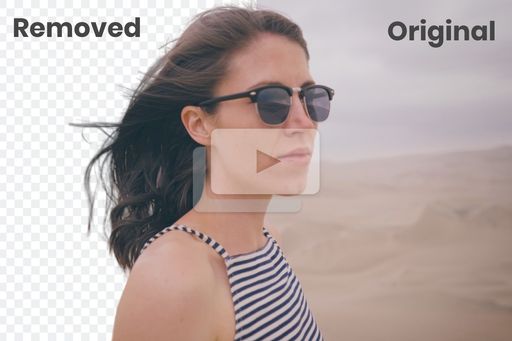
Background removal for images and video
Removes backgrounds from still photos and from video clips, including HD footage, as described on the site.
Object and blemish retouching
Removes unwanted objects from photos using a retouch tool.
Photo enhancement and upscaling
Improves image quality and enlarges photos with dedicated enhancer and upscaler tools.
Colorization and sketch conversion
Converts photos to sketches or adds colour to old black-and-white images.
Passport and ID photo maker
Produces passport-style photos with dedicated maker tools.
Developer API
Offers APIs for integrating image and video processing into applications, with a stated 98%+ uptime guarantee.
What Unscreen does
One-click background removal
Removes the video background automatically from the Tools menu or toolbar, with no manual masking.
No green screen needed
AI detects the subject, so footage shot in any location can be isolated.
Background replacement
Place the subject over a template, an uploaded image or a stock image from the media library.
Built-in video editor
Add subtitles, filters and speed adjustments in the same project.
AI music and auto-edit
Generate custom music and use Magic Design for Video to auto-edit clips.
Magic Resize for platforms
Adapt the finished video to the format of different platforms (Pro).
Cutout Pro vs Unscreen: questions
What is the difference between Cutout Pro and Unscreen?
Cutout Pro is an AI tool for image improvement. Unscreen is a paid AI tool for video editing.