
Sheldon
Chrome extension that drafts emails, code, Excel formulas and marketing copy on any site
Sheldon is a freemium AI tool for productivity. It is available on Web and Chrome extension.
- Pricing
- Freemium
- Platforms
- Web, Chrome extension
- Listing updated
Similar tools

About Sheldon
Sheldon is a Chrome extension that places an AI writing and coding assistant inside whatever website you are working on. The site pitches it for use on services such as Gmail, Google Sheets, LinkedIn and Quora, so you can ask for help without switching tabs or copying text into a separate chat window.
You describe the context, tone or goal in a short prompt, and Sheldon generates text, a spreadsheet formula or a code snippet with step-by-step hints. The site highlights email replies, Excel formulas, LinkedIn posts, Twitter threads, website copy and video scripts as typical outputs.
It suits freelancers, content writers, marketers and developers who do repetitive writing or spreadsheet work in the browser. Per the site's FAQ, the extension is currently available only for Google Chrome, and usage may be throttled if automation is detected.
What it does
- In-page writing assistance
- Generates replies and drafts directly on supported websites such as Gmail and LinkedIn.
- Excel formula generation
- Turns a plain-language description of a task into a spreadsheet formula.
- Marketing content drafts
- Produces LinkedIn posts, Twitter threads, website copy and video scripts from a brief, with topic and keyword suggestions.
- Code snippets and hints
- Writes code for a described problem and offers step-by-step instructions.
- No daily data limits
- The site states all features are free with no daily data limits, with optional upgrades for more usage.
Good for
- Drafting professional email replies with a specified tone
- Writing Excel or Google Sheets formulas without searching for syntax
- Producing social media posts and website copy for a campaign
- Getting code snippets and explanations for programming questions
Pricing
Freemium
Free with no daily data limits; paid upgrade for more usage (price not stated).
Prices change. Check heysheldon.com before you buy.
Sheldon FAQ
Which browsers does Sheldon support?
The site says the extension is currently only available for Google Chrome, with plans for other browsers.
Is Sheldon free to use?
The site says all features are available for free with no daily data limits, and an upgrade is offered for more usage.
Will usage be limited?
The site states usage will be throttled if automation is detected.
What are the best alternatives to Sheldon?
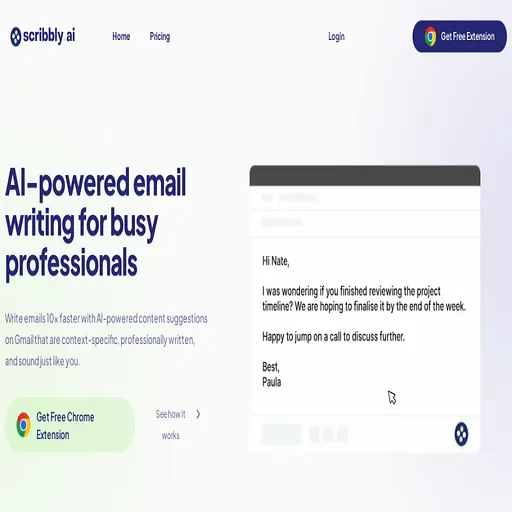
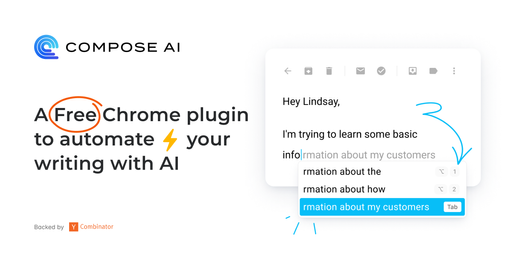
The closest alternatives to Sheldon are Scribbly.ai, ChatGPT Writer, Compose AI, HyperWrite and UseChatGPT.
Where this comes from
- Description: written from the project's website.