
Poly
AI-powered cloud file browser for searching, summarizing and chatting with personal files
Poly is an AI tool for generative art. It is available on Web, macOS, Windows, iOS and Android.
- Platforms
- Web, macOS, Windows
- Listing updated
Similar tools


About Poly
Poly is positioned as a cloud file browser where the search goes inside documents, audio and video rather than stopping at file names. The site says you can look for a specific page, paragraph, scene or clip, and search by image content, color or face.
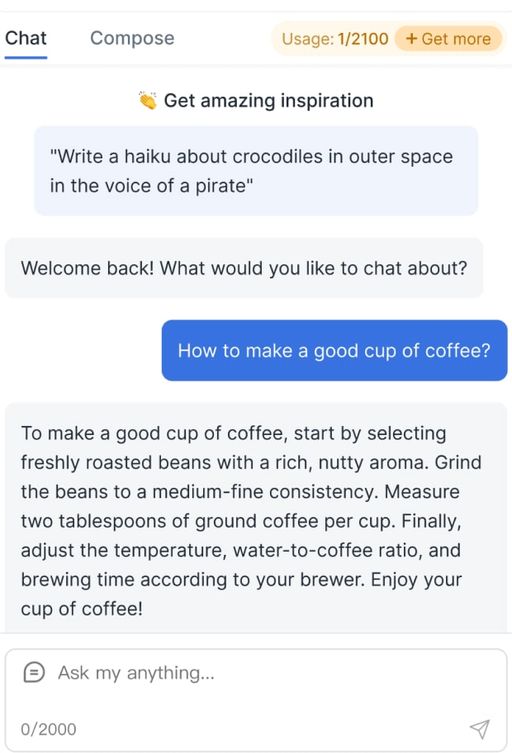
Beyond search, it offers an AI chat that can work across many files in one conversation, along with features to summarize folders, generate images from reference material and tag or organize files automatically. Several view modes such as grid, gallery, tree and column are available for browsing media.
The product includes a desktop sync client for the local file system, offline use on web and desktop, version history for each file, and public or shared folders with separate permissions. A per-file option hides content from search and the AI agent. It suits people managing large personal media libraries, research archives or creative project folders who want to find and discuss their files with AI.
What it does
- Content-level search
- Finds files by what is inside them, including specific pages, passages, scenes or clips.
- Chat with files
- Holds AI conversations that draw on thousands of files at once, according to the site.
- Desktop sync
- Syncs Poly files with the local file system through a desktop app.
- Offline support
- Lets web and desktop apps be used offline, with changes syncing to the cloud later.
- Version history
- Keeps full version history for each file so earlier versions can be restored from the interface.
- Shared drives and sharing
- Supports shared drives with separate permissions and public folders anyone can browse.
- AI hide option
- Lets users hide individual files from search and the AI agent.
Good for
- Finding a specific clip or page across a large media archive
- Summarizing or querying a knowledge base or research folder
- Generating images from a folder of brand or concept references
- Sharing project folders with collaborators using set permissions
Poly FAQ
Can I hide files from the AI?
Yes, a button hides selected files from search and the AI agent, according to the site.
Does Poly work offline?
The site says both the web and desktop apps can be used offline, with changes syncing to the cloud when you reconnect.
Does Poly keep file history?
Yes, the site says every file has full version history and earlier versions can be restored from the UI.
What are the best alternatives to Poly?
The closest alternatives to Poly are Monica, Tagbox, LightPDF, Plexii and Fibery AI.
Where this comes from
- Description: written from the project's website.