
Kivo
Offline dictation for Mac: hold a key, speak, and text lands at your cursor
- Pricing
- Free
- Platforms
- macOS, API
- Listing updated
- today
Similar tools
About Kivo
Kivo is a free AI tool for speech-to-text. It is available on macOS and API.
The README-free product page describes Kivo as a push-to-talk dictation app that runs on a Mac and types whatever you say into the app that has focus. You hold a chosen key, speak, and release; a local speech model converts the audio to punctuated text and places it at the cursor, where one undo removes it. Filler words like "um" and repeated words are removed during transcription.
The speech model is downloaded once (about 460 MB, checked against a pinned SHA-256 hash) and then runs through Core ML on the Mac, so dictation works without a network connection. The page states that audio is never uploaded or saved, and that the microphone is only open while the key is held. Custom names and jargon can be added so the model gets them right.
Kivo suits people who write a lot of email, notes or documents and want to dictate them without sending recordings to a cloud service, such as those handling client files, medical notes or unreleased code. It is English only, currently at version 0.1.2 as a preview, and the page says it is slower than its own speed target.
What it does
- Push-to-talk key
- Hold a single key to open the microphone and release it to finish dictation.
- On-device speech model
- The Kivo v1 model runs locally on Apple silicon through Core ML after a one-time download.
- Filler word removal
- Words like "um" and repeated words are taken out of the transcribed text.
- Custom vocabulary
- Names and jargon can be added so the model handles them correctly.
- Single-step undo
- Dictated text lands as one edit, so one undo removes it.
- Offline after setup
- Dictation needs no connection once the speech model has been downloaded.
Good for
- Drafting emails by speaking instead of typing
- Dictating meeting notes into any Mac app
- Writing sensitive client or medical notes without cloud upload
- Capturing code comments or documentation by voice
Pricing
Free
Free to use, no account or credit card required.
Prices change. Check trykivo.space before you buy.
Kivo FAQ
Is Kivo free?
Yes. The page says it is free to use, with no account, no credit card and no paid tier.
Does Kivo work without internet?
After the speech model is downloaded once, dictation needs no connection.
Which languages and platforms are supported?
The current version is English only and Mac only. Windows is planned.
Does Kivo read my screen?
The page says Kivo reads nothing from your screen; the accessibility permission is used to see the global key and to place text at the cursor.
What are the best alternatives to Kivo?
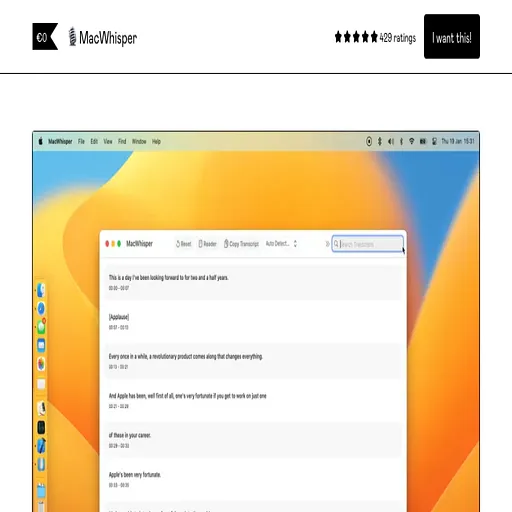
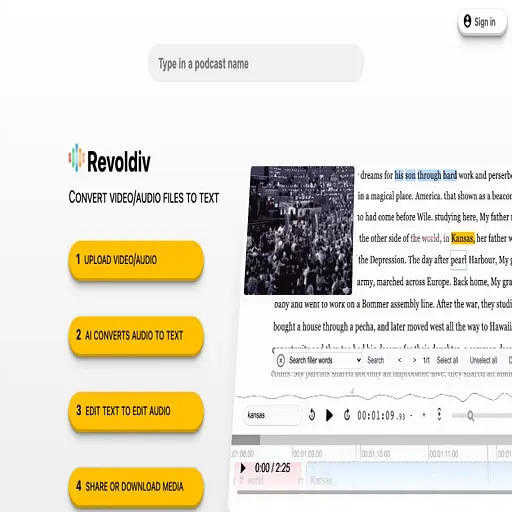
The closest alternatives to Kivo are MacWhisper, Good Tape and Revoldiv.
Where this comes from
- Description: written from the project's website.