Draw3D
Turns sketches and labeled region boxes into photoreal images and short video
- Pricing
- Paid
- Platforms
- Web
- Listing updated
- today
Similar tools

About Draw3D
Draw3D is a paid AI tool for image improvement. It is available on Web.
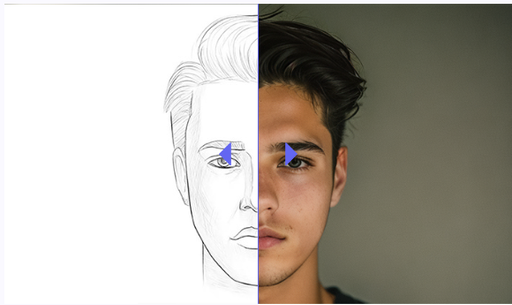
Draw3D is a browser-based image and video generator where you lay out the scene rather than writing a prompt. You drag labeled boxes onto a blank canvas, sketch rough lines, or block out simple 3D shapes, and the tool renders each region into one unified picture. The site says each subject is placed at its exact coordinates, with shared lighting across the frame.
The site describes several input paths: hand-drawn line work, architectural plans, CAD outlines, and screenshots from Blender, SketchUp, or Maya. Users can then pick materials such as concrete, brushed aluminum or glass, choose lighting moods like golden hour or studio ring light, and adjust how strongly depth is applied. Output options listed include upscaled renders, turntable clips and camera flythroughs.
The pricing page positions the product for designers, architects, directors and studios. Credits are consumed per action, with a 3-day free trial that includes 3 credits before a monthly or annual plan begins.
What it does
- Region box layout
- Place labeled bounding boxes on a canvas to define where each subject appears in the frame.
- Sketch to photoreal render
- Converts rough line work or architectural drawings into realistic images while keeping the original geometry.
- 3D blockout rendering
- Imports primitive shapes or CAD and viewport captures and renders them with lighting and material settings.
- Material and lighting presets
- Lets users pick surface materials and lighting moods such as golden hour or studio ring light.
- Storyboard to video
- Generates camera motion and depth shifts from a single keyframe or storyboard drawing.
- High-resolution export
- Exports renders at up to 4K on standard plans, with 8x ultra-resolution upscaling on the top tier.
Good for
- Turning architectural sketches into client-ready photorealistic renders
- Staging 3D massing models with materials and lighting without UV unwrapping
- Producing storyboard frames and short camera-motion clips for directors
- Creating product concept visuals from rough industrial design sketches
- Generating 360° panoramas for virtual environment previews
Pricing
Paid, from $7.5 a month
3-day free trial with 3 credits; plans from $90/yr billed annually
Prices change. Check draw3d.online before you buy.
Draw3D FAQ
Is there a free trial?
Yes. Every plan starts with a 3-day free trial that includes 3 trial credits and no payment due that day.
How much does it cost after the trial?
Listed plans are $90, $150 and $390 per year when billed annually, with 120, 200 and 1,000 credits per month respectively.
How many credits does a render use?
The pricing page lists 1 credit for a sketch-to-photoreal image and 20 credits for a cinematic video.
Which file formats can I import?
The site mentions CAD outlines, screenshots from Blender, SketchUp and Maya, and GLB or OBJ files in the credit breakdown.
Is Draw3D free?
No. Draw3D is a paid product. Paid plans start at $7.5 a month.
What are the best alternatives to Draw3D?
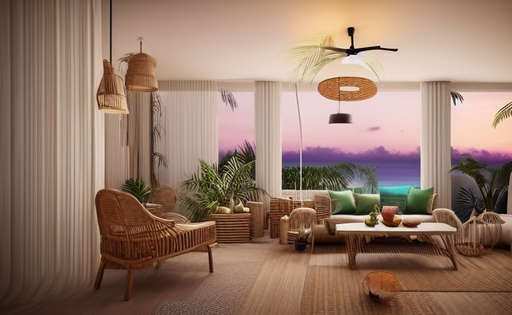
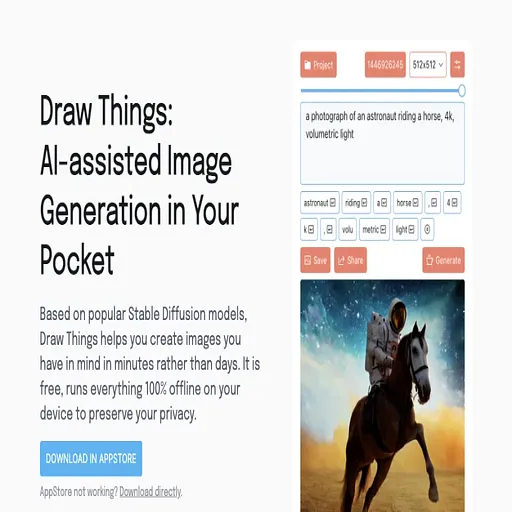
The closest alternatives to Draw3D are Interior AI, Spacely.ai, Phygital+, Draw Things and Luw AI.
Where this comes from
- Description: written from the project's website.