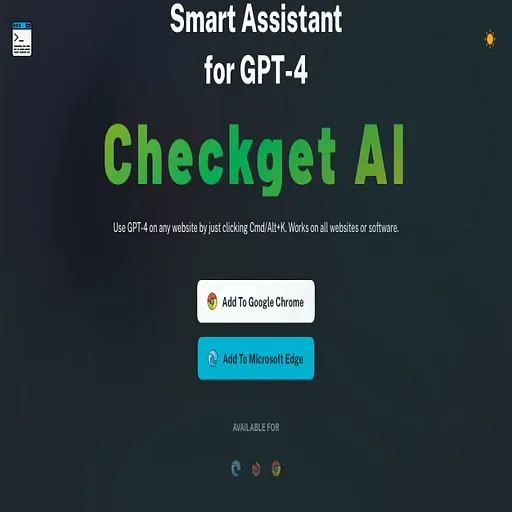
Checkget
Browser helper that runs ChatGPT on selected text anywhere via a Cmd/Alt+K shortcut
- Pricing
- Freemium
- Platforms
- Web, Chrome extension
- Listing updated
- 2 days ago
Similar tools


About Checkget
Checkget is a freemium AI tool for voice. It is available on Web and Chrome extension.
Checkget lets you call ChatGPT from almost any webpage or desktop app without copying text into a separate window. Select some text, press the keyboard shortcut, and it works out what kind of help you need, whether that is replying to an email or explaining a snippet of code.
Beyond open-ended questions, it handles common rewriting jobs such as summarizing, translating, fixing spelling and grammar, shortening or lengthening text, and adjusting tone. A dark theme is included. The site says messages are encrypted, and offers a local mode that talks to ChatGPT directly using your own API key.
The free tier is limited to a set number of daily requests and conversation rounds, with paid tiers raising those limits and adding GPT-4 access and support options. It suits people who use ChatGPT many times a day for writing and reading tasks.
What it does
- Keyboard shortcut access
- Opens the assistant from any website or app with Cmd/Alt+K.
- Automatic scenario detection
- Adjusts its response to the kind of selected text, such as an email or code.
- Text rewriting tools
- Summarizes, translates, corrects, lengthens, shortens and changes the tone of text.
- Local API key mode
- Lets users connect directly to ChatGPT with their own API key.
- Dark theme
- Offers a dark interface option for the assistant window.
Good for
- Replying to emails without leaving the current page
- Explaining code snippets found on websites
- Translating or proofreading selected text
- Summarizing long articles or passages
- Adjusting the tone of a draft message
Pricing
Freemium, from $4.99 a month
Free plan with 30 requests/day; paid tiers from $4.99 with higher limits and GPT-4 access.
Prices change. Check checkget.com before you buy.
Checkget FAQ
What is the keyboard shortcut?
Press Cmd+K on Mac or Alt+K on Windows after selecting text on any website.
How many requests does the free plan allow?
The free plan includes 30 requests per day and 5 rounds of conversation, with GPT-3.5 support.
What is local mode?
Local mode communicates directly with ChatGPT after you set your own API key.
Is Checkget free?
Checkget has a free plan, with paid plans for more usage or features. Paid plans start at $4.99 a month.
What are the best alternatives to Checkget?
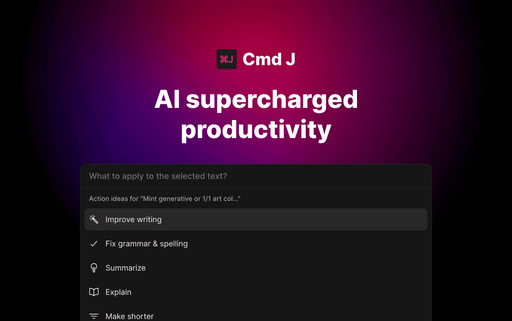
The closest alternatives to Checkget are Cmd J, GPT Commands, ChatGPT Super, WriteMage and UseChatGPT.
Where this comes from
- Description: written from the project's website.