
EmailTriager
Gmail assistant that drafts replies to incoming email in the background for review
EmailTriager is an AI tool for productivity. It is available on Web.
- Platforms
- Web
- Listing updated
Similar tools
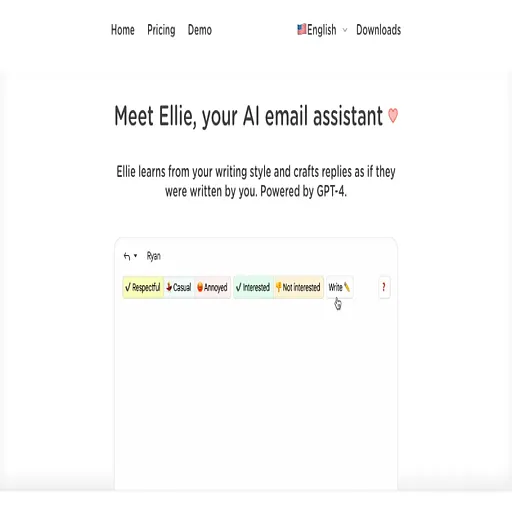


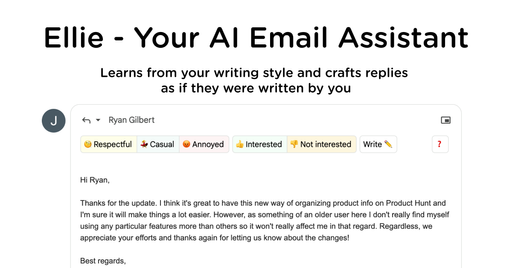
About EmailTriager
Rather than asking you to write from scratch, EmailTriager watches for new messages in Gmail and prepares reply drafts that appear alongside your inbox. The drafts are built from a Knowledge Base the product creates by reading your past emails once, which it says is how it picks up your writing style.
Drafts usually show up within a little over a minute of a new message arriving. The product states it never sends mail on your behalf, so each draft is something you review, edit if needed, and send yourself. Removing the tool returns Gmail to its normal state with no further drafts.
It suits people whose inbox is mostly routine replies and who use Gmail. The site describes Gmail as the integration point and does not list other mail providers.
What it does
- Background reply drafting
- Creates draft responses for new emails that need a reply, without a browser extension.
- Gmail integration
- Drafts appear directly inside Gmail, so the existing workflow stays the same.
- Writing style learning
- Reads past emails once to build a Knowledge Base used to match your tone.
- No auto-send
- Drafts are only prepared for review; the product states it never sends email for you.
- Viewable knowledge base
- You can view and delete the Knowledge Base the product creates at any time.
- Security audit
- The site says it was verified by a Google-designated third-party security auditor and is CASA Tier 2 accredited.
Good for
- Clearing routine customer or support replies faster
- Reviewing pre-written drafts instead of composing each reply
- Keeping up with a high volume of work email in Gmail
EmailTriager FAQ
Does EmailTriager send emails for me?
No. The pricing page states it never sends emails on your behalf and only drafts responses for you to review and send.
How does EmailTriager learn my writing style?
It reads your past emails once and creates a Knowledge Base used to draft responses. You can view and delete that Knowledge Base at any time.
How long until drafts appear?
According to the pricing page, drafts for new emails that need a response take a little over a minute to appear in Gmail.
What counts toward the quota?
An Accepted Draft is one you send with less than 20% of the words changed. Drafts you heavily edit or delete do not count toward the monthly quota.
How do I remove EmailTriager?
You can remove EmailTriager at any time, after which Gmail returns to normal and no more drafts are created.
What are the best alternatives to EmailTriager?
The closest alternatives to EmailTriager are Tryellie, ChatGPT Writer, Scribbly.ai, Ellie and MailMaestro.
Where this comes from
- Description: written from the project's website.