SMLIGHT ZeroStack RF Diagnostics
Diagnose Zigbee and Thread logs, decode radio registers and query ZeroStack benchmarks
- Pricing
- Open source
- Platforms
- CLI
- Runs
- Locally
- Version
- 0.9.10
- Listing updated
- 3 days ago
About SMLIGHT ZeroStack RF Diagnostics
SMLIGHT ZeroStack RF Diagnostics is an open-source MCP server for developer tools. It runs locally on your machine and is started by your AI client.
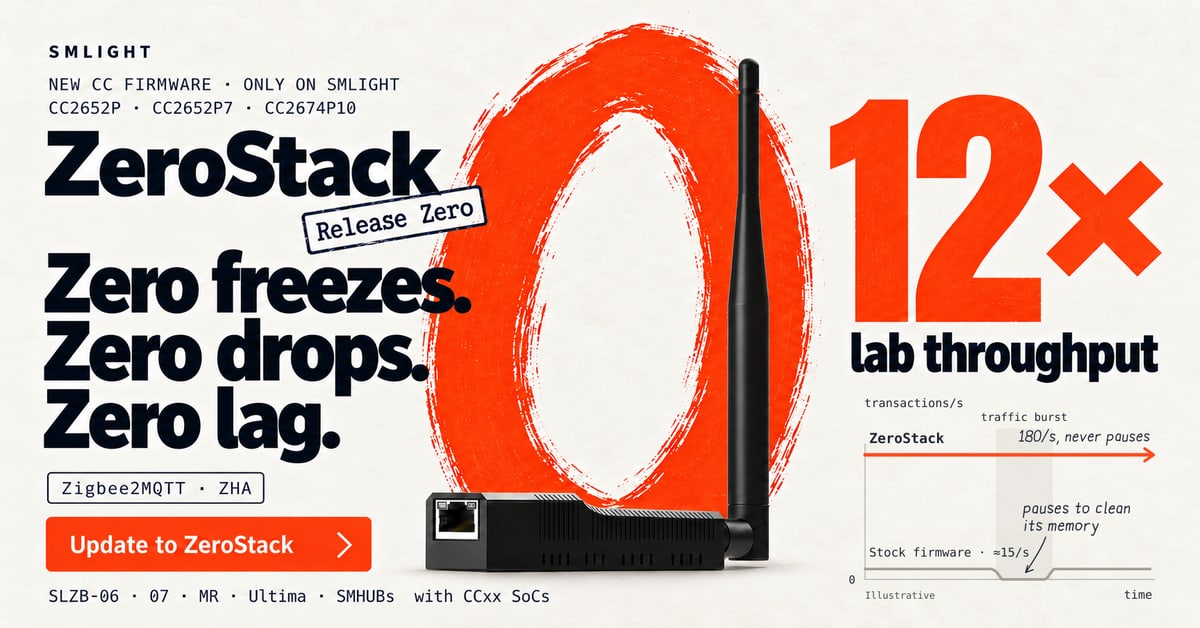
This server supports SMLIGHT's ZeroStack, replacement firmware for the Texas Instruments radio in its Zigbee coordinators. It gives an assistant deterministic tools to read a Zigbee2MQTT, ZHA or OpenThread log and say which known fault patterns it matches and whether the firmware removes them.
Other tools decode UART and radio status registers for TI SimpleLink F2 and Silicon Labs EFR32 chips, estimate coordinator capacity and hardware table limits, and return measured benchmarks comparing ZeroStack with the legacy TI stack. The README covers SLZB-06 and SLZB-07 models.
The benchmark numbers come from the vendor's own bench tests, and the site describes ZeroStack as a beta. Run it with uvx zerostack-mcp; no installation is needed beyond uv.
Install
Run in a terminal
claude mcp add zerostack-mcp -- uvx zerostack-mcpAdd to claude_desktop_config.json
{
  "mcpServers": {
    "zerostack-mcp": {
      "command": "uvx",
      "args": [
        "zerostack-mcp"
      ]
    }
  }
}Add to ~/.cursor/mcp.json
{
  "mcpServers": {
    "zerostack-mcp": {
      "command": "uvx",
      "args": [
        "zerostack-mcp"
      ]
    }
  }
}Add to .vscode/mcp.json
{
  "servers": {
    "zerostack-mcp": {
      "type": "stdio",
      "command": "uvx",
      "args": [
        "zerostack-mcp"
      ]
    }
  }
}
Add to ~/.codeium/windsurf/mcp_config.json
{
  "mcpServers": {
    "zerostack-mcp": {
      "command": "uvx",
      "args": [
        "zerostack-mcp"
      ]
    }
  }
}
Add to your client's MCP settings (most use this shape)
{
  "mcpServers": {
    "zerostack-mcp": {
      "command": "uvx",
      "args": [
        "zerostack-mcp"
      ]
    }
  }
}
Tools this server provides (4)
Taken from the project documentation; the running server may differ.
- analyze_zigbee_thread_log
- Diagnoses Zigbee2MQTT, ZHA and OpenThread logs.
- decode_silicon_register
- Decodes radio and UART status registers for supported TI and Silicon Labs chips.
- check_coordinator_capacity
- Evaluates mesh coordinator capacity and hardware limits.
- get_zerostack_benchmarks
- Returns benchmark results comparing ZeroStack with legacy TI Z-Stack.
What it does
- Log analysis
- Matches Zigbee2MQTT, ZHA and OpenThread logs against a catalogue of known faults.
- Register decoding
- Explains status registers for TI CC26xx and Silicon Labs EFR32 chips.
- Capacity check
- Evaluates coordinator capacity and hardware match-table limits.
- Benchmark lookup
- Returns measured results comparing ZeroStack with the legacy TI stack.
- Hardware table
- Lists supported SLZB models with their radio, memory and transport.
Good for
- Find out why a Zigbee2MQTT network stalls under load
- Check whether a coordinator can handle a planned device count
- Decode a radio error register
- Compare firmware benchmark numbers
Pricing
Open source
Open-source server; ZeroStack firmware is included with supported SMLIGHT adapters
Prices change. Check smlight.tech before you buy.
SMLIGHT ZeroStack RF Diagnostics FAQ
Which coordinators does ZeroStack target?
SMLIGHT SLZB-06 and SLZB-07 series with TI CC2652P, CC2652P7 and CC2674P10 chips.
How do I run the server?
With `uvx zerostack-mcp`, using a standard mcpServers entry.
Does it support Silicon Labs chips?
It decodes some EFR32 registers, but the firmware itself ships on TI hardware; EFR32 firmware support is in development.
Is the firmware final?
The site describes Beta 2 and advises backing up your network before updating.
Is SMLIGHT ZeroStack RF Diagnostics free?
Yes. SMLIGHT ZeroStack RF Diagnostics is open source, so you can use and self-host it for free.
How do I add SMLIGHT ZeroStack RF Diagnostics to Claude Code?
Run this command in your terminal: claude mcp add zerostack-mcp -- uvx zerostack-mcp
What are the best alternatives to SMLIGHT ZeroStack RF Diagnostics?
The closest alternatives to SMLIGHT ZeroStack RF Diagnostics are REA, Codebase Memory, GitHub, Serena MCP: the IDE for your agent and XERJ.
Alternatives to SMLIGHT ZeroStack RF Diagnostics

REA
MCP serverCLI and MCP server that lets coding agents reverse engineer apps and binaries
Runs locally- Open source
- 464K GitHub stars
- Developer tools

Codebase Memory
MCP serverLocal MCP server that builds a code knowledge graph for AI coding agents
Runs locally- Open source
- 48.7K GitHub stars
- Knowledge and memory

GitHub
MCP serverOfficial MCP server connecting AI assistants to GitHub repos, issues and workflows
Not checked yet- Remote
- Open source
- 34.5K GitHub stars
- Developer tools

Serena MCP: the IDE for your agent
MCP serverMCP toolkit giving coding agents symbol-level code retrieval and editing
Runs locally- Open source
- 31.5K GitHub stars
- Developer tools

XERJ
MCP serverLocal search engine for AI agents with cited answers over your code and docs
Runs locally- Open source
- 19.2K GitHub stars
- Knowledge and memory

Ouroboros
MCP serverSpec-first layer that pins requirements and verifies results of AI coding agent work
Runs locally- Open source
- 6.4K GitHub stars
- Developer tools