Simple Commenter
Search, triage and export website and asset feedback from Simple Commenter in chat
- Pricing
- Free trial
- Platforms
- Web, API, CLI
- Runs
- Locally or Remotely
- Version
- 1.6.1
- Listing updated
- 2 days ago
About Simple Commenter
Simple Commenter is an MCP server for productivity. It can run locally on your machine or as a hosted remote server.
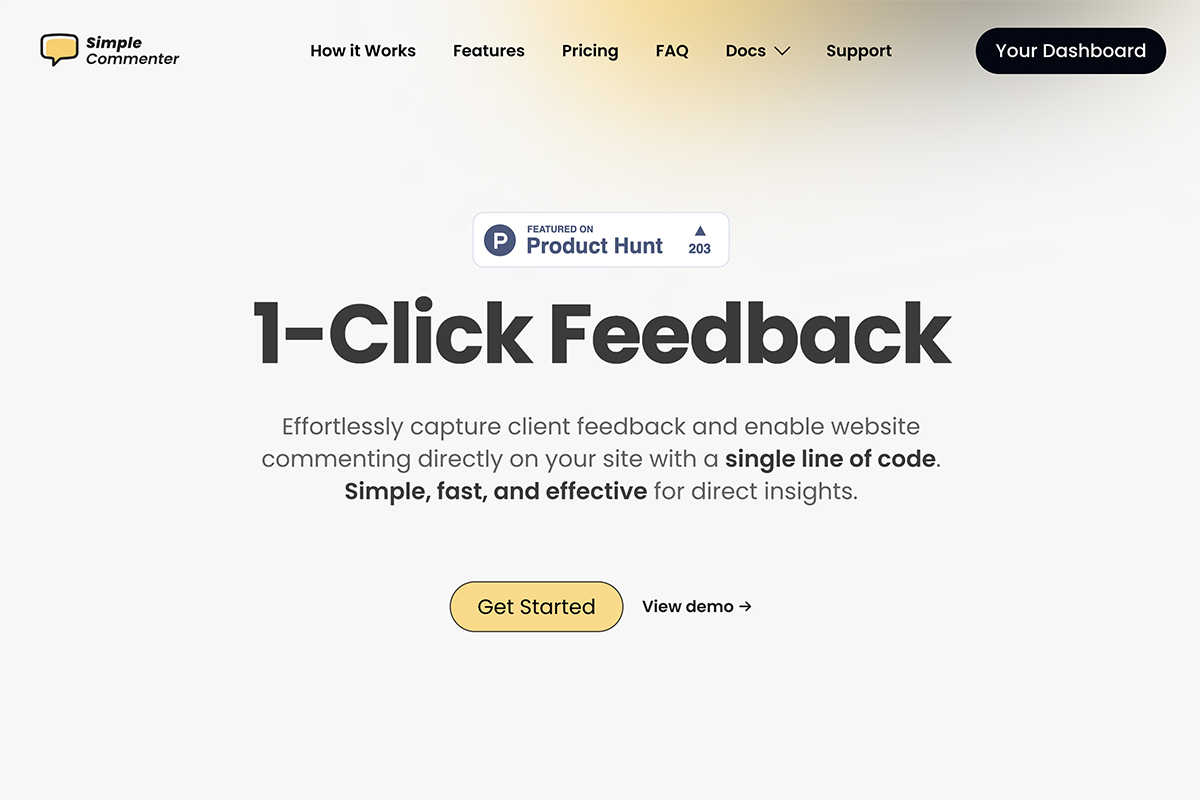
Simple Commenter is a tool where clients leave comments directly on a live website, PDF or image. Its MCP server lets an assistant work through that feedback: list and search comments, read a comment with its element path, screenshot, click position and replies, change status, priority and tags, and reply. get_comment can also return an AI-written developer brief with a title, summary and suggested fix.
Access is scoped. The hosted connection at simplecommenter.com/api/mcp uses browser OAuth with read, write and settings scopes and project-level grants, while the npm package runs locally over stdio with an integration token. Local tokens have account-wide read, write and settings access, so the docs recommend hosted authorization for read-only or selected-project access. Each hosted connection belongs to one company.
MCP is included on paid plans and during the 14-day trial, but not on the free plan after the trial. There is no separate MCP fee, and the hosted server allows 120 authenticated requests per minute per connection.
Install
Run in a terminal
claude mcp add --transport http mcp-server https://www.simplecommenter.com/api/mcpAdd to Settings → Connectors → Add custom connector
https://www.simplecommenter.com/api/mcpAdd to ~/.cursor/mcp.json
{
  "mcpServers": {
    "mcp-server": {
      "url": "https://www.simplecommenter.com/api/mcp"
    }
  }
}Add to .vscode/mcp.json
{
  "servers": {
    "mcp-server": {
      "type": "http",
      "url": "https://www.simplecommenter.com/api/mcp"
    }
  }
}
Add to ~/.codeium/windsurf/mcp_config.json
{
  "mcpServers": {
    "mcp-server": {
      "serverUrl": "https://www.simplecommenter.com/api/mcp"
    }
  }
}
Add to your client's MCP settings (most use this shape)
{
  "mcpServers": {
    "mcp-server": {
      "type": "http",
      "url": "https://www.simplecommenter.com/api/mcp"
    }
  }
}
Configuration
SIMPLE_COMMENTER_API_TOKENIntegration token from project MCP settings; alternatively authenticate with the local init wizard.
Tools this server provides (13)
Taken from the project documentation; the running server may differ.
- get_connection_info
- Refresh account, plan, granted permissions and connection context.
- list_projects
- List projects authorised for this connection.
- get_project_context
- Read statuses, tags, workflow settings and project links.
- list_comments
- List feedback in one project with filters and pagination.
- get_comment
- Full comment detail including element XPath, screenshot, replies and developer brief.
- update_comment_status
- Mark a comment in progress, done and so on.
- update_comment
- Set status, priority, tags, visibility or archive state.
- reply_to_comment
- Reply with text and authorised upload references.
- create_comment
- File new feedback on a page.
- search_comments
- Search across authorised projects by text, dates, author, status, tags or source.
- export_comments
- Download a filtered CSV with attachment links.
- feedback_report
- Get feedback counts and breakdowns plus a report artifact.
- get_billing_link
- List plans and prices and return a Stripe checkout or billing link.
What it does
- Search and filter feedback
- Find comments by text, dates, author, status, tags or source across authorised projects.
- Rich comment detail
- Reads element XPath, screenshot, click position, replies and an AI developer brief.
- Status and tag updates
- Move comments through workflow states and edit priority, tags and visibility.
- CSV export
- Exports a filtered set of comments with attachment links and an expiring URL.
- Feedback reports
- Returns counts and breakdowns plus a report artifact.
- Scoped access
- Hosted OAuth with project grants, or a local token for coding tools.
Good for
- Turn client feedback on a staging site into a fix list
- Mark comments done after a coding agent resolves them
- Export a project's feedback to CSV for a review meeting
- Report on open versus resolved feedback by tag
- Reply to a reviewer from your editor
Pricing
Free trial, from $34.99 a month
14-day free trial; Pro $34.99/month, Agency $79.99/month; Enterprise by quote
Prices change. Check simplecommenter.com before you buy.
Simple Commenter FAQ
Is MCP available on the free plan?
No. It is included on paid plans and during the 14-day trial, but not on the free plan after the trial.
How do I connect ChatGPT or Claude?
Use the hosted server URL https://www.simplecommenter.com/api/mcp with browser OAuth sign-in.
What are the rate limits?
The hosted server allows 120 authenticated requests per minute per connection, and the local server 120 per minute per token.
How do I set up the local server?
Run npx @simple-commenter/mcp-server init, which signs you in with an emailed code and writes a .mcp.json.
Is Simple Commenter free?
Simple Commenter is a paid product with a free trial. Paid plans start at $34.99 a month.
How do I add Simple Commenter to Claude Code?
Run this command in your terminal: claude mcp add --transport http mcp-server https://www.simplecommenter.com/api/mcp
What are the best alternatives to Simple Commenter?
The closest alternatives to Simple Commenter are REA, Codebase Memory, GitHub, Serena MCP: the IDE for your agent and XERJ.
Alternatives to Simple Commenter

REA
MCP serverCLI and MCP server that lets coding agents reverse engineer apps and binaries
Runs locally- Open source
- 464K GitHub stars
- Developer tools

Codebase Memory
MCP serverLocal MCP server that builds a code knowledge graph for AI coding agents
Runs locally- Open source
- 48.7K GitHub stars
- Knowledge and memory

GitHub
MCP serverOfficial MCP server connecting AI assistants to GitHub repos, issues and workflows
Not checked yet- Remote
- Open source
- 34.5K GitHub stars
- Developer tools

Serena MCP: the IDE for your agent
MCP serverMCP toolkit giving coding agents symbol-level code retrieval and editing
Runs locally- Open source
- 31.5K GitHub stars
- Developer tools

XERJ
MCP serverLocal search engine for AI agents with cited answers over your code and docs
Runs locally- Open source
- 19.2K GitHub stars
- Knowledge and memory

Ha MCP
MCP serverMCP server for managing and automating Home Assistant from AI assistants
Runs locally- 8 tools
- Open source
- 7.9K GitHub stars
- Productivity