
RoboParts 机器人零部件兼容性
Vendor-neutral compatibility checks for humanoid and bionic robot parts
- Pricing
- Free
- Platforms
- Web, API
- Runs
- Remotely
- Version
- 1.1.1
- Listing updated
- 1 day ago
About RoboParts 机器人零部件兼容性
RoboParts 机器人零部件兼容性 is a free MCP server for engineering simulation. It runs as a hosted remote server, so there is nothing to install locally.
RoboParts is a neutral checking layer for open-source robot builders. It decides whether parts can be assembled, co-mounted on one robot or swapped, and returns a three-state verdict: compatible, incompatible or unknown. It is built to prefer unknown over a false green, and it can produce a 3D-printable adapter when parts do not fit. The site and README are largely in Chinese.
Checks cover mechanical, electrical, protocol and ROS compatibility, including ISO 9409-1 flange matching. The catalogue lists 868 entities, 659 of them physical parts, plus 325 open-source components and over 60 URDF models, including projects such as Tiangong, LeRobot and Unitree. The operator says it neither makes nor sells parts, so it has no incentive to steer a choice.
It openly records limits: mechanical interchange data is declared for only 81 of 500 checked entries, and none of the parts has parameters comparable across vendors. Results are leads from declared data, not certification. The hosted MCP endpoint is read-only and key-free with 26 tools; a REST API key gives 100 free calls.
Install
Run in a terminal
claude mcp add --transport http roboparts https://roboparts.cc/mcpAdd to Settings → Connectors → Add custom connector
https://roboparts.cc/mcpAdd to ~/.cursor/mcp.json
{
  "mcpServers": {
    "roboparts": {
      "url": "https://roboparts.cc/mcp"
    }
  }
}Add to .vscode/mcp.json
{
  "servers": {
    "roboparts": {
      "type": "http",
      "url": "https://roboparts.cc/mcp"
    }
  }
}
Add to ~/.codeium/windsurf/mcp_config.json
{
  "mcpServers": {
    "roboparts": {
      "serverUrl": "https://roboparts.cc/mcp"
    }
  }
}
Add to your client's MCP settings (most use this shape)
{
  "mcpServers": {
    "roboparts": {
      "type": "http",
      "url": "https://roboparts.cc/mcp"
    }
  }
}
Tools this server provides (10)
Taken from the project documentation; the running server may differ.
- search_components
- Searches the component catalogue.
- get_component_detail
- Returns details of one component.
- check_compatibility
- Checks whether parts are compatible.
- compare_components
- Compares components side by side.
- recommend_for_application
- Recommends parts for an application.
- bom_compatibility_check
- Checks a bill of materials for compatibility.
- semantic_search
- Searches by meaning.
- lint_urdf
- Lints a URDF model.
- check_co_mount
- Checks whether parts can co-mount on one robot.
- explain_unknown
- Explains why a verdict is unknown.
What it does
- Three-state verdicts
- Compatible, incompatible or unknown, never a guessed pass.
- Four-dimension checks
- Mechanical, electrical, protocol and ROS.
- BOM screening
- Paste a parts list for a pairwise matrix.
- Adapter generation
- Suggests 3D-printable adapters.
- URDF tools
- Includes a URDF model library and linting.
- Open data
- Entity and component JSON files can be read freely.
Good for
- Check if two robot parts can be mounted together
- Screen a bill of materials for conflicts
- Compare actuators for a humanoid joint
- Lint a URDF file
- Find an adapter for mismatched flanges
Pricing
Free
Free; API key gives 100 free calls
Prices change. Check roboparts.cc before you buy.
RoboParts 机器人零部件兼容性 FAQ
How many parts are covered?
868 entities, of which 659 are physical parts, plus 325 open-source components.
Is it certification?
No. Results are leads based on declared data and do not replace testing.
Does the MCP endpoint need a key?
No. It is key-free and read-only.
Does RoboParts sell parts?
No. The operator states it does not make, sell or resell parts.
Is RoboParts 机器人零部件兼容性 free?
Yes. RoboParts 机器人零部件兼容性 is free to use.
How do I add RoboParts 机器人零部件兼容性 to Claude Code?
Run this command in your terminal: claude mcp add --transport http roboparts https://roboparts.cc/mcp
What are the best alternatives to RoboParts 机器人零部件兼容性?
The closest alternatives to RoboParts 机器人零部件兼容性 are Petrolytx: decline curves and well economics, Cutlab CNC, ProofPass, 轻排生产排产(MRP-PMC) and zumen-gate.
Alternatives to RoboParts 机器人零部件兼容性

Run decline curve fits, forecasts and well economics on your own Petrolytx wells
Not checked yet- Remote
- Freemium
- Analytics and data

Cutlab CNC
MCP serverQuote estimates and quote requests for a CNC cutting workshop in Tallinn
- 3 tools
- Remote
- Paid
- Manufacturing
ProofPass
MCP serverCurrent safety data sheets, EU product-document deadlines and duties, plus your account
- 31 tools
- Remote
- Freemium
- Legal and government
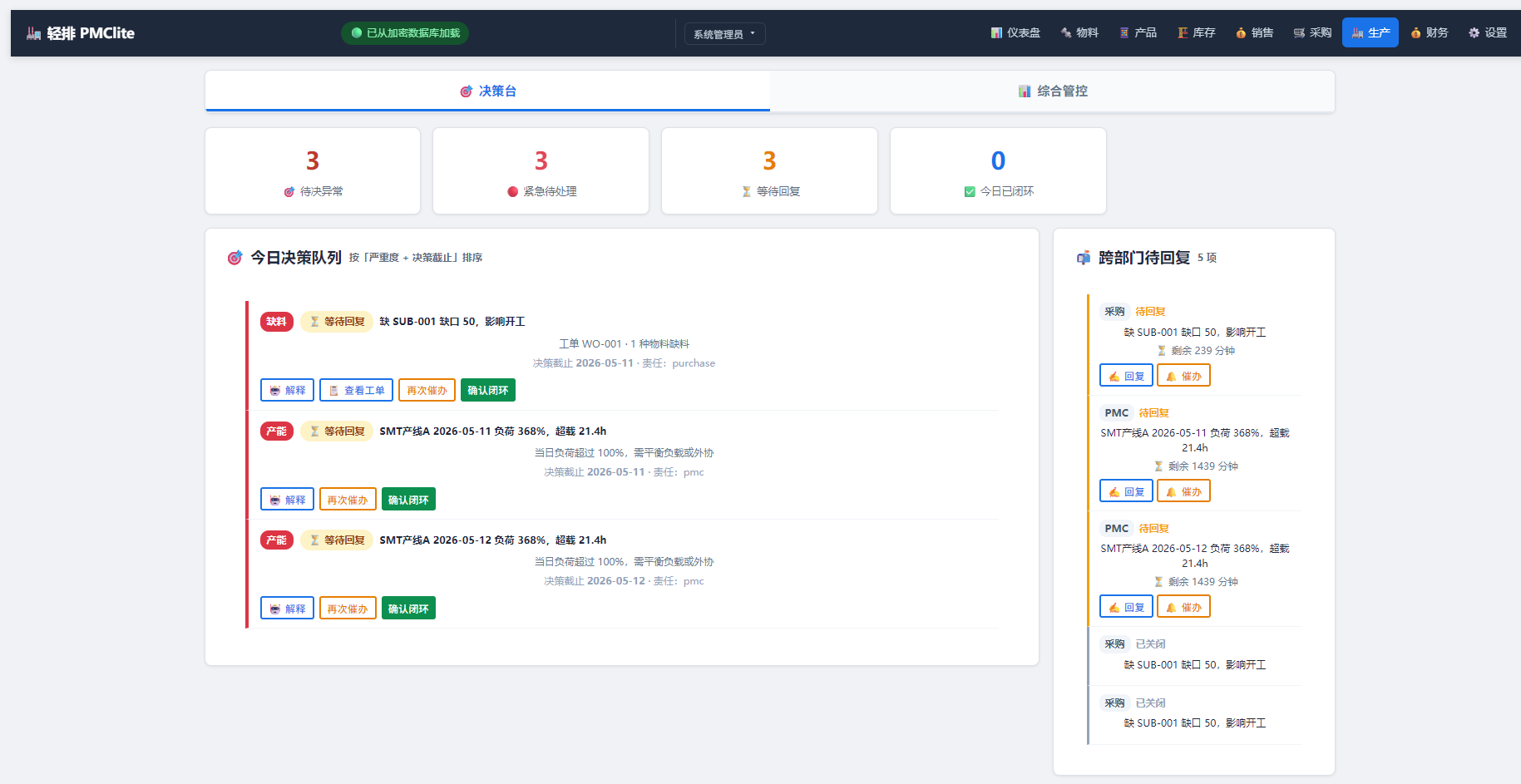
轻排生产排产(MRP-PMC)
MCP serverDrive the local MRP-PMC factory scheduler from AI for scheduling and material checks
Runs locally- Freemium
- Manufacturing

zumen-gate
MCP serverRead, search, render, edit and convert CAD drawings such as JWW, DWG, DXF and SXF
Runs locally- 8 tools
- Freemium
- Engineering simulation

GPU CFD and conjugate heat transfer for cold plates, heat sinks and battery packs
- 86 tools
- Remote
- Contact sales
- Engineering simulation