
RoboPartPicker
Search source-linked robotics projects, bills of materials and components
- Pricing
- Free
- Platforms
- API
- Runs
- Remotely
- Version
- 1.0.0
- Listing updated
- 1 day ago
About RoboPartPicker
RoboPartPicker is a free MCP server for engineering simulation. It runs as a hosted remote server, so there is nothing to install locally.
RoboPartPicker catalogues open robotics projects, 2,445 at the time of the site snapshot, with links back to their upstream repositories. The server lets an assistant search them by keyword, category or kind, fetch one project's repository, licence, files and BOM summary, search a component catalogue, and compare two to four components.
The maintainers are careful about what the data means. BOM lines come from explicit BOM files, documentation, CAD metadata and URDF files, and each keeps an evidence state of verified, probable, unresolved or unpriced rather than being guessed. Prices are observed catalogue data and not quotes, supplier coverage is partial, and components in the same category are never claimed to be drop-in compatible. Software projects, commercial models and physical projects without a BOM report distinct states instead of invented parts.
A fifth tool validates a Robotics Project Package Specification (RPPS) document. The server is public, read-only and stores no personal data from tool calls.
Install
Run in a terminal
claude mcp add --transport http robopartpicker https://robopartpicker.com/mcpAdd to Settings → Connectors → Add custom connector
https://robopartpicker.com/mcpAdd to ~/.cursor/mcp.json
{
  "mcpServers": {
    "robopartpicker": {
      "url": "https://robopartpicker.com/mcp"
    }
  }
}Add to .vscode/mcp.json
{
  "servers": {
    "robopartpicker": {
      "type": "http",
      "url": "https://robopartpicker.com/mcp"
    }
  }
}
Add to ~/.codeium/windsurf/mcp_config.json
{
  "mcpServers": {
    "robopartpicker": {
      "serverUrl": "https://robopartpicker.com/mcp"
    }
  }
}
Add to your client's MCP settings (most use this shape)
{
  "mcpServers": {
    "robopartpicker": {
      "type": "http",
      "url": "https://robopartpicker.com/mcp"
    }
  }
}
Tools this server provides (5)
Taken from the project documentation; the running server may differ.
- search_projects
- Search open robotics projects.
- get_project
- Fetch one project with repo, licence, files and BOM summary.
- search_components
- Search the component catalog.
- compare_components
- Compare two to four components.
- validate_rpps
- Validate an RPPS document.
What it does
- Project search
- Search open robotics projects by keyword, category or kind.
- Project detail
- See a project's source repo, licence, files and BOM summary.
- Component search
- Search technical components by name, category or maker.
- Component comparison
- Compare two to four components without implying compatibility.
- Evidence states
- BOM lines are marked verified, probable, unresolved or unpriced.
- RPPS validation
- Check a Robotics Project Package Specification document.
Good for
- Find an open 6-axis arm project with a bill of materials
- See which BOM lines of a rover are still unresolved
- Compare motors or controllers across makers
- Check a project's licence before reuse
Pricing
Free
Free, public read-only access.
Prices change. Check robopartpicker.com before you buy.
RoboPartPicker FAQ
Is prices data reliable?
No. They are observed catalogue data rather than quotes, and supplier coverage is partial.
Does it need authentication?
No. Public reads need no auth.
Does it relicense designs?
No. Upstream projects keep their own licences.
What does the BOM evidence mean?
Each line is verified, probable, unresolved or unpriced.
Is RoboPartPicker free?
Yes. RoboPartPicker is free to use.
How do I add RoboPartPicker to Claude Code?
Run this command in your terminal: claude mcp add --transport http robopartpicker https://robopartpicker.com/mcp
What are the best alternatives to RoboPartPicker?
The closest alternatives to RoboPartPicker are Petrolytx: decline curves and well economics, Cutlab CNC, ProofPass, 轻排生产排产(MRP-PMC) and zumen-gate.
Alternatives to RoboPartPicker

Run decline curve fits, forecasts and well economics on your own Petrolytx wells
Not checked yet- Remote
- Freemium
- Analytics and data

Cutlab CNC
MCP serverQuote estimates and quote requests for a CNC cutting workshop in Tallinn
- 3 tools
- Remote
- Paid
- Manufacturing
ProofPass
MCP serverCurrent safety data sheets, EU product-document deadlines and duties, plus your account
- 31 tools
- Remote
- Freemium
- Legal and government
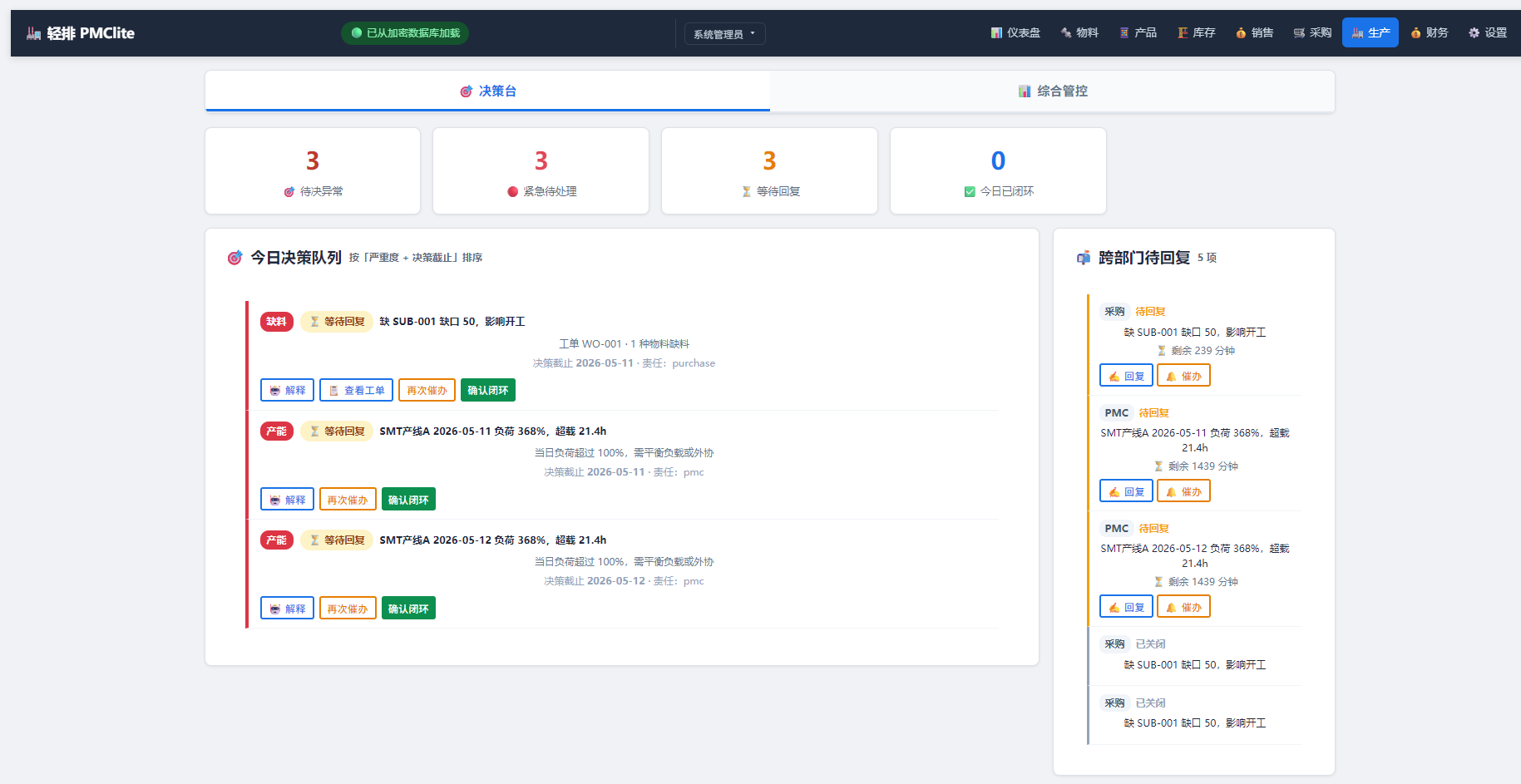
轻排生产排产(MRP-PMC)
MCP serverDrive the local MRP-PMC factory scheduler from AI for scheduling and material checks
Runs locally- Freemium
- Manufacturing

zumen-gate
MCP serverRead, search, render, edit and convert CAD drawings such as JWW, DWG, DXF and SXF
Runs locally- 8 tools
- Freemium
- Engineering simulation

GPU CFD and conjugate heat transfer for cold plates, heat sinks and battery packs
- 86 tools
- Remote
- Contact sales
- Engineering simulation