Qr Code Ai MCP
MCP server that generates QR codes for URLs, WiFi, vCards and calendar events
- Pricing
- Open source
- Platforms
- CLI, API
- Runs
- Locally
- Version
- 1.0.8
- Listing updated
- today
Similar MCP servers

About Qr Code Ai MCP
Qr Code Ai MCP is an open-source MCP server for developer tools. It runs locally on your machine and is started by your AI client.
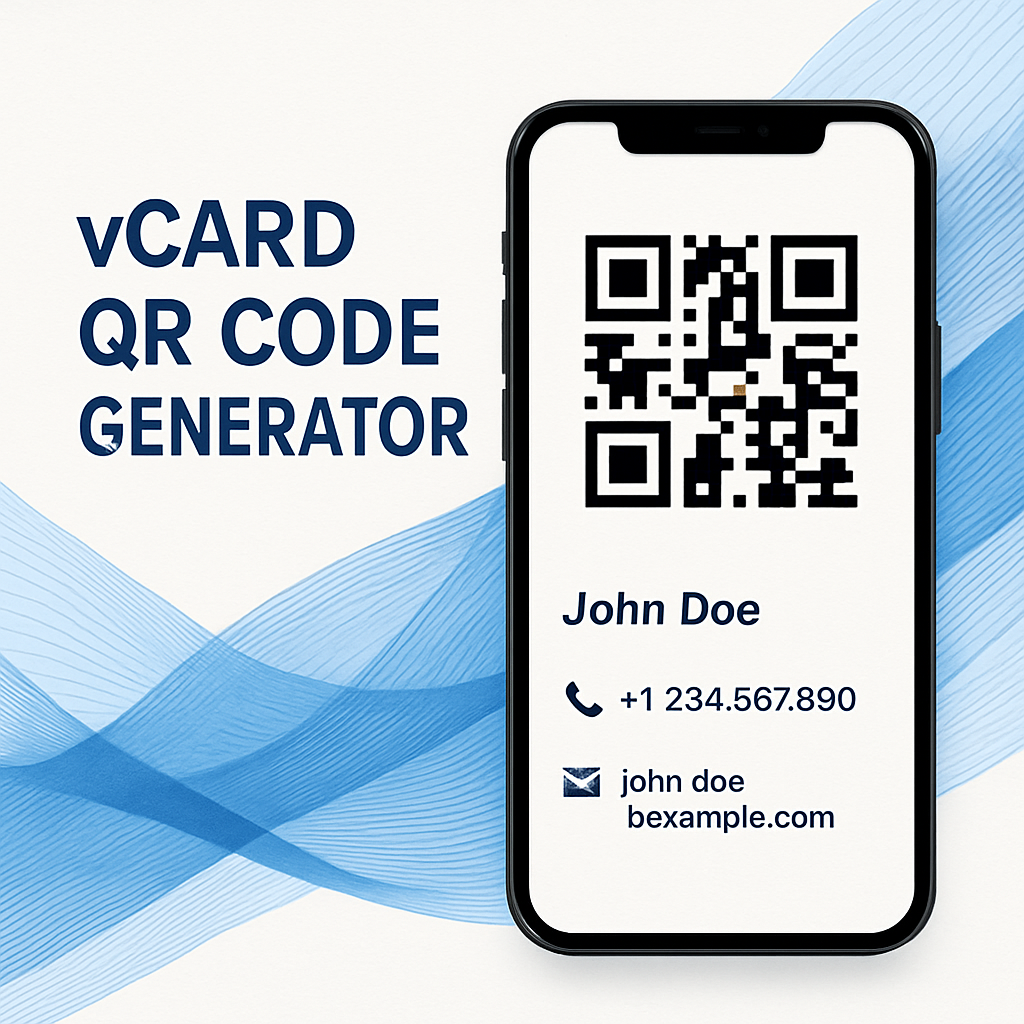
The README describes this server as a QR code generator that AI assistants can call over the Model Context Protocol. It covers URL, WiFi, vCard and calendar-event payloads, and mentions custom styling and selectable error correction levels.
It runs over stdio and is published on PyPI as qr-code-ai-mcp, so it can be launched with uvx or pip from an MCP client config such as Claude Desktop. The README's example prompts reference generate_qr_data, decode_qr_data and create_vcard_qr.
It suits developers and assistant users who want a model to produce scannable codes for contact cards, Wi-Fi access or event invites without leaving the chat. The source is MIT-licensed and the README says it can be self-hosted free of charge; the same README also points to a separate pay-per-job MEOK service with no public price list.
Install
Run in a terminal
claude mcp add qr-code-ai-mcp -- uvx qr-code-ai-mcpAdd to claude_desktop_config.json
{
  "mcpServers": {
    "qr-code-ai-mcp": {
      "command": "uvx",
      "args": [
        "qr-code-ai-mcp"
      ]
    }
  }
}Add to ~/.cursor/mcp.json
{
  "mcpServers": {
    "qr-code-ai-mcp": {
      "command": "uvx",
      "args": [
        "qr-code-ai-mcp"
      ]
    }
  }
}Add to .vscode/mcp.json
{
  "servers": {
    "qr-code-ai-mcp": {
      "type": "stdio",
      "command": "uvx",
      "args": [
        "qr-code-ai-mcp"
      ]
    }
  }
}
Add to ~/.codeium/windsurf/mcp_config.json
{
  "mcpServers": {
    "qr-code-ai-mcp": {
      "command": "uvx",
      "args": [
        "qr-code-ai-mcp"
      ]
    }
  }
}
Add to your client's MCP settings (most use this shape)
{
  "mcpServers": {
    "qr-code-ai-mcp": {
      "command": "uvx",
      "args": [
        "qr-code-ai-mcp"
      ]
    }
  }
}
Using several servers? Build one config file with the MCP config generator.
Tools this server provides (3)
Taken from the project documentation; the running server may differ.
- generate_qr_data
- Generates a QR code from supplied data.
- decode_qr_data
- Decodes QR code data.
- create_vcard_qr
- Creates a QR code containing a vCard.
What it does
- Multiple payload types
- Encodes URLs, WiFi credentials, vCard contacts and calendar events into QR codes.
- Custom styling
- The README says output styling can be customised.
- Error correction levels
- Lets the caller choose the QR error correction level.
- stdio transport
- Runs as a local stdio MCP server installable from PyPI.
- Decode support
- The README lists a decode_qr_data tool alongside the generator tools.
Good for
- Generate a QR code that shares a Wi-Fi network password with guests
- Create a scannable vCard for a business contact from an assistant chat
- Produce a calendar-event QR code for a meeting or event invitation
- Encode a URL into a QR code for printed material
Pricing
Open source
MIT-licensed and free to self-host; MEOK hosted service is pay-per-job with no public price list.
Qr Code Ai MCP FAQ
How is it installed?
The README gives two routes: pip install qr_code_ai_mcp, or the Smithery CLI command. It also shows a Claude Desktop config using uvx to launch qr-code-ai-mcp.
Is it free to use?
The README says the repository is MIT-licensed and free to self-host. It also says MEOK charges per job for its service, with no public price list.
Which tools does it expose?
The README's examples name generate_qr_data, decode_qr_data and create_vcard_qr.
Is Qr Code Ai MCP free?
Yes. Qr Code Ai MCP is open source, so you can use and self-host it for free.
How do I add Qr Code Ai MCP to Claude Code?
Run this command in your terminal: claude mcp add qr-code-ai-mcp -- uvx qr-code-ai-mcp
What are the best alternatives to Qr Code Ai MCP?
The closest alternatives to Qr Code Ai MCP are MCP Server, Regex Ai MCP, vCard QR Code Generator, FreeQrly and qrcode.io QR codes.
Where this comes from
- Description: written from the project's README and its MCP Registry entry.
- Install steps: from the official MCP Registry entry.