
Proxus Industrial MCP Server
Read-only Modbus TCP and OPC UA access to PLCs, meters and drives for AI assistants
- Pricing
- Open source
- Platforms
- Windows, macOS, Linux
- Runs
- Locally
- Version
- 0.1.0-beta.7
- Listing updated
- 3 days ago
About Proxus Industrial MCP Server
Proxus Industrial MCP Server is an open-source MCP server for manufacturing. It runs locally on your machine and is started by your AI client.
Only devices listed in a proxus-mcp.json file can be reached, so the assistant cannot scan the plant network. Each device is defined by protocol and address, with OPC UA security mode and policy set per device, and Modbus devices can point to a register map.
The map library is the distinctive part. The binaries include an open collection of 60+ energy meters, power analysers, drives and inverters covering 20,545 registers, so the assistant can call read_named for a key like voltage_l1_n and get a value with units rather than decoding words by hand. When a number looks wrong, decode_registers shows the same registers under every common byte and word order, and diagnose_connection steps through name, TCP, protocol, certificates, login and a test read to name the failing layer. verify_device_map checks a map against a real device and prepares a report you can submit yourself.
No tool writes values, starts or stops a machine, or changes a controller. It ships as a single binary for Windows, macOS and Linux, or as a Docker image, under Apache-2.0 and currently in beta. It is separate from the paid Proxus platform, which is licensed per gateway.
Install
Run in a terminal
claude mcp add proxus-mcp -- docker run -i --rm ghcr.io/proxusiiotplatform/proxus-mcp:0.1.0-beta.7Add to claude_desktop_config.json
{
  "mcpServers": {
    "proxus-mcp": {
      "command": "docker",
      "args": [
        "run",
        "-i",
        "--rm",
        "ghcr.io/proxusiiotplatform/proxus-mcp:0.1.0-beta.7"
      ]
    }
  }
}Add to ~/.cursor/mcp.json
{
  "mcpServers": {
    "proxus-mcp": {
      "command": "docker",
      "args": [
        "run",
        "-i",
        "--rm",
        "ghcr.io/proxusiiotplatform/proxus-mcp:0.1.0-beta.7"
      ]
    }
  }
}Add to .vscode/mcp.json
{
  "servers": {
    "proxus-mcp": {
      "type": "stdio",
      "command": "docker",
      "args": [
        "run",
        "-i",
        "--rm",
        "ghcr.io/proxusiiotplatform/proxus-mcp:0.1.0-beta.7"
      ]
    }
  }
}
Add to ~/.codeium/windsurf/mcp_config.json
{
  "mcpServers": {
    "proxus-mcp": {
      "command": "docker",
      "args": [
        "run",
        "-i",
        "--rm",
        "ghcr.io/proxusiiotplatform/proxus-mcp:0.1.0-beta.7"
      ]
    }
  }
}
Add to your client's MCP settings (most use this shape)
{
  "mcpServers": {
    "proxus-mcp": {
      "command": "docker",
      "args": [
        "run",
        "-i",
        "--rm",
        "ghcr.io/proxusiiotplatform/proxus-mcp:0.1.0-beta.7"
      ]
    }
  }
}
Tools this server provides (12)
Taken from the project documentation; the running server may differ.
- list_devices
- Lists configured devices with endpoint, ISA-95 path and connection state.
- read_address
- Reads raw Modbus registers or bits.
- watch_address
- Polls a Modbus address for 1 to 60 seconds and summarises changes.
- decode_registers
- Reads up to 16 registers decoded in every common type and byte order.
- browse
- Lists the children of an OPC UA node.
- read_nodes
- Reads up to 50 OPC UA variables with quality and timestamp.
- watch_nodes
- Watches up to 20 OPC UA variables through a subscription.
- diagnose_connection
- Steps through connection layers to find why a device cannot be reached.
- find_device_map
- Searches the register map library by vendor, model or alias.
- get_device_map
- Returns a map's registers with address, type, byte order, unit and scale.
- read_named
- Reads registers by key from the device's map and returns values with units.
- verify_device_map
- Checks a map against the real device and prepares a verification report.
What it does
- Read-only by design
- No tool can write values or change a controller.
- Allow-list of devices
- Only devices named in the config file can be reached.
- Built-in register maps
- 60+ open maps let the assistant read registers by name with units.
- Byte-order decoding
- Shows registers decoded under every common byte and word order.
- Connection diagnosis
- Walks name, TCP, protocol, certificates, login and a test read to find the failure.
- OPC UA browse and watch
- Browse nodes, read up to 50 variables and watch changes for up to a minute.
- Map verification
- Checks a map against a live device and prepares a report for the collection.
Good for
- Ask why a meter reading looks wrong
- Diagnose why a PLC does not answer
- Read energy meter values by name
- Browse an OPC UA server's variables
- Watch how a value moves over a minute
- Check a register map against real hardware
Pricing
Open source
Free, Apache-2.0; the separate Proxus platform is licensed per gateway
Prices change. Check proxus.io before you buy.
Proxus Industrial MCP Server FAQ
Can it change values on a machine?
No. The project states nothing can write to a device.
Which protocols are supported?
Modbus TCP and OPC UA, including Sign and SignAndEncrypt security policies.
Can it reach the whole network?
No. Only devices listed in the configuration file.
How do I run it?
Download a binary for Windows, macOS or Linux, or use the Docker image, then point Claude Desktop, Cursor or VS Code at it.
What licence is it?
Apache-2.0, currently version 0.1.0-beta.7.
Is Proxus Industrial MCP Server free?
Yes. Proxus Industrial MCP Server is open source, so you can use and self-host it for free.
How do I add Proxus Industrial MCP Server to Claude Code?
Run this command in your terminal: claude mcp add proxus-mcp -- docker run -i --rm ghcr.io/proxusiiotplatform/proxus-mcp:0.1.0-beta.7
What are the best alternatives to Proxus Industrial MCP Server?
The closest alternatives to Proxus Industrial MCP Server are Cutlab CNC, ProofPass, 轻排生产排产(MRP-PMC), The Cable Code and Formada3D 3D Printing.
Alternatives to Proxus Industrial MCP Server

Cutlab CNC
MCP serverQuote estimates and quote requests for a CNC cutting workshop in Tallinn
- 3 tools
- Remote
- Paid
- Manufacturing
ProofPass
MCP serverCurrent safety data sheets, EU product-document deadlines and duties, plus your account
- 31 tools
- Remote
- Freemium
- Legal and government
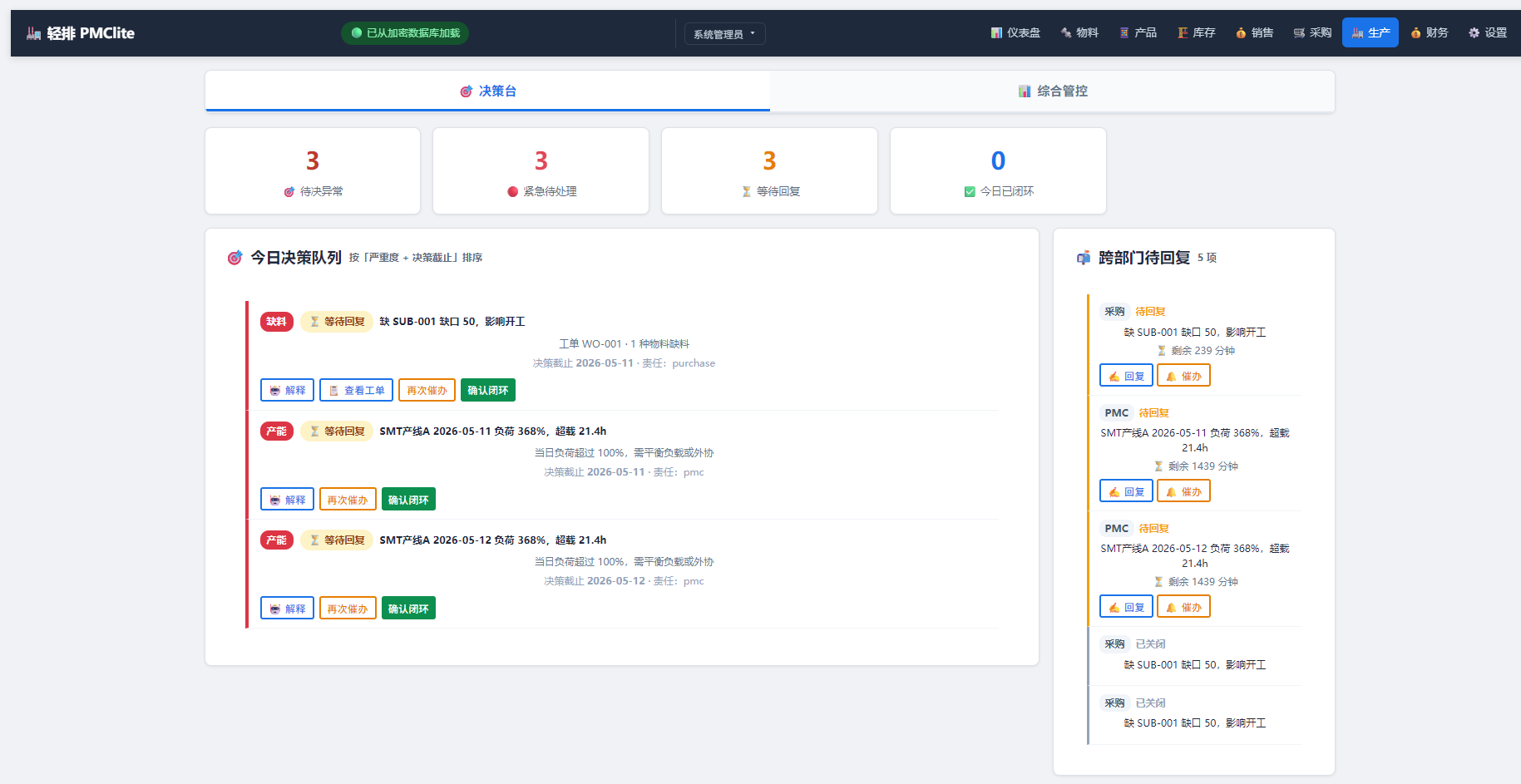
轻排生产排产(MRP-PMC)
MCP serverDrive the local MRP-PMC factory scheduler from AI for scheduling and material checks
Runs locally- Freemium
- Manufacturing

The Cable Code
MCP serverDecode cable designations across 71 coding systems and run cable design and sizing checks
- 25 tools
- Remote
- Freemium
- Engineering simulation

Formada3D 3D Printing
MCP serverQuote STL, 3MF and OBJ files for Melbourne 3D printing and browse printed products
- 34 tools
- Remote
- Paid
- Design and media

OTDeck
MCP serverLet AI agents read MQTT, Modbus, OPC UA and BACnet, with your approval for every write
Runs locally- 17 tools
- Freemium
- Developer tools