OceanSphere Engines - marine equipment library
Read-only marine equipment library: models, makers and categories with sourced values
- Pricing
- Free
- Platforms
- API
- Runs
- Remotely
- Version
- 1.0.0
- Listing updated
- 3 days ago
About OceanSphere Engines - marine equipment library
OceanSphere Engines - marine equipment library is a free MCP server for manufacturing. It runs as a hosted remote server, so there is nothing to install locally.
OceanSphere runs a sourcing desk for ship parts, and this server exposes its equipment library to assistants without an account or key. Values were extracted automatically from manufacturer catalogues and datasheets, and each one carries its source document label and, where recorded, the page.
Five tools cover the ground: search_equipment_models, get_equipment_model, find_by_manufacturer, list_ship_areas and list_categories. Searches return at most 8 results with no paging. The interface cannot send requests or change anything; spare part requests go through a web form instead.
The site is candid about limits. Values are not reviewed individually, a source may cover a whole model series, and categories and makers are classified automatically, so critical values should be checked against the manufacturer. There are no prices, stock levels or lead times. Fair use is 60 calls an hour and 300 a day per IP, and bulk retrieval is not allowed.
Install
Run in a terminal
claude mcp add --transport http equipment-library https://engines.oceansphere.io/mcpAdd to Settings → Connectors → Add custom connector
https://engines.oceansphere.io/mcpAdd to ~/.cursor/mcp.json
{
  "mcpServers": {
    "equipment-library": {
      "url": "https://engines.oceansphere.io/mcp"
    }
  }
}Add to .vscode/mcp.json
{
  "servers": {
    "equipment-library": {
      "type": "http",
      "url": "https://engines.oceansphere.io/mcp"
    }
  }
}
Add to ~/.codeium/windsurf/mcp_config.json
{
  "mcpServers": {
    "equipment-library": {
      "serverUrl": "https://engines.oceansphere.io/mcp"
    }
  }
}
Add to your client's MCP settings (most use this shape)
{
  "mcpServers": {
    "equipment-library": {
      "type": "http",
      "url": "https://engines.oceansphere.io/mcp"
    }
  }
}
Tools this server provides (5)
Taken from the project documentation; the running server may differ.
- search_equipment_models
- Search by designation, keywords, manufacturer, ship area or category (at most 8 results)
- get_equipment_model
- Returns one model with its stored values, source labels and pages
- find_by_manufacturer
- Lists models of one manufacturer (at most 8)
- list_ship_areas
- Lists ship areas with model counts
- list_categories
- Lists equipment categories with model counts
What it does
- Model search
- Search by designation, keywords, manufacturer, ship area or category.
- Sourced values
- Each stored value shows its source label and page.
- Manufacturer lookup
- List models for one maker, those with stored values first.
- Ship area and category lists
- Browse areas and categories with model counts.
- No key needed
- Free, read-only and unauthenticated.
- Rate limits
- 60 calls per hour and 300 per day per IP.
Good for
- Identify a marine engine or pump model from its designation
- Find which models a manufacturer lists for a ship area
- Check a stored specification and where it came from
- Browse equipment categories before requesting a spare part
Pricing
Free
Free and read-only; fair-use limit of 60 calls/hour and 300/day per IP
Prices change. Check engines.oceansphere.io before you buy.
OceanSphere Engines - marine equipment library FAQ
Do I need an account?
No. It needs no account or key and is free.
Are the values verified?
They were extracted automatically and are not individually reviewed; confirm critical values with the manufacturer.
Does it include prices?
No prices, stock levels or lead times.
How do I cite it?
Cite OceanSphere Engines and link the model's model_page_url.
Is OceanSphere Engines - marine equipment library free?
Yes. OceanSphere Engines - marine equipment library is free to use.
How do I add OceanSphere Engines - marine equipment library to Claude Code?
Run this command in your terminal: claude mcp add --transport http equipment-library https://engines.oceansphere.io/mcp
What are the best alternatives to OceanSphere Engines - marine equipment library?
The closest alternatives to OceanSphere Engines - marine equipment library are Cutlab CNC, ProofPass, 轻排生产排产(MRP-PMC), The Cable Code and Formada3D 3D Printing.
Alternatives to OceanSphere Engines - marine equipment library

Cutlab CNC
MCP serverQuote estimates and quote requests for a CNC cutting workshop in Tallinn
- 3 tools
- Remote
- Paid
- Manufacturing
ProofPass
MCP serverCurrent safety data sheets, EU product-document deadlines and duties, plus your account
- 31 tools
- Remote
- Freemium
- Legal and government
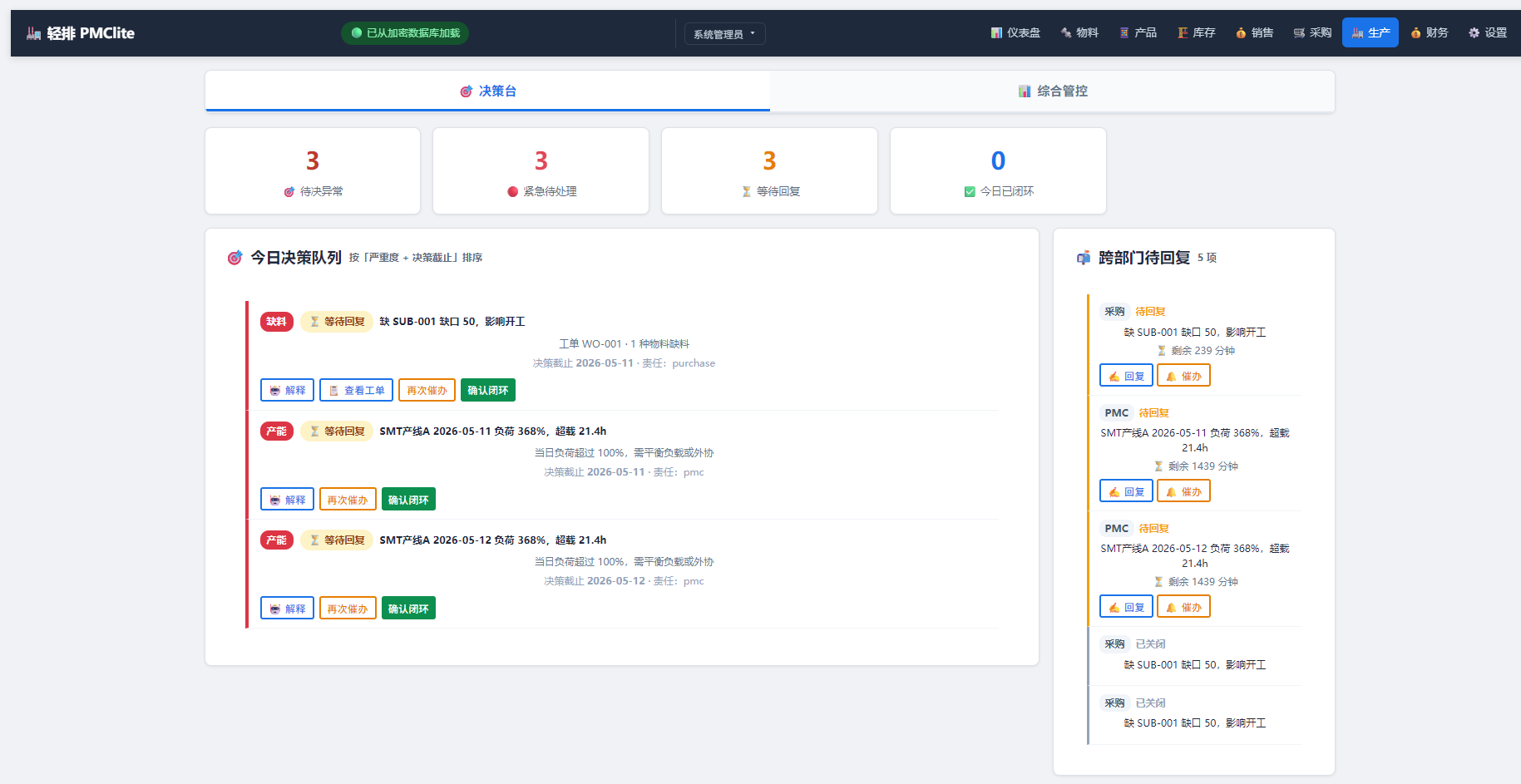
轻排生产排产(MRP-PMC)
MCP serverDrive the local MRP-PMC factory scheduler from AI for scheduling and material checks
Runs locally- Freemium
- Manufacturing

The Cable Code
MCP serverDecode cable designations across 71 coding systems and run cable design and sizing checks
- 25 tools
- Remote
- Freemium
- Engineering simulation

Formada3D 3D Printing
MCP serverQuote STL, 3MF and OBJ files for Melbourne 3D printing and browse printed products
- 34 tools
- Remote
- Paid
- Design and media
OTDeck
MCP serverLet AI agents read MQTT, Modbus, OPC UA and BACnet, with your approval for every write
Runs locally- 17 tools
- Freemium
- Developer tools