
neurobird.com
Web search for agents with extracted page passages and a URL-to-markdown tool
neurobird.com is a freemium MCP server for web search and scraping. It runs as a hosted remote server, so there is nothing to install locally.
- Pricing
- Freemium
- Platforms
- API
- Runs
- Remotely
- Version
- 1.0.0
- Listing updated
Similar MCP servers

Install
Add with the CLI
Run in a terminal
claude mcp add --transport http search https://search.neurobird.com/mcpAdd --scope user to use it in every project, or --scope project to share it in .mcp.json.
Or share it with your project
Add to .mcp.json
{
  "mcpServers": {
    "search": {
      "type": "http",
      "url": "https://search.neurobird.com/mcp"
    }
  }
}In Customize → Connectors → Add → Add custom connector
https://search.neurobird.com/mcpPaste this URL, choose how to sign in, then click Add and Connect. On Team and Enterprise an Owner adds it in Organization settings → Connectors.
Add to ~/.cursor/mcp.json
{
  "mcpServers": {
    "search": {
      "url": "https://search.neurobird.com/mcp"
    }
  }
}
Use .cursor/mcp.json in a project to share it with the project.
Add to ~/.copilot/mcp-config.json
{
  "mcpServers": {
    "search": {
      "type": "http",
      "url": "https://search.neurobird.com/mcp"
    }
  }
}
Or put the same entry in .mcp.json at your workspace root to share it.
In chatgpt.com → Plugins → + → Add custom MCP server
https://search.neurobird.com/mcpPaste this URL, set up sign-in, accept the warning and install the plugin. Then type @ in a chat to use it.
Add with the CLI
Run in a terminal
codex mcp add search --url https://search.neurobird.com/mcpOr add to config.toml
Add to ~/.codex/config.toml
[mcp_servers.search]
url = "https://search.neurobird.com/mcp"Add to Grok Bot desktop app → Connect apps → Add a custom connector
https://search.neurobird.com/mcpEnter a Name (for example "neurobird.com"), choose Type: Remote HTTPS, paste this as the Server URL and choose Add plugin.
Add to your client's MCP settings (most use this shape)
{
  "mcpServers": {
    "search": {
      "type": "http",
      "url": "https://search.neurobird.com/mcp"
    }
  }
}
Gemini CLI and Antigravity
Gemini CLI
Add to ~/.gemini/settings.json
{
  "mcpServers": {
    "search": {
      "httpUrl": "https://search.neurobird.com/mcp"
    }
  }
}
Or run: gemini mcp add -s user --transport http search https://search.neurobird.com/mcp
Antigravity
Add to ~/.gemini/config/mcp_config.json
{
  "mcpServers": {
    "search": {
      "serverUrl": "https://search.neurobird.com/mcp"
    }
  }
}
Use .agents/mcp_config.json to add it to one workspace only.
Devin Desktop (formerly Windsurf)
Add to ~/.config/devin/mcp_config.json
{
  "mcpServers": {
    "search": {
      "url": "https://search.neurobird.com/mcp",
      "transport": "http"
    }
  }
}
On Windows the file is %APPDATA%\devin\mcp_config.json. Use .devin/mcp_config.json to share it with a project.
Cline
Add to cline_mcp_settings.json
{
  "mcpServers": {
    "search": {
      "type": "streamableHttp",
      "url": "https://search.neurobird.com/mcp"
    }
  }
}
Open it from the MCP Servers icon → Configure → Configure MCP Servers.
Zed
Add to Zed settings.json
{
  "context_servers": {
    "search": {
      "url": "https://search.neurobird.com/mcp"
    }
  }
}
Open it with zed: open settings file. Merge context_servers into the settings you already have.
JetBrains AI Assistant and Junie
AI Assistant
Add to Settings → Tools → AI Assistant → Model Context Protocol (MCP) → Add
{
  "mcpServers": {
    "search": {
      "url": "https://search.neurobird.com/mcp"
    }
  }
}
Junie
Add to ~/.junie/mcp/mcp.json
{
  "mcpServers": {
    "search": {
      "url": "https://search.neurobird.com/mcp"
    }
  }
}
Use .junie/mcp/mcp.json to share it with a project.
Kiro
Add to ~/.kiro/settings/mcp.json
{
  "mcpServers": {
    "search": {
      "url": "https://search.neurobird.com/mcp"
    }
  }
}
Use .kiro/settings/mcp.json to add it to one workspace only.
Using several servers? Build one config file with the MCP config generator.
About neurobird.com
Neurobird is a hosted search service for AI agents. A single call fans a query out across several engines, fuses their rankings, opens the top pages and returns the passages that answer the question instead of just links.
Two MCP tools are exposed: web_search, with depth, domain, recency and topic controls, and extract_url, which returns clean markdown from one or more URLs and converts PDFs to text. An optional grounded answer is written only from retrieved passages, with each quote checked against its source and unverified ones marked.
Keys come from a single unauthenticated request and include 1,000 free credits a month. Pricing is per credit with no monthly fee or per-seat charge.
Tools this server provides (2)
Taken from the project documentation; the running server may differ.
From the tool list in its README, going by the names, 1 of 2 tools reads data; 1 name doesn't say.
From the server's own tool labels and tool names; not verified by us.
- web_searchName suggests: reads
- Search the web and return ranked results with extracted passages and an optional grounded answer.
- extract_url
- Fetch URLs and return their main content as clean markdown or text.
What it does
- Fused multi-engine ranking
- Results from several engines merged by reciprocal rank fusion.
- Page passages
- Each result carries the part of the page that answers the query.
- Checked quotes
- Quotes in an answer are matched back to the source text.
- URL to markdown
- extract_url returns clean markdown and converts PDFs.
- Structured output
- Send a JSON Schema and get it filled per result.
- Per-stage timings
- Every response reports time spent on each stage.
Good for
- Give an agent live web research
- Extract the main text of a list of URLs
- Restrict searches to specific domains or recent days
- Return grounded answers with auditable quotes
Pricing
Freemium
1,000 free credits a month; from $2 per 1,000 searches
Prices change. Check search.neurobird.com before you buy.
neurobird.com FAQ
How do I get a key?
One unauthenticated POST to /keys; no signup or card.
What is the free tier?
1,000 credits a month.
What does a search cost?
About $2 per 1,000 basic searches, $4 deep and $6 deep with answer.
Which topics can I filter?
general, news, code, science and finance.
How do I add neurobird.com to Claude Code?
Run this command in your terminal: claude mcp add --transport http search https://search.neurobird.com/mcp
What are the best alternatives to neurobird.com?
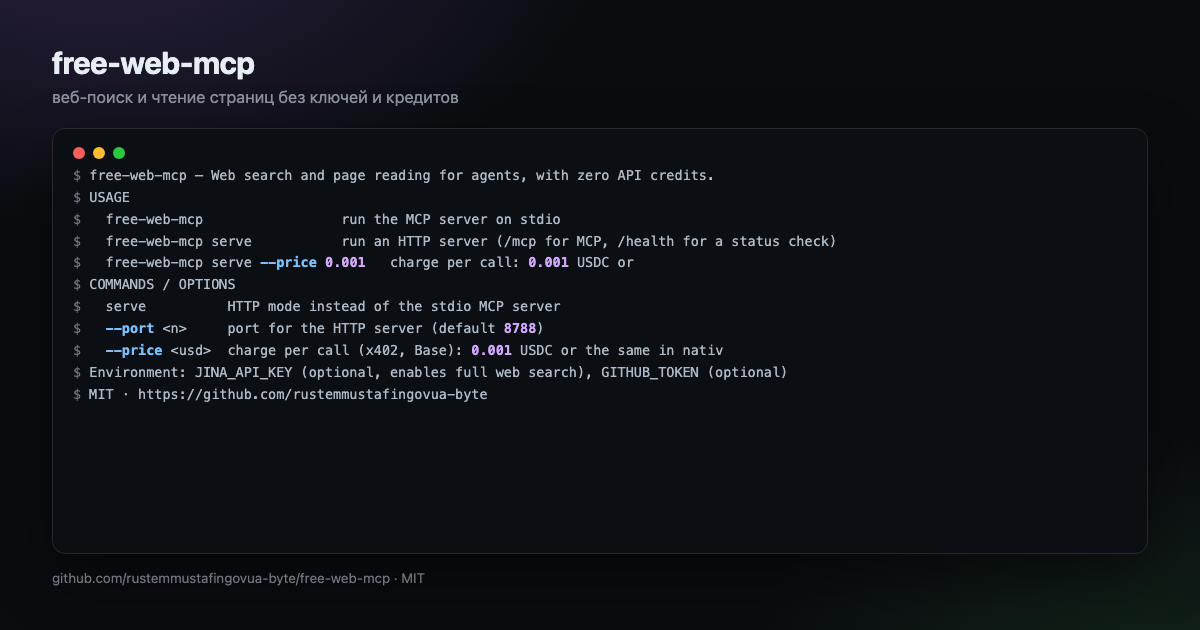
The closest alternatives to neurobird.com are Web Search & Page Markdown for AI Agents, Websearch, free-web-mcp, Web Search and Web Search API.
Where this comes from
- Description: written from the project's README, the project's website and its MCP Registry entry.
- Install steps: from the official MCP Registry entry.