Nabit Video Recommendations
Match your product to short-form video hooks and trends from Codex or any MCP host
- Pricing
- Paid
- Platforms
- Web, API, CLI
- Runs
- Remotely
- Version
- 0.5.4
- Listing updated
- 3 days ago
About Nabit Video Recommendations
Nabit Video Recommendations is a paid MCP server for design and media. It runs as a hosted remote server, so there is nothing to install locally.
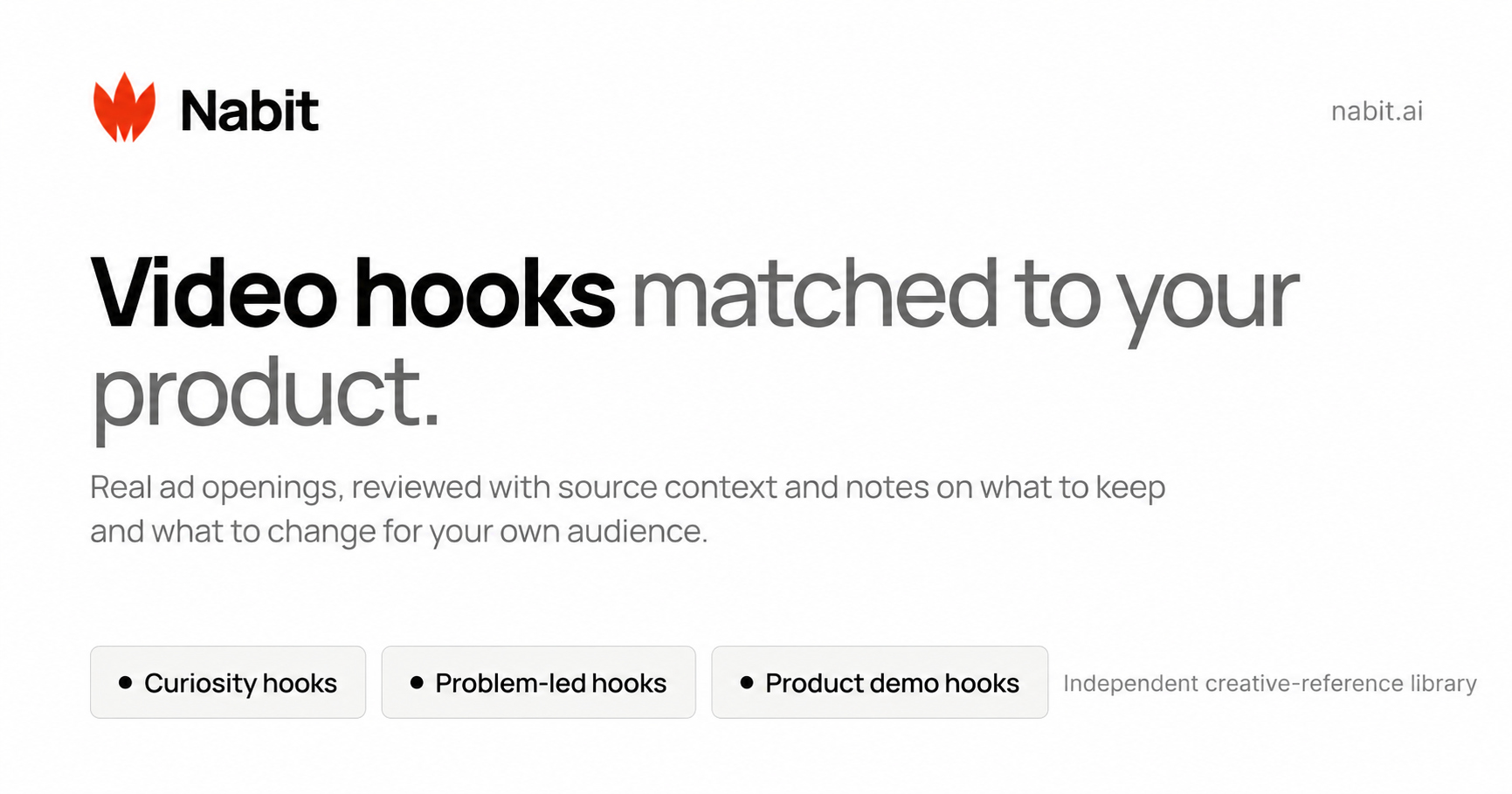
Nabit's plugin is aimed at people making short-form video for a product. You give the agent product facts, and it requests a recommendation batch of reference videos with a viewing link, a reason each one fits and an idea to adapt. It can also explain why an opening works, keep collections, track product-specific trends and schedule a digest of up to five new picks on chosen days.
The README describes six workflow skills and 31 tools (version 0.5.5), with sign-in through OAuth 2.1 and PKCE at https://nabit.ai/mcp. Using the tools needs an active workspace trial or subscription, and recommendations draw on shared workspace credits: a new batch reserves 8 credits and each delivered hook costs 1. The MCP side does not generate images or video; that stays on the website.
Install in Codex from a Git plugin source, or point Claude Code, Cursor or VS Code directly at the endpoint. Requests are rate limited per workspace.
Install
Run in a terminal
claude mcp add --transport http nabit https://nabit.ai/mcpAdd to Settings → Connectors → Add custom connector
https://nabit.ai/mcpAdd to ~/.cursor/mcp.json
{
  "mcpServers": {
    "nabit": {
      "url": "https://nabit.ai/mcp"
    }
  }
}Add to .vscode/mcp.json
{
  "servers": {
    "nabit": {
      "type": "http",
      "url": "https://nabit.ai/mcp"
    }
  }
}
Add to ~/.codeium/windsurf/mcp_config.json
{
  "mcpServers": {
    "nabit": {
      "serverUrl": "https://nabit.ai/mcp"
    }
  }
}
Add to your client's MCP settings (most use this shape)
{
  "mcpServers": {
    "nabit": {
      "type": "http",
      "url": "https://nabit.ai/mcp"
    }
  }
}
Tools this server provides (5)
Taken from the project documentation; the running server may differ.
- request_recommendations
- Starts a product-matched recommendation batch.
- get_recommendation_batch
- Reads a recommendation batch.
- next_recommendation_batch
- Fetches the next matching batch.
- get_video_recommendations
- Reads the current matching batch with a limit and exclusions.
- render_video_recommendations
- Displays a completed batch in hosts with MCP UI.
What it does
- Product-matched hooks
- Finds short-form video references that fit the product you describe.
- Opening analysis
- Explains why an opening works and how to adapt the idea.
- Trend tracking
- Follows trends for an existing Nabit product.
- Collections
- Saves and organises references with feedback.
- Scheduled digest
- A Codex scheduled task can bring up to five picks on chosen days.
- Shared credits
- Website and MCP use the same credit balance and quota.
Good for
- Find video hook references for a product launch
- Study why a reference opening works before filming
- Set up a recurring digest of new inspiration
- Check credit usage from the assistant
Pricing
Paid
Needs a Nabit subscription (Basic, Plus, Pro or Studio); credit pack $25 for 1,200 credits
Prices change. Check nabit.ai before you buy.
Nabit Video Recommendations FAQ
What do I need to use it?
A Nabit account with an active workspace trial or subscription; a credit pack alone does not unlock MCP.
How is it billed?
A new batch holds 8 credits and each delivered hook is 1 credit.
Can it generate images or video?
No. Generation is available on the website, not through MCP.
How do I connect without the plugin?
Add https://nabit.ai/mcp as a Streamable HTTP server and finish the OAuth sign-in.
Is Nabit Video Recommendations free?
No. Nabit Video Recommendations is a paid product.
How do I add Nabit Video Recommendations to Claude Code?
Run this command in your terminal: claude mcp add --transport http nabit https://nabit.ai/mcp
What are the best alternatives to Nabit Video Recommendations?
The closest alternatives to Nabit Video Recommendations are HyperFrames by HeyGen, ffmpeg-skill, Google Ads + Meta Ads + SEO/GEO MCP, Calven and AvatarSay — Fictional Character & Talking Video MCP.
Alternatives to Nabit Video Recommendations

HyperFrames by HeyGen
MCP serverHosted MCP connector for creating and rendering videos from HTML through AI chat
- Remote
- Freemium
- 85.3K GitHub stars
- Design and media

ffmpeg-skill
MCP serverLocal FFmpeg video and audio editing tools for coding agents over MCP
Runs locally- Open source
- 6.9K GitHub stars
- Design and media

Google Ads + Meta Ads + SEO/GEO MCP
MCP serverHosted MCP connector for managing Google Ads, Meta Ads, GA4 and Search Console from chat
- 8 tools
- Remote
- Freemium
- 8.1K GitHub stars
- Marketing and SEO

Calven
MCP serverProduct marketing context from Calven delivered into Claude, ChatGPT and other AI tools
Not checked yet- Remote
- Free trial
- 3 GitHub stars
- Marketing and SEO

Generate fictional character portraits and lip-synced talking videos from text over MCP
- 10 tools
- Remote
- Freemium
- Design and media

MCP
MCP serverMCP server for planning, scheduling and measuring social and ad campaigns with approvals
- Remote
- Freemium
- Marketing and SEO