Meshingly
Encrypted relay so AI coding sessions on different machines can message each other
- Platforms
- CLI
- Runs
- Locally
- Version
- 0.9.1
- Listing updated
- 4 days ago
Similar MCP servers


About Meshingly
Meshingly is an MCP server for developer tools. It runs locally on your machine and is started by your AI client.
Meshingly lets an agent in Claude Code and a teammate's agent in Codex, or your own sessions on several computers, share one collaboration. You create a collaboration, get a code and a password, and others join with them. The relay only stores ciphertext and keeps messages for seven days; code itself travels through git.
Beyond messages there is a work queue: a session near its usage limit can park unfinished work, and another session claims it. An optional watcher can restart queued work with a command you configure, off by default, and by default runs only handoffs written by your own session. Journal and catch-up settings are also off until enabled.
It ships as an npm package, a Claude Code plugin and a marketplace, and needs Node.js 22.18 or newer. Settings live in your home folder rather than the project, so a repository cannot ship them.
Install
Run in a terminal
claude mcp add meshingly -- npx -y meshingly-mcpAdd to claude_desktop_config.json
{
  "mcpServers": {
    "meshingly": {
      "command": "npx",
      "args": [
        "-y",
        "meshingly-mcp"
      ]
    }
  }
}Add to ~/.cursor/mcp.json
{
  "mcpServers": {
    "meshingly": {
      "command": "npx",
      "args": [
        "-y",
        "meshingly-mcp"
      ]
    }
  }
}Add to .vscode/mcp.json
{
  "servers": {
    "meshingly": {
      "type": "stdio",
      "command": "npx",
      "args": [
        "-y",
        "meshingly-mcp"
      ]
    }
  }
}
Add to ~/.codeium/windsurf/mcp_config.json
{
  "mcpServers": {
    "meshingly": {
      "command": "npx",
      "args": [
        "-y",
        "meshingly-mcp"
      ]
    }
  }
}
Add to your client's MCP settings (most use this shape)
{
  "mcpServers": {
    "meshingly": {
      "command": "npx",
      "args": [
        "-y",
        "meshingly-mcp"
      ]
    }
  }
}
Using several servers? Build one config file with the MCP config generator.
Tools this server provides (17)
Taken from the project documentation; the running server may differ.
- meshingly_status
- Shows whether this project is connected.
- meshingly_create
- Starts a collaboration and returns a code and password.
- meshingly_join
- Joins with a code and password.
- meshingly_peers
- Lists other sessions in the collaboration.
- meshingly_send
- Sends an encrypted message.
- meshingly_receive
- Reads new messages, optionally waiting.
- meshingly_handoff
- Parks unfinished work in the queue.
- meshingly_queue
- Lists queued work.
- meshingly_claim
- Takes over queued work.
- meshingly_release
- Gives claimed work back.
- meshingly_done
- Finishes a queued item.
- meshingly_watch_start
- Starts the optional watcher.
- meshingly_watch_stop
- Stops the watcher.
- meshingly_watch_status
- Shows watcher status.
- meshingly_journal
- Writes a short note for other sessions.
- meshingly_recall
- Looks up what happened by peer, topic, file or words.
- meshingly_settings
- Shows or changes preferences.
What it does
- Encrypted collaboration
- Relay stores only ciphertext; join with a code and password.
- Cross-tool sessions
- Claude Code, Codex and other MCP tools can share one collaboration.
- Work queue
- Park, list, claim, release and finish handoffs.
- Optional watcher
- Restarts queued work after a usage limit, off by default.
- Journal and recall
- Short shared notes and lookup by peer, topic or file.
- Multi-computer labels
- Name each computer joining a collaboration.
Good for
- Hand unfinished work to another computer when a limit hits
- Let a teammate's agent review your changes
- Message a session running on a different tool
- Look up what other sessions did on a file
Meshingly FAQ
Can the relay read messages?
The README says it only stores ciphertext.
How long are messages kept?
Seven days.
Does the watcher run automatically?
No, it is off unless you run it or enable autoResume.
What Node version is needed?
22.18 or newer.
How do I add Meshingly to Claude Code?
Run this command in your terminal: claude mcp add meshingly -- npx -y meshingly-mcp
What are the best alternatives to Meshingly?
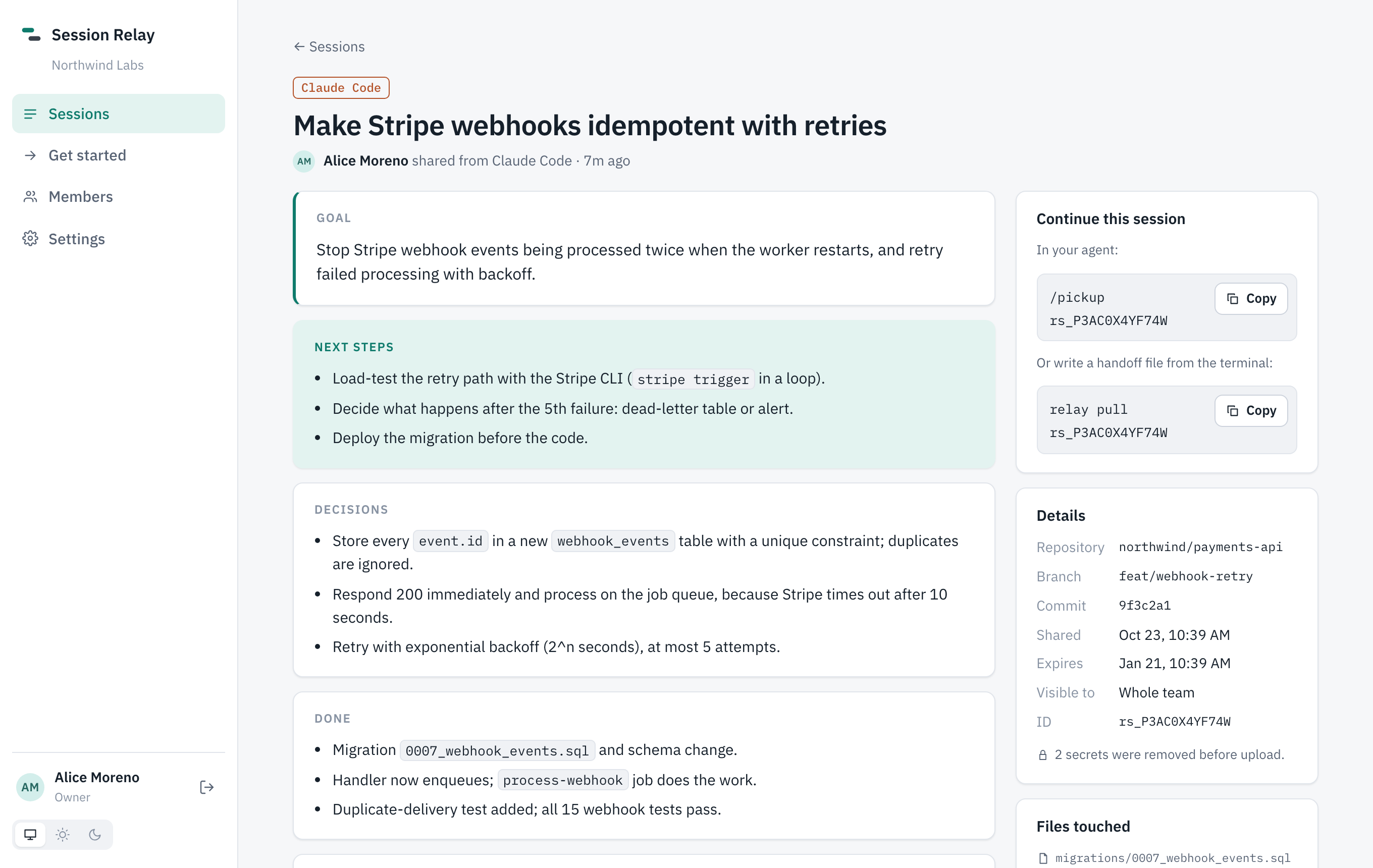
The closest alternatives to Meshingly are hoptell, Session Relay, Chorus, agent-intercom and NexusRelay.
Where this comes from
- Description: written from the project's README.
- Install steps: from the official MCP Registry entry.