MCP Session Bridge
Drive the browser you are signed into from MCP clients, with a standalone fallback
- Pricing
- Freemium
- Platforms
- Chrome extension, CLI, self-hosted
- Runs
- Locally
- Version
- 1.4.1
- Listing updated
- 3 days ago
About MCP Session Bridge
MCP Session Bridge is a freemium MCP server for browser automation. It runs locally on your machine and is started by your AI client.
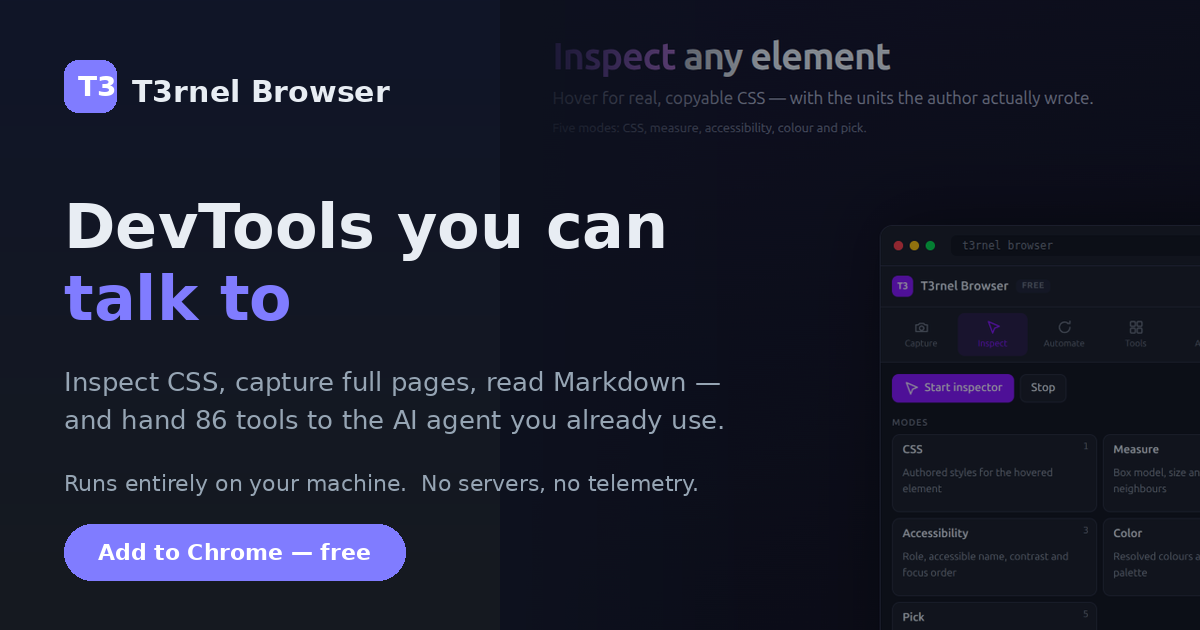
Most browser-automation servers start a fresh, logged-out browser. This one connects to your everyday Chrome profile through the T3rnel Browser extension, so the agent works inside sessions you already have and no cookies are shipped to a remote browser. Since version 1.3.0 the bridge serves a loopback WebSocket that the extension dials out to, so running it with npx is the whole setup.
Three environment variables shape it: T3RNEL_SESSION_MODE chooses auto, extension or standalone; T3RNEL_SESSION_HEADLESS runs the standalone browser headless; T3RNEL_SESSION_TIMEOUT_MS sets a 30-second default per call. Standalone mode launches its own CDP browser on a persistent profile, needs no extension or licence and cannot touch your everyday browser.
The bridge itself is free. The extension's site lists 97 tools, a one-time $29.99 Pro tier for up to five browsers, and a free tier of three uses a month of the extension's own tools. An approval gate that asks before pages change ships switched off.
Install
Run in a terminal
claude mcp add mcp-session-bridge -- npx -y @t3ratech/mcp-session-bridgeAdd to claude_desktop_config.json
{
  "mcpServers": {
    "mcp-session-bridge": {
      "command": "npx",
      "args": [
        "-y",
        "@t3ratech/mcp-session-bridge"
      ]
    }
  }
}Add to ~/.cursor/mcp.json
{
  "mcpServers": {
    "mcp-session-bridge": {
      "command": "npx",
      "args": [
        "-y",
        "@t3ratech/mcp-session-bridge"
      ]
    }
  }
}Add to .vscode/mcp.json
{
  "servers": {
    "mcp-session-bridge": {
      "type": "stdio",
      "command": "npx",
      "args": [
        "-y",
        "@t3ratech/mcp-session-bridge"
      ]
    }
  }
}
Add to ~/.codeium/windsurf/mcp_config.json
{
  "mcpServers": {
    "mcp-session-bridge": {
      "command": "npx",
      "args": [
        "-y",
        "@t3ratech/mcp-session-bridge"
      ]
    }
  }
}
Add to your client's MCP settings (most use this shape)
{
  "mcpServers": {
    "mcp-session-bridge": {
      "command": "npx",
      "args": [
        "-y",
        "@t3ratech/mcp-session-bridge"
      ]
    }
  }
}
Configuration
T3RNEL_SESSION_MODEauto (default) uses the extension when its relay socket exists and falls back to a standalone browser; extension forces the extension; standalone forces its own browser.T3RNEL_SESSION_HEADLESSSet to 1 to run the standalone browser headless. Ignored in extension mode.T3RNEL_SESSION_TIMEOUT_MSHow long a single tool call may take before it fails rather than hanging the client.
What it does
- Signed-in browser control
- Uses your real profile and sessions through the extension.
- Standalone mode
- Launches a separate CDP browser needing no extension or licence.
- Mode switching
- auto, extension or standalone, set with T3RNEL_SESSION_MODE.
- Credential redaction
- The site says credentials are redacted before they reach the model.
- Multi-browser support
- Asks each connected browser for its tab list and uses the first with a tab.
- Call timeouts
- Each tool call fails after 30 seconds by default instead of hanging.
Good for
- Let an agent read a dashboard that sits behind your login
- Fill and submit forms in an already authenticated session
- Capture full-page screenshots for a bug report
- Run browser steps without handing credentials to a cloud service
Pricing
Freemium
Bridge is free; Pro extension tools are $29.99 one-time
Prices change. Check browser.t3ratech.co.zw before you buy.
MCP Session Bridge FAQ
Is the bridge free?
Yes. The README says the package enforces no licence; extension Pro tools are gated by the extension's one-time $29.99 tier.
Can it run without the extension?
Yes, standalone mode launches its own browser and needs neither the extension nor a licence.
Which browsers work?
The site says Chrome, Brave, Edge, Opera and Chromium share one package, and Firefox is partly supported.
How is it installed?
Run npx @t3ratech/mcp-session-bridge; no global install is needed from 1.3.0.
Is MCP Session Bridge free?
MCP Session Bridge has a free plan, with paid plans for more usage or features.
How do I add MCP Session Bridge to Claude Code?
Run this command in your terminal: claude mcp add mcp-session-bridge -- npx -y @t3ratech/mcp-session-bridge
What are the best alternatives to MCP Session Bridge?
The closest alternatives to MCP Session Bridge are Browser Use, Scrapling MCP Server, Oya Browser, Mantis and Auto-building agents.
Alternatives to MCP Session Bridge

Browser Use
MCP serverBrowser agents and cloud browsers for AI, with an MCP server for web tasks
- 7 tools
- Remote
- Freemium
- 121K GitHub stars
- Browser automation

Scrapling MCP Server
MCP serverMCP server for AI clients to scrape sites with HTTP and stealth browser sessions
Runs locally- 17 tools
- Open source
- 104K GitHub stars
- Web search and scraping

Oya Browser
MCP serverHIPAA-oriented agentic browser with replayable playbooks, reachable over MCP
- 32 tools
- Remote
- Freemium
- 349 GitHub stars
- Browser automation
Mantis
MCP serverBrowser MCP server that gives agents numbered text pages instead of screenshots
Runs locally- 1 tool
- Open source
- 5 Hacker News points
- Browser automation

Auto-building agents
MCP serverBuild and continue browser and Mac automation scripts for Super through Claude
- Remote
- Paid
- Browser automation

pour
MCP serverRun WCAG 2.2 accessibility audits and vision simulations on any URL from an agent
Runs locally- Open source
- Developer tools