
Koppar
Design a KiCad PCB from a prompt: parts, schematic checks, routing, DRC and Gerbers
- Pricing
- Freemium
- Platforms
- API, CLI
- Runs
- Remotely
- Version
- 1.0.1
- Listing updated
- 1 day ago
About Koppar
Koppar is a freemium MCP server for engineering simulation. It runs as a hosted remote server, so there is nothing to install locally.
Koppar's server walks an agent through a full board build. It starts a design from a brief, looks up KiCad symbols and footprints, stores a research dossier with verified pin tables, then compiles a SKiDL circuit and runs pre-flight, ERC, KiCad ERC, floating-subsystem and sourcing checks, returning accepted or the blocking findings. Placement and routing run in the background with get_board_status for progress, and a design can end in a priced bill of materials, fab-readiness status and download links.
There is a second set for your own boards: import a zipped KiCad project, place footprints, set outlines, design rules and zones, route or rip up nets, widen power rails, couple differential pairs, tidy copper and vias, and run checks on net rules and physics such as impedance and IR drop. Jobs are budgeted in time and can run up to two hours.
Access needs an API key. Pricing is $29 per finished board, with three free designs and subscriptions from $99 a month.
Install
Run in a terminal
claude mcp add --transport http koppar https://app.koppar.ai/mcpAdd to Settings → Connectors → Add custom connector
https://app.koppar.ai/mcpAdd to ~/.cursor/mcp.json
{
  "mcpServers": {
    "koppar": {
      "url": "https://app.koppar.ai/mcp"
    }
  }
}Add to .vscode/mcp.json
{
  "servers": {
    "koppar": {
      "type": "http",
      "url": "https://app.koppar.ai/mcp"
    }
  }
}
Add to ~/.codeium/windsurf/mcp_config.json
{
  "mcpServers": {
    "koppar": {
      "serverUrl": "https://app.koppar.ai/mcp"
    }
  }
}
Add to your client's MCP settings (most use this shape)
{
  "mcpServers": {
    "koppar": {
      "type": "http",
      "url": "https://app.koppar.ai/mcp"
    }
  }
}
Tools this server provides (27)
Taken from the project documentation; the running server may differ.
- get_workflow_guide
- Return instructions for a stage.
- create_design
- Start a design from a brief.
- list_designs
- List your designs.
- get_design
- Read a design.
- search_kicad_symbol
- Find symbols in KiCad libraries.
- get_kicad_symbol
- Read a symbol's pins.
- search_kicad_footprint
- Find a footprint by package.
- create_custom_symbol
- Create a symbol for a missing part.
- save_dossier
- Store the research dossier.
- submit_circuit
- Compile and check a SKiDL script.
- edit_circuit
- Apply edits to the last script and re-check.
- get_review_packet
- Bundle brief, dossier, code and connectivity.
- start_board
- Place and route in the background.
- get_board_status
- Report progress and DRC result.
- get_bom
- Return the priced BOM.
- get_fab_status
- Say whether fab files are earned.
- get_order_price
- Get an assembly quote.
- send_order_to_provider
- Hand off to an assembly provider.
- get_downloads
- List artifact URLs.
- upload_board
- Upload your own .kicad_pcb.
- import_kicad_project
- Import a zipped KiCad project.
- route_board
- Route all or selected nets.
- run_drc
- Run KiCad DRC.
- check_physics
- Check impedance, IR drop and current.
- render_board
- Render a PNG of the board.
- export_step
- Export a STEP model.
- restore_board_revision
- Restore an earlier revision.
What it does
- Circuit compile and checks
- Submit SKiDL and get ERC, footprint and sourcing findings before layout.
- Placement and routing
- Auto or manual placement, routing, rip-up and repair with DRC.
- BOM and ordering
- Priced BOM, JLCPCB basic-part consolidation and assembly quotes.
- Import your own board
- Bring a zipped KiCad project and work on it with the same tools.
- Physics checks
- Impedance, IR drop and current checks beyond KiCad DRC.
- Revision history
- List and restore earlier board revisions.
Good for
- Turn a product brief into a routed two-layer board
- Check a schematic before spending time on layout
- Tidy vias and copper on an existing KiCad project
- Get a quote and fab files for a finished board
- Diagnose why a net stays open
Pricing
Freemium, from $99 a month
Three free designs; $29 per board; Builder from $99/mo
Prices change. Check docs.koppar.ai before you buy.
Koppar FAQ
How do I connect?
Create a key and add the HTTP server with an Authorization bearer header; a local koppar command covers stdio-only clients.
What are the run limits?
Two board runs per account at once, up to ten queued; route_board may take up to 25 minutes.
What does it cost?
$29 per finished board, Builder $99/mo, Studio $249/mo, Team $149 per seat; three designs are free.
Can I recover a deleted design?
Yes, from the trash for seven days.
Is Koppar free?
Koppar has a free plan, with paid plans for more usage or features. Paid plans start at $99 a month.
How do I add Koppar to Claude Code?
Run this command in your terminal: claude mcp add --transport http koppar https://app.koppar.ai/mcp
What are the best alternatives to Koppar?
The closest alternatives to Koppar are Petrolytx: decline curves and well economics, Cutlab CNC, ProofPass, 轻排生产排产(MRP-PMC) and zumen-gate.
Alternatives to Koppar

Run decline curve fits, forecasts and well economics on your own Petrolytx wells
Not checked yet- Remote
- Freemium
- Analytics and data

Cutlab CNC
MCP serverQuote estimates and quote requests for a CNC cutting workshop in Tallinn
- 3 tools
- Remote
- Paid
- Manufacturing
ProofPass
MCP serverCurrent safety data sheets, EU product-document deadlines and duties, plus your account
- 31 tools
- Remote
- Freemium
- Legal and government
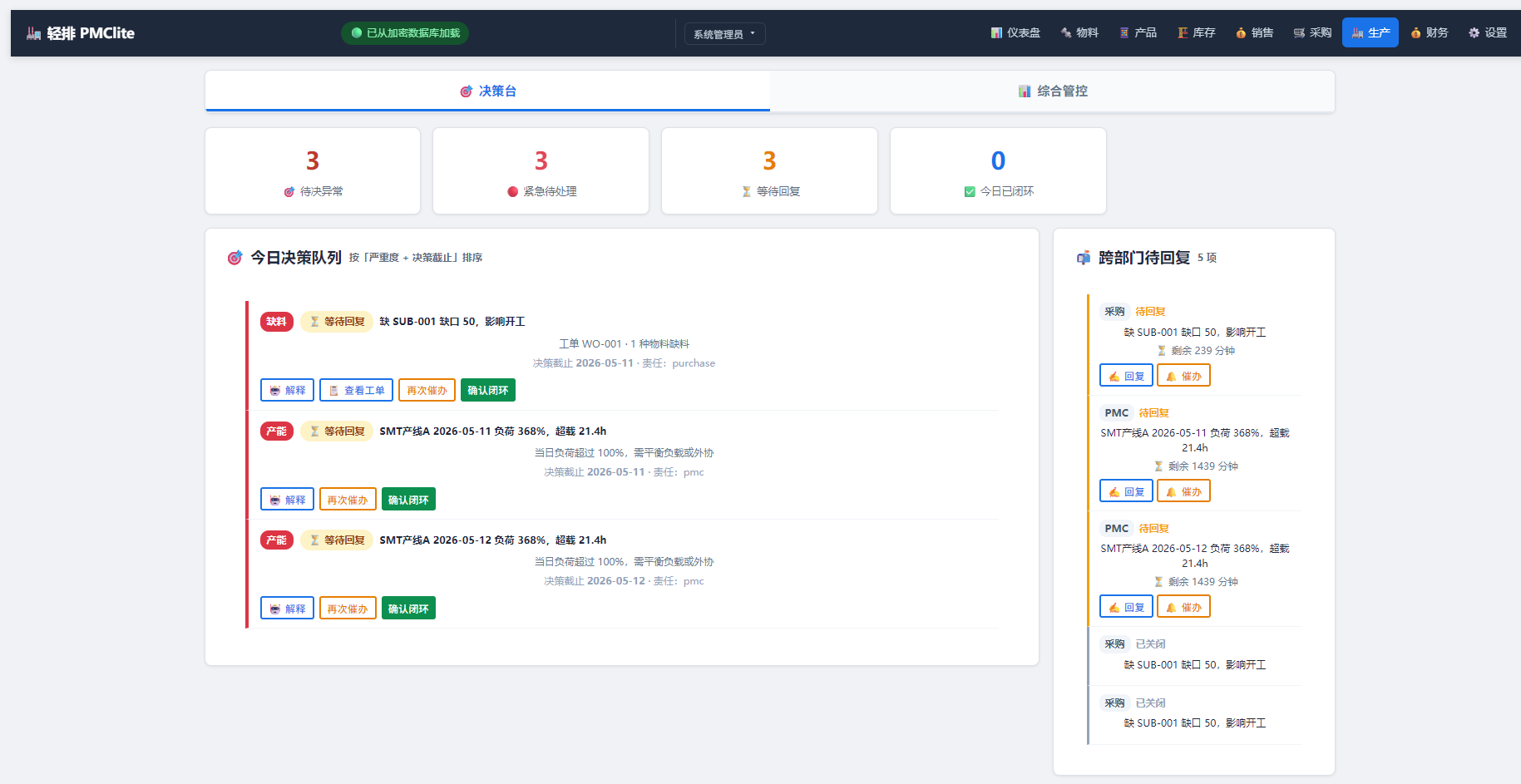
轻排生产排产(MRP-PMC)
MCP serverDrive the local MRP-PMC factory scheduler from AI for scheduling and material checks
Runs locally- Freemium
- Manufacturing

zumen-gate
MCP serverRead, search, render, edit and convert CAD drawings such as JWW, DWG, DXF and SXF
Runs locally- 8 tools
- Freemium
- Engineering simulation

GPU CFD and conjugate heat transfer for cold plates, heat sinks and battery packs
- 86 tools
- Remote
- Contact sales
- Engineering simulation