Keystone
Keep a C4 architecture model of your codebase and hand your AI the slice it needs
- Pricing
- Freemium
- Platforms
- Web, API
- Runs
- Remotely
- Version
- 1.0.0
- Listing updated
- 3 days ago
About Keystone
Keystone is a freemium MCP server for developer tools. It runs as a hosted remote server, so there is nothing to install locally.
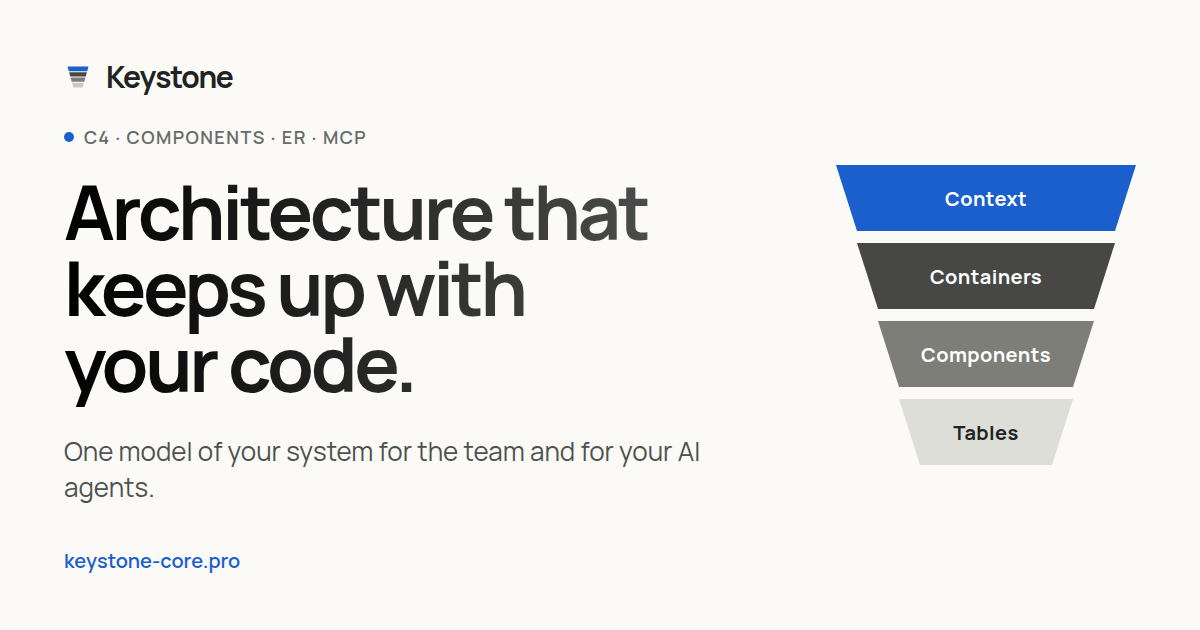
Keystone keeps a model of your software as systems, services, components with public APIs, and databases down to tables and columns. Your AI coding assistant builds it by reading the repository in your own environment, so no source is uploaded; it sends Keystone elements, relationships, descriptions and evidence, which may contain code fragments.
Proposals arrive as a branch your team reviews, with field-by-field three-way merges. After code changes the AI can check the diagram for drift, by hand or from a CI job it generates for GitHub Actions or GitLab CI. The agent can request one module, what depends on an element, a path between two elements, or only what changed since last time.
The maker reports 68 to 77 percent fewer input tokens for a single-module question than sending the whole model, measured on one anonymized project. Scenarios, ADRs, antipattern review, live co-editing and exports to PNG, SVG, Mermaid, Structurizr DSL and Obsidian are included.
Install
Run in a terminal
claude mcp add --transport http keystone https://keystone-core.pro/mcpAdd to Settings → Connectors → Add custom connector
https://keystone-core.pro/mcpAdd to ~/.cursor/mcp.json
{
  "mcpServers": {
    "keystone": {
      "url": "https://keystone-core.pro/mcp"
    }
  }
}Add to .vscode/mcp.json
{
  "servers": {
    "keystone": {
      "type": "http",
      "url": "https://keystone-core.pro/mcp"
    }
  }
}
Add to ~/.codeium/windsurf/mcp_config.json
{
  "mcpServers": {
    "keystone": {
      "serverUrl": "https://keystone-core.pro/mcp"
    }
  }
}
Add to your client's MCP settings (most use this shape)
{
  "mcpServers": {
    "keystone": {
      "type": "http",
      "url": "https://keystone-core.pro/mcp"
    }
  }
}
What it does
- Model built from code
- Your AI proposes elements from code, config and migrations.
- Focused context
- Returns a module, its API or a database instead of the whole graph.
- Drift checks
- Compare the diagram with code, manually or from CI.
- Review by branch
- Every AI proposal arrives as a branch you correct, merge or reject.
- Decisions and scenarios
- Attach ADRs to elements and play scenarios as sequence diagrams.
- Open exports
- PNG, SVG, Mermaid, Structurizr DSL and Obsidian notes.
Good for
- Give an AI assistant architecture context for a task
- Detect drift between diagrams and code
- Document services and database tables from migrations
- Review antipatterns with remediation plans
- Share architecture decisions with a team
Pricing
Freemium
Free plan available; paid prices not published
Prices change. Check keystone-core.pro before you buy.
Keystone FAQ
Does Keystone get my source code?
You do not upload the repository; your AI reads it locally and sends architecture details, which can include code snippets.
Which tools work with it?
MCP clients including Claude Code, Cursor, VS Code with Copilot, Gemini CLI and Windsurf.
Is there a free plan?
The site says a free plan is available.
Can it run in my network?
The site says companies can also run Keystone inside their own network.
Is Keystone free?
Keystone has a free plan, with paid plans for more usage or features.
How do I add Keystone to Claude Code?
Run this command in your terminal: claude mcp add --transport http keystone https://keystone-core.pro/mcp
What are the best alternatives to Keystone?
The closest alternatives to Keystone are REA, Codebase Memory, GitHub, Serena MCP: the IDE for your agent and XERJ.
Alternatives to Keystone

REA
MCP serverCLI and MCP server that lets coding agents reverse engineer apps and binaries
Runs locally- Open source
- 464K GitHub stars
- Developer tools

Codebase Memory
MCP serverLocal MCP server that builds a code knowledge graph for AI coding agents
Runs locally- Open source
- 48.7K GitHub stars
- Knowledge and memory

GitHub
MCP serverOfficial MCP server connecting AI assistants to GitHub repos, issues and workflows
Not checked yet- Remote
- Open source
- 34.5K GitHub stars
- Developer tools

Serena MCP: the IDE for your agent
MCP serverMCP toolkit giving coding agents symbol-level code retrieval and editing
Runs locally- Open source
- 31.5K GitHub stars
- Developer tools

XERJ
MCP serverLocal search engine for AI agents with cited answers over your code and docs
Runs locally- Open source
- 19.2K GitHub stars
- Knowledge and memory

Ouroboros
MCP serverSpec-first layer that pins requirements and verifies results of AI coding agent work
Runs locally- Open source
- 6.4K GitHub stars
- Developer tools