Industrial-AIOps
Read-first factory data tap across 15 protocols, with evidence-cited downtime analysis
- Platforms
- CLI, Linux, self-hosted
- Runs
- Locally
- Version
- 0.34.1
- Listing updated
- today
Similar MCP servers


About Industrial-AIOps
Industrial-AIOps is an MCP server for manufacturing. It runs locally on your machine and is started by your AI client.
Built for operational technology, it reads from industrial devices and correlates what it finds across protocols, including OPC UA, Modbus, Siemens S7, MQTT/Sparkplug B, BACnet/IP, EtherNet/IP and PROFINET, so an agent can answer why a line stopped and cite the data behind the verdict. Other analyses cover alarm floods under ISA-18.2, data trustworthiness, OEE from declared tag roles, asset inventory and legacy PLC program explanations. The analysis engine is deterministic, needs no GPU or model API, and a language model only phrases the finished verdict.
The README is careful about control: reads are the product, writes are off by default and gated by dry-run, one-shot approval, undo capture and a hash-chained audit, and no tool deploys PLC logic. Every call from the CLI or MCP is audited and there is no telemetry by default. Six tools can send data off the machine by design, and setting IAIOPS_NO_EGRESS=1 withholds them for air-gapped sites.
You must pick a tool menu through IAIOPS_MCP, such as a named profile (fab, factory, process, building, water, pharma and others) or a list of protocols. It installs from PyPI, with a signed non-root container image also published.
Install
Run in a terminal
claude mcp add iaiops --env IAIOPS_MCP='<IAIOPS_MCP>' --env IAIOPS_MASTER_PASSWORD='<IAIOPS_MASTER_PASSWORD>' -- uvx iaiopsAdd to claude_desktop_config.json
{
  "mcpServers": {
    "iaiops": {
      "command": "uvx",
      "args": [
        "iaiops"
      ],
      "env": {
        "IAIOPS_MCP": "<IAIOPS_MCP>",
        "IAIOPS_MASTER_PASSWORD": "<IAIOPS_MASTER_PASSWORD>"
      }
    }
  }
}
Add to ~/.cursor/mcp.json
{
  "mcpServers": {
    "iaiops": {
      "command": "uvx",
      "args": [
        "iaiops"
      ],
      "env": {
        "IAIOPS_MCP": "<IAIOPS_MCP>",
        "IAIOPS_MASTER_PASSWORD": "<IAIOPS_MASTER_PASSWORD>"
      }
    }
  }
}
Add to .vscode/mcp.json
{
  "servers": {
    "iaiops": {
      "type": "stdio",
      "command": "uvx",
      "args": [
        "iaiops"
      ],
      "env": {
        "IAIOPS_MCP": "<IAIOPS_MCP>",
        "IAIOPS_MASTER_PASSWORD": "<IAIOPS_MASTER_PASSWORD>"
      }
    }
  }
}
Add to ~/.codeium/windsurf/mcp_config.json
{
  "mcpServers": {
    "iaiops": {
      "command": "uvx",
      "args": [
        "iaiops"
      ],
      "env": {
        "IAIOPS_MCP": "<IAIOPS_MCP>",
        "IAIOPS_MASTER_PASSWORD": "<IAIOPS_MASTER_PASSWORD>"
      }
    }
  }
}
Add to your client's MCP settings (most use this shape)
{
  "mcpServers": {
    "iaiops": {
      "command": "uvx",
      "args": [
        "iaiops"
      ],
      "env": {
        "IAIOPS_MCP": "<IAIOPS_MCP>",
        "IAIOPS_MASTER_PASSWORD": "<IAIOPS_MASTER_PASSWORD>"
      }
    }
  }
}
Using several servers? Build one config file with the MCP config generator.
Configuration
IAIOPS_MCPTool-menu selection: comma-separated protocols or a named profile (e.g. 'fab', 'process', 'building', 'opcua,modbus'). No default since 0.10.0 — unset prints the selection menu and exits; set to a profile name (e.g. factory) or comma-list of protocols.RequiredIAIOPS_CONFIGPath to the endpoints config YAML (default: ~/.iaiops/config.yaml).IAIOPS_MASTER_PASSWORDMaster password unlocking the encrypted secret store (~/.iaiops/secrets.enc).IAIOPS_NO_EGRESSSet to 1 to withhold every data-shipping tool (message bus, external historian, remote LLM) from list_tools() at registration time, for an airgap/sealed-box deployment. This is a data-exfiltration axis only, not read/write authorisation — whether a write is allowed is the caller's decision, and every call (read or write) is audited. Gates MCP tools only — not a firewall.
What it does
- Cross-protocol RCA
- Correlates readings across protocols into a cited verdict.
- Governed calls
- Audit, budget, risk tier and undo on every call.
- Industry profiles
- Choose a profile such as factory or building.
- Deterministic analysis
- No model needed to compute results.
- Air-gap mode
- One setting withholds data-shipping tools.
- Onboarding commands
- Scan, doctor, readiness and bounded collection.
- Legacy PLC explainer
- Explains ST, AWL and L5X programs.
Good for
- Investigate the cause of a production line stoppage
- Calculate OEE from declared tag semantics
- Review an alarm flood against ISA-18.2
- Inventory assets and check data quality on a site
- Run read-only analysis in an air-gapped plant
Industrial-AIOps FAQ
Does it write to devices?
Writes are off by default, gated by dry-run, approval, undo capture and audit; no tool deploys PLC logic.
Does it need a language model?
No. Analysis is deterministic; an LLM is optional and only rephrases the verdict.
Does it send data out?
No telemetry by default. Six tools can ship data off-box and IAIOPS_NO_EGRESS=1 withholds all of them.
How do I install it?
pip install iaiops with a protocol extra, or use the cosign-signed container image over stdio.
How do I add Industrial-AIOps to Claude Code?
Run this command in your terminal: claude mcp add iaiops --env IAIOPS_MCP='<IAIOPS_MCP>' --env IAIOPS_MASTER_PASSWORD='<IAIOPS_MASTER_PASSWORD>' -- uvx iaiops
What are the best alternatives to Industrial-AIOps?
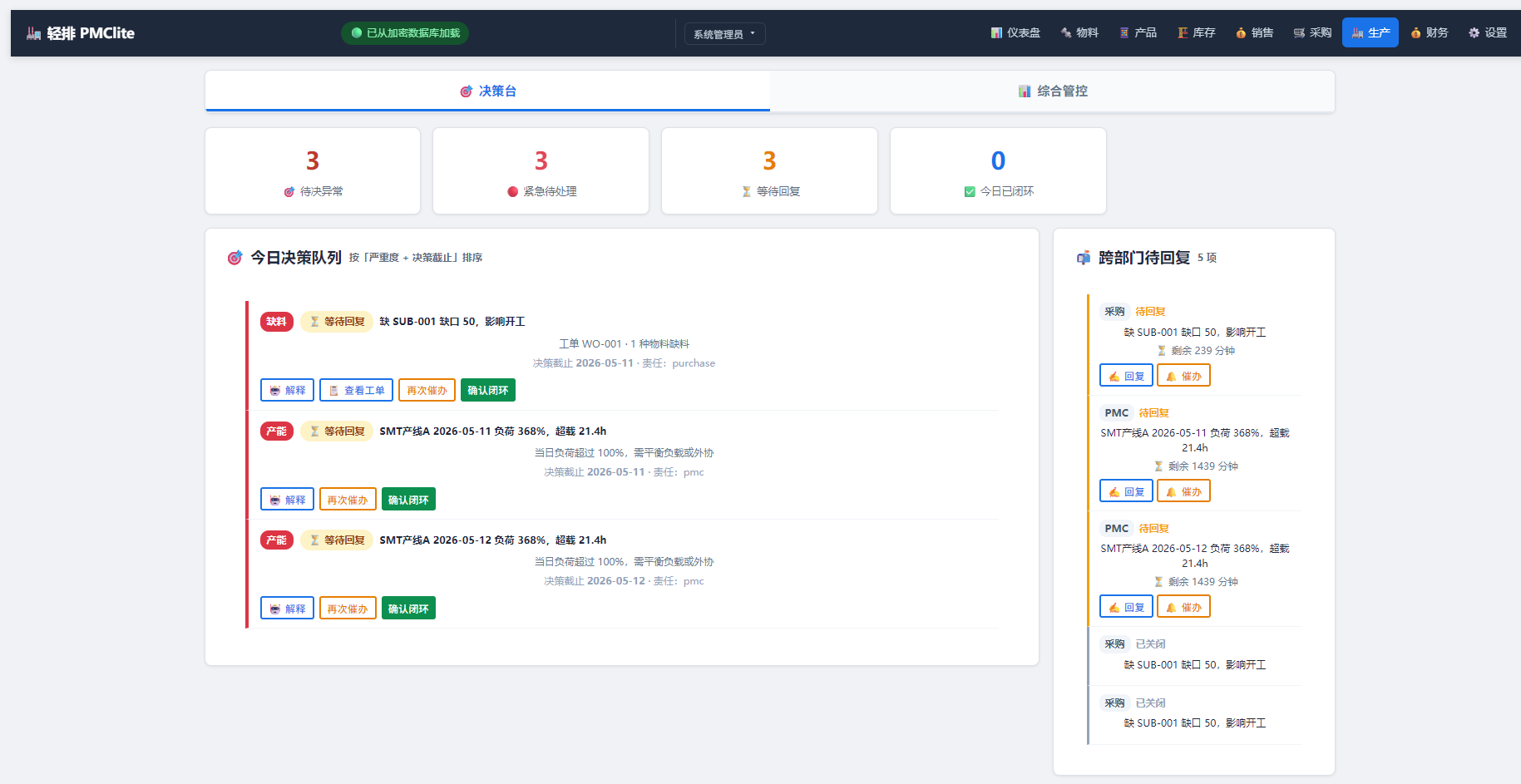
The closest alternatives to Industrial-AIOps are Cutlab CNC, ProofPass, 轻排生产排产(MRP-PMC), The Cable Code and Formada3D 3D Printing.
Where this comes from
- Description: written from the project's README.
- Install steps: from the official MCP Registry entry.