
Finished landing pages, blocks and Motion components for your AI tool
- 6 tools
- Remote
- Freemium
- Design and media
Finished landing pages, blocks and Motion components for your AI tool

Embeds business reviews from many platforms on websites, with an MCP server for AI

Give coding agents real landing-page layouts to pick, compose and review
Not checked yet
Paid website and film source templates a coding agent can adapt for your own brand
Not checked yet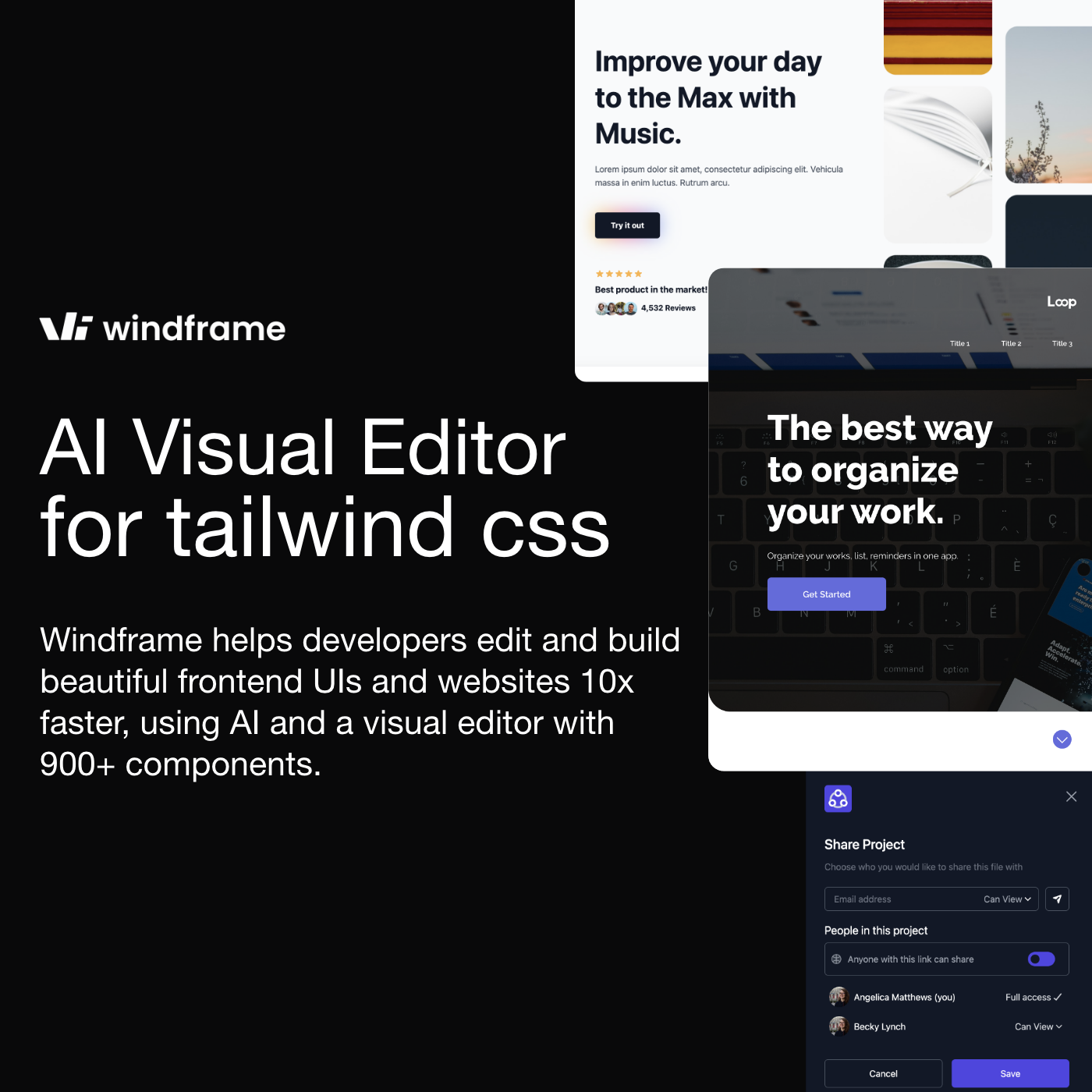
MCP server giving AI coding agents Tailwind design tokens and UI components
Not checked yetMCP server that lets AI agents generate HTML from components and templates
Runs locallySee every kind of AI for website templates: tools, agents, MCP servers and skills.
The most popular MCP servers for website templates on AI-Powered right now are Herofold, BlooTrue business directory, Layoutline, Plate Website Source and Windframe. Rankings combine upvotes, recent activity and, for open-source projects, GitHub stars.
Yes. Of the 6 MCP servers for website templates listed, 2 are free or open source and 2 have a free plan. Use the Pricing filter to see only those.
AI-Powered lists 6 MCP servers for website templates. New listings are added daily from the official MCP Registry, GitHub and maker submissions.
Open the server's page and copy the snippet for your client. Claude Code uses a single "claude mcp add" command; Claude Desktop, Cursor and VS Code use a JSON entry in their MCP config file. Remote servers only need their URL.