
Back up agent memory, files and dashboards, then recover from a reviewed snapshot
Not checked yet- Remote
- Free
- Knowledge and memory
Back up agent memory, files and dashboards, then recover from a reviewed snapshot
Not checked yet
Production-aware review of changes against your AWS or Google Cloud setup, via MCP

Self-hosted file manager in one Go binary with a built-in MCP server for agents
Not checked yet
Run WordPress hosting from an assistant: backups, staging, updates, PHP and domains

Deploy and manage GitHub apps on Kubana Cloud from an assistant, with emailed approvals
Not checked yetCreate DNS zones, edit records and check nameserver delegation on Kubana Cloud
Not checked yetSearch, register and renew domains and set nameservers at Kubana Cloud from an assistant
Not checked yetCreate, power, delete and monitor Kubana Cloud VPS servers from an AI assistant
Not checked yetOrder business email for a domain and manage mailboxes and quotas on Kubana Cloud
Not checked yet
Uptime monitoring for AI tools, APIs and MCP servers, reachable from any MCP client
Check hosting, domain, VPS and SSL prices and get ready-to-pay cart links

Deploy and run apps, databases, domains and email on Dbrij from your AI assistant
Alpha Linux machines for AI agents: create, run commands, snapshot, fork and sandbox
Sourced public GPU rental prices across 26 cloud providers, refreshed daily

Manage Rivervo sites, domains, mail, servers and app deployments from a chat assistant

Dated upstream changes that will break code, checked against your repo or dependencies
Runs locally
Deploy and manage apps, Postgres, auth, storage and domains on Helm7 from an AI agent
Ask Claude or Cursor about AWS savings found by CloudFix, with read-only tools
WHOIS, DNS, IP, SSL and domain lookups from WhoisFreaks, as 22 read-only tools

Dated, source-linked records of compute providers, funded programmes and data centres
Not checked yet
Query uptime, server telemetry and incidents, and manage monitors, from an AI chat
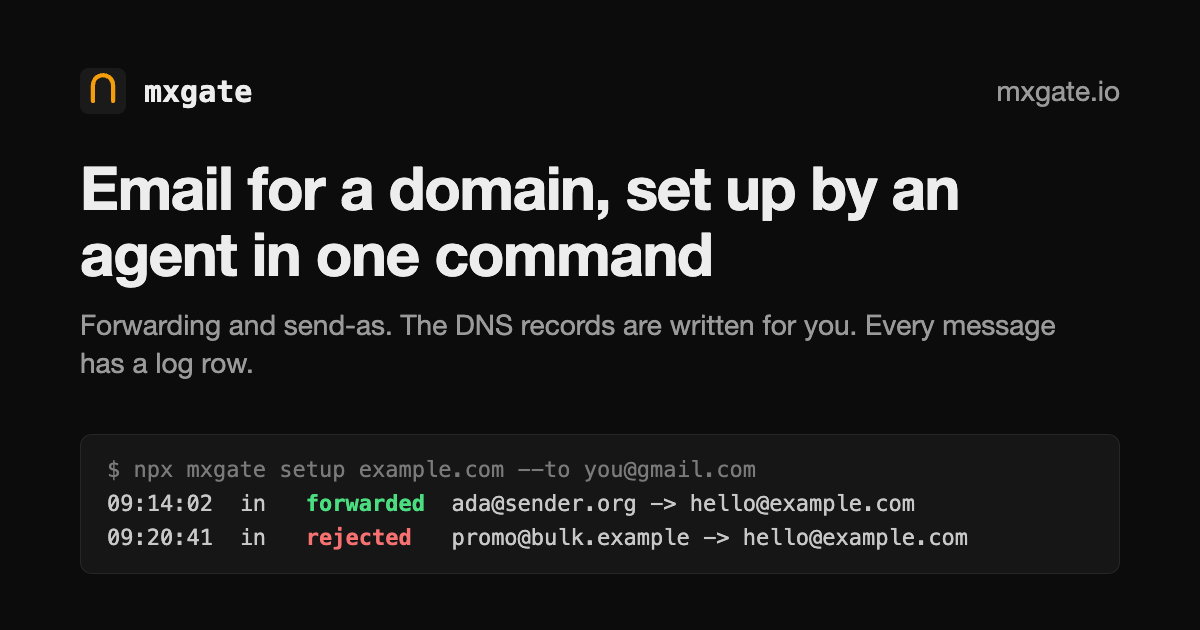
Set up domain email, forwarding and send-as from an agent with one command

Let your coding agent publish a static site or game to yourname.guises.site

Ask an AI assistant what is down, review incidents and manage uptime monitors

Publish a local dev server or folder to a public HTTPS URL through a Cruma tunnel
Runs locally
Let your AI assistant manage KENJTEC websites, DNS records, media and invoices

Manage a Sovaria backend (Postgres, auth, storage, functions) from an AI assistant
Not checked yet
Create Kubernetes clusters and deliver workloads with GitOps from one CLI and MCP server
Runs locally
Hosted connector to find, check out and register assets in AssetTiger
Hosted connector for Atera devices, alerts and tickets, with ticket and alert actions
See every kind of AI for cloud and infrastructure: tools, agents and MCP servers.Ranked: the best AI for cloud and infrastructure.
The most popular MCP servers for cloud and infrastructure on AI-Powered right now are Agent Yurt, Proofline, filex, MagicWP MCP and Kubana Cloud App Platform. Rankings combine upvotes, recent activity and, for open-source projects, GitHub stars.
Yes. Of the 703 MCP servers for cloud and infrastructure listed, 245 are free or open source and 232 have a free plan. Use the Pricing filter to see only those.
AI-Powered lists 703 MCP servers for cloud and infrastructure. New listings are added daily from the official MCP Registry, GitHub and maker submissions.
Open the server's page and copy the snippet for your client. Claude Code uses a single "claude mcp add" command; Claude Desktop, Cursor and VS Code use a JSON entry in their MCP config file. Remote servers only need their URL.