Fail-closed browser engine for AI agents, MCP-native, without Chromium or CDP
Runs locally- Open source
- Browser automation
Fail-closed browser engine for AI agents, MCP-native, without Chromium or CDP
Runs locally
Give AI agents controlled access to real Android phones, with approvals and an audit log
Runs locallyLet Claude Code, Codex or Cursor click, type and read the screen on your computer
Runs locally
Check pages for responsive design problems and screenshot them on real device sizes
Runs locally
Cloud and local browser agent for MCP clients, with encrypted logins and approval gates
Runs locally
Budgeted web page reading for AI assistants, read-only until you allow clicking
Runs locally
One MCP gateway for QA work: Playwright, files, GitHub, Jira and databases together
Runs locally
Verify an isolated WPE WebKit runtime with native input, DOM and screenshot evidence
Runs locally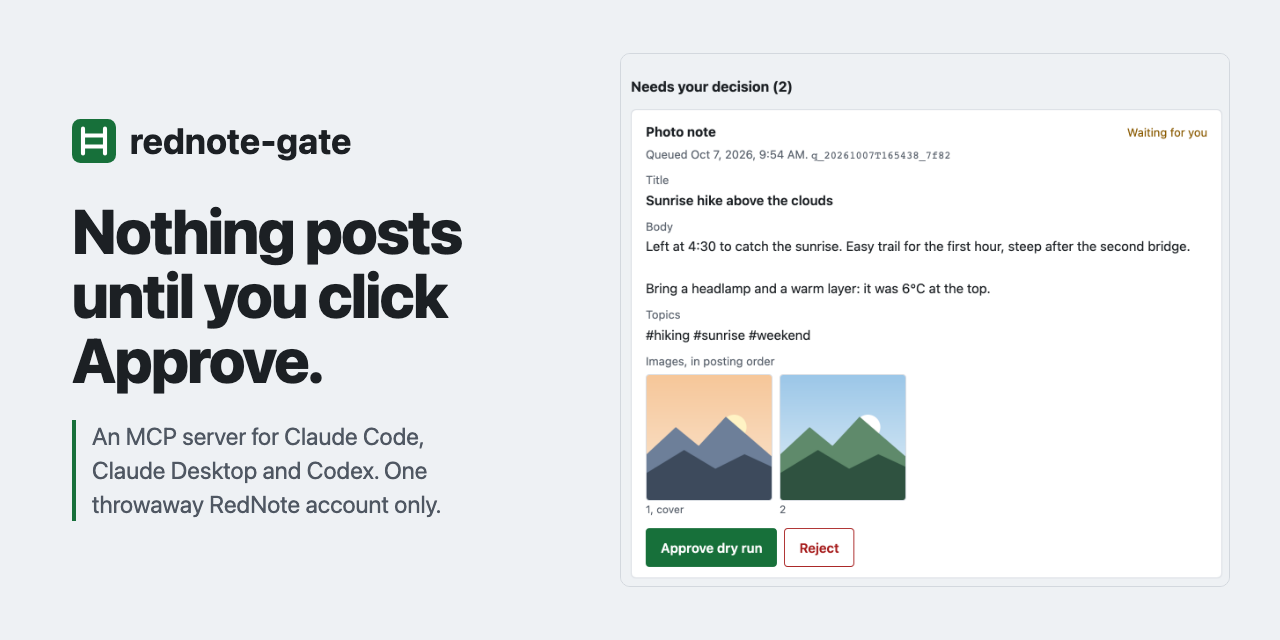
Local MCP server for a throwaway RedNote account; every write waits for your Approve
Runs locallyLocal MCP server that lets AI assistants record narrated-free browser tutorial videos
Not checked yetSee every kind of AI for browser automation: tools, agents, MCP servers and skills.Ranked: the best AI for browser automation.