
CAD Compare
Local MCP server that compares STEP CAD files and reports what changed
- Pricing
- Freemium
- Platforms
- CLI, macOS, Windows
- Runs
- Locally
- Version
- 0.2.1
- Listing updated
- 2 days ago
About CAD Compare
CAD Compare is a freemium MCP server for engineering simulation. It runs locally on your machine and is started by your AI client.
Files are read on your own machine and never uploaded, so the assistant only sees the comparison result. That matters for CAD, where drawings are often confidential. A small Node-based server does the work, and an optional licence key is the only thing sent to the vendor, to confirm Pro status.
The free tools give a verdict of identical, moved or different with the maximum deviation, plus a position-independent shape fingerprint that recognises renamed copies. Pro adds a list of changed features such as a hole going from 6 mm to 6.5 mm, assembly comparison with added, removed and renamed parts, duplicate detection across a folder, PNG difference renders and HTML reports with a rotatable 3D view.
Claude Desktop users install a bundle with a double-click, while other clients start it with npx and need Node.js 20 or newer.
Install
Run in a terminal
claude mcp add cad-compare --env CAD_COMPARE_LICENSE='<CAD_COMPARE_LICENSE>' -- npx -y cad-compare-mcpAdd to claude_desktop_config.json
{
  "mcpServers": {
    "cad-compare": {
      "command": "npx",
      "args": [
        "-y",
        "cad-compare-mcp"
      ],
      "env": {
        "CAD_COMPARE_LICENSE": "<CAD_COMPARE_LICENSE>"
      }
    }
  }
}
Add to ~/.cursor/mcp.json
{
  "mcpServers": {
    "cad-compare": {
      "command": "npx",
      "args": [
        "-y",
        "cad-compare-mcp"
      ],
      "env": {
        "CAD_COMPARE_LICENSE": "<CAD_COMPARE_LICENSE>"
      }
    }
  }
}
Add to .vscode/mcp.json
{
  "servers": {
    "cad-compare": {
      "type": "stdio",
      "command": "npx",
      "args": [
        "-y",
        "cad-compare-mcp"
      ],
      "env": {
        "CAD_COMPARE_LICENSE": "<CAD_COMPARE_LICENSE>"
      }
    }
  }
}
Add to ~/.codeium/windsurf/mcp_config.json
{
  "mcpServers": {
    "cad-compare": {
      "command": "npx",
      "args": [
        "-y",
        "cad-compare-mcp"
      ],
      "env": {
        "CAD_COMPARE_LICENSE": "<CAD_COMPARE_LICENSE>"
      }
    }
  }
}
Add to your client's MCP settings (most use this shape)
{
  "mcpServers": {
    "cad-compare": {
      "command": "npx",
      "args": [
        "-y",
        "cad-compare-mcp"
      ],
      "env": {
        "CAD_COMPARE_LICENSE": "<CAD_COMPARE_LICENSE>"
      }
    }
  }
}
Configuration
CAD_COMPARE_LICENSEOptional CAD Compare Pro license key from your account page at cad-compare.com; without it you get the free version.
Tools this server provides (7)
Taken from the project documentation; the running server may differ.
- compare
- Compares two parts as identical, moved or different with maximum deviation and mirrored-part detection.
- fingerprint
- Returns a position-independent shape fingerprint of a part.
- describe
- Returns version, capabilities and licence status.
- compare_assembly
- Compares two assemblies: parts added, removed, renamed or replaced, quantities, moves and structure.
- find_duplicates
- Finds files in a folder that are the same part, including mirrored parts.
- render_diff
- Renders a PNG picture of the differences.
- export_report
- Writes an HTML comparison report with a 3D view next to the files.
What it does
- Identical, moved or different
- Gives a verdict on two parts with maximum deviation and mirrored-part detection.
- Position-independent fingerprint
- Recognises renamed or relocated copies of the same part.
- Assembly comparison
- Lists parts added, removed, renamed or replaced, plus quantity and structure changes.
- Duplicate finder
- Scans a folder for files that are the same part, including mirrored left and right parts.
- Difference renders
- Produces a PNG overview and close-up so image-capable assistants can see the change.
- Offline HTML reports
- Writes a report with a rotatable 3D view that can be printed to PDF.
Good for
- Check whether two STEP files are the same part, just moved
- Write a change note between two gearbox assembly revisions
- Find duplicate parts in a project folder
- Generate a revision report for plate or bracket changes
Pricing
Freemium
Free tools available; Pro features are free during the beta and will be paid afterwards, prices not yet published
Prices change. Check cad-compare.com before you buy.
CAD Compare FAQ
Are my CAD files uploaded?
No. Files are read locally and the assistant only sees the comparison result.
What does the licence check send?
Only the licence key and the plug-in version; no files, file names or results.
Can it work offline?
After the licence check it works offline for up to 7 days.
What do I need to run it?
Node.js 20 or newer for npx, or the .mcpb bundle for Claude Desktop.
Is CAD Compare free?
CAD Compare has a free plan, with paid plans for more usage or features.
How do I add CAD Compare to Claude Code?
Run this command in your terminal: claude mcp add cad-compare --env CAD_COMPARE_LICENSE='<CAD_COMPARE_LICENSE>' -- npx -y cad-compare-mcp
What are the best alternatives to CAD Compare?
The closest alternatives to CAD Compare are Petrolytx: decline curves and well economics, Cutlab CNC, ProofPass, 轻排生产排产(MRP-PMC) and zumen-gate.
Alternatives to CAD Compare

Run decline curve fits, forecasts and well economics on your own Petrolytx wells
Not checked yet- Remote
- Freemium
- Analytics and data

Cutlab CNC
MCP serverQuote estimates and quote requests for a CNC cutting workshop in Tallinn
- 3 tools
- Remote
- Paid
- Manufacturing
ProofPass
MCP serverCurrent safety data sheets, EU product-document deadlines and duties, plus your account
- 31 tools
- Remote
- Freemium
- Legal and government
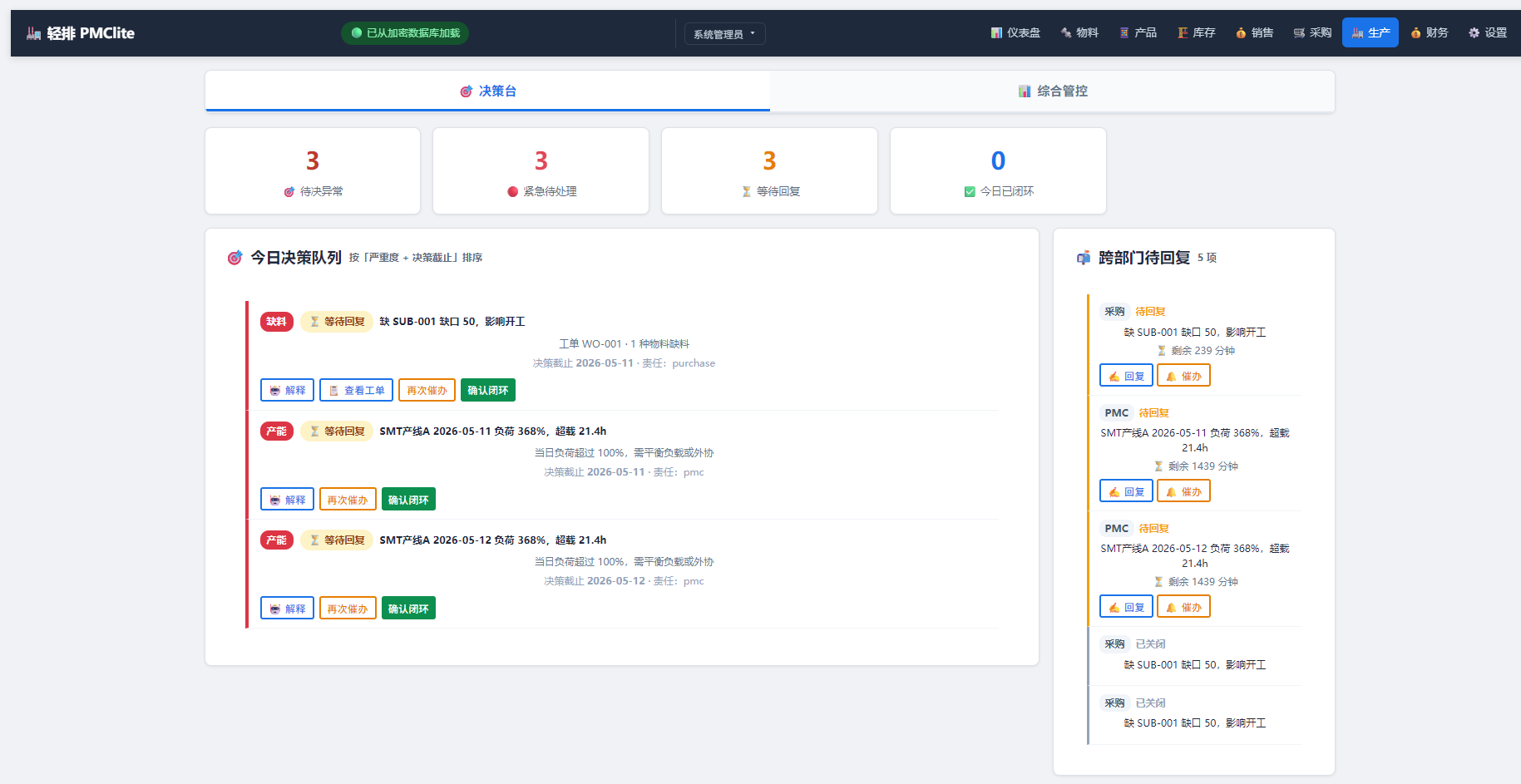
轻排生产排产(MRP-PMC)
MCP serverDrive the local MRP-PMC factory scheduler from AI for scheduling and material checks
Runs locally- Freemium
- Manufacturing

zumen-gate
MCP serverRead, search, render, edit and convert CAD drawings such as JWW, DWG, DXF and SXF
Runs locally- 8 tools
- Freemium
- Engineering simulation

GPU CFD and conjugate heat transfer for cold plates, heat sinks and battery packs
- 86 tools
- Remote
- Contact sales
- Engineering simulation