Bionic Forms
Read, search and add records in your Bionic Forms database apps from an AI assistant
- Pricing
- Freemium
- Platforms
- Web, macOS, Windows
- Runs
- Remotely
- Version
- 2.0.0
- Listing updated
- 2 days ago
About Bionic Forms
Bionic Forms is a freemium MCP server for productivity. It runs as a hosted remote server, so there is nothing to install locally.
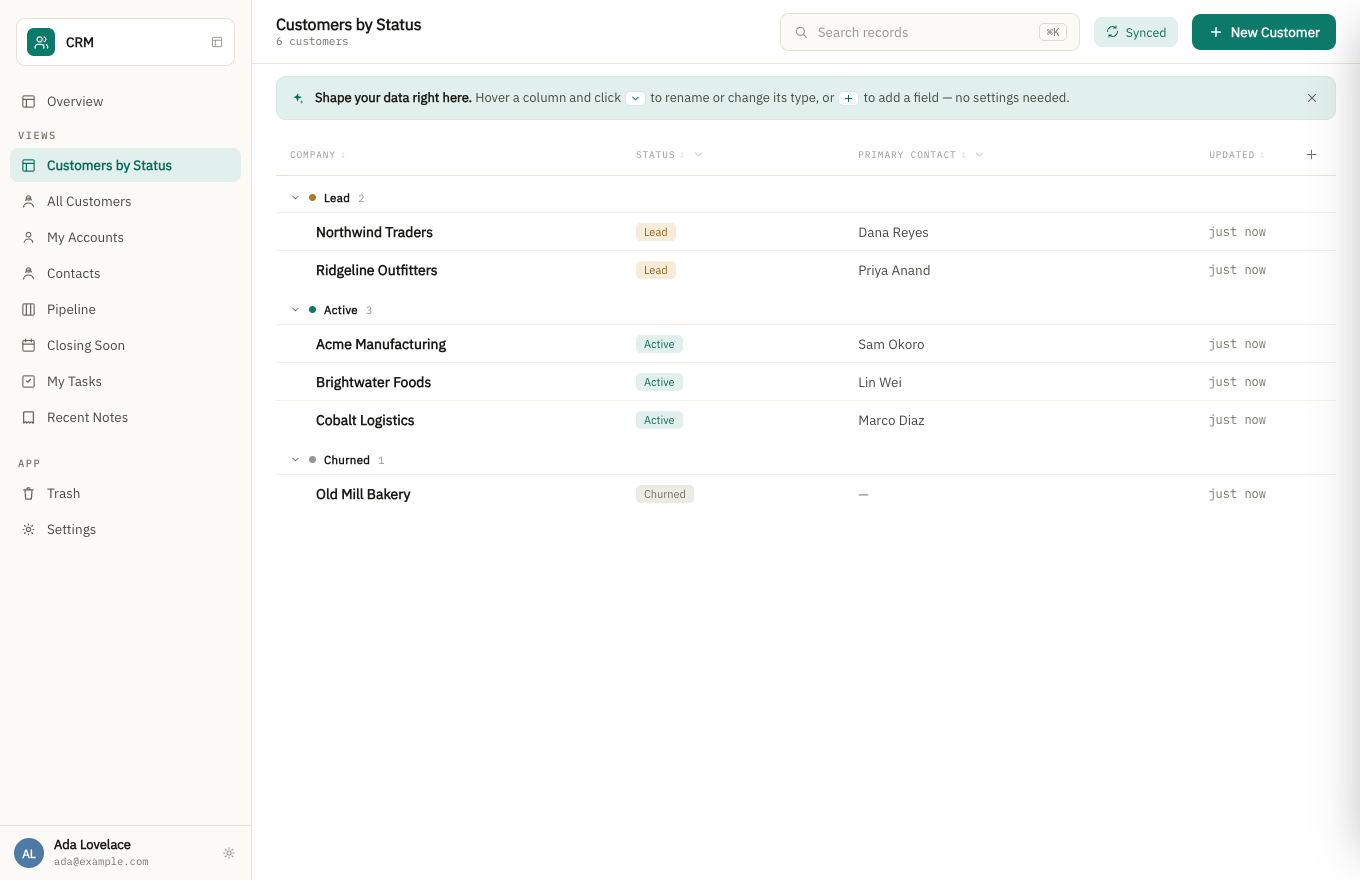
Bionic Forms is a business app platform: you describe what a team tracks in a sentence, review the forms, lists and permissions it proposes, and start using the result. This MCP server gives an assistant access to the records inside those apps, so it can look things up, search and add entries.
The parent product leans on local-first design. A desktop app for Mac, Windows and Linux keeps records encrypted on your computer, works offline and syncs when connected, while a browser version needs a connection. Relationships such as a training belonging to a volunteer drive the screens, and workflows can send emails or reminders when records change.
The pricing page is candid that the product is pre-launch with no external customers yet, has no iOS or Android app, and that the Windows build is not code-signed. Automation is a fixed catalogue described in sentences rather than scripting.
Install
Run in a terminal
claude mcp add --transport http bionicforms-mcp https://bionicforms.com/mcpAdd to Settings → Connectors → Add custom connector
https://bionicforms.com/mcpAdd to ~/.cursor/mcp.json
{
  "mcpServers": {
    "bionicforms-mcp": {
      "url": "https://bionicforms.com/mcp"
    }
  }
}Add to .vscode/mcp.json
{
  "servers": {
    "bionicforms-mcp": {
      "type": "http",
      "url": "https://bionicforms.com/mcp"
    }
  }
}
Add to ~/.codeium/windsurf/mcp_config.json
{
  "mcpServers": {
    "bionicforms-mcp": {
      "serverUrl": "https://bionicforms.com/mcp"
    }
  }
}
Add to your client's MCP settings (most use this shape)
{
  "mcpServers": {
    "bionicforms-mcp": {
      "type": "http",
      "url": "https://bionicforms.com/mcp"
    }
  }
}
What it does
- Record search
- Look up entries in your apps from a chat.
- Add records
- Create new entries in an app through the assistant.
- Hosted apps
- Works against apps built in Bionic Forms for small teams.
- Offline desktop app
- The parent product keeps working without signal and syncs later.
- Per-person permissions
- Set who can see and edit what; guests can fill in forms without an account.
- Data export
- The site says all records and files can be downloaded at any time.
Good for
- Ask which volunteers have trainings about to expire
- Add a new record from a conversation
- Search a team database in plain language
- Log a field visit while working with an assistant
Pricing
Freemium, from $29 a month
Free plan; Business $29/month for the whole team; prices as of 8 September 2026
Prices change. Check bionicforms.com before you buy.
Bionic Forms FAQ
What does it cost?
The Free plan costs $0 with 10,000 entries per app; Business is $29 a month for the whole team, with no per-user, per-app or per-guest charge.
Is there a mobile app?
No. The site says there is no iOS or Android app; desktop builds exist for macOS, Windows and Linux.
Does it work offline?
The desktop app does; the browser version needs a connection.
Can I take my data out?
Yes, the site says every record and file can be downloaded without asking.
Is Bionic Forms free?
Bionic Forms has a free plan, with paid plans for more usage or features. Paid plans start at $29 a month.
How do I add Bionic Forms to Claude Code?
Run this command in your terminal: claude mcp add --transport http bionicforms-mcp https://bionicforms.com/mcp
What are the best alternatives to Bionic Forms?
The closest alternatives to Bionic Forms are Ha MCP, Concord MCP, Midplane, note1 and CalderFlow.
Alternatives to Bionic Forms

Ha MCP
MCP serverMCP server for managing and automating Home Assistant from AI assistants
Runs locally- 8 tools
- Open source
- 7.9K GitHub stars
- Productivity

Concord MCP
MCP serverLocal-first MCP server for messaging and shared work-state between coding agents
Runs locally- Freemium
- 1.3K GitHub stars
- Developer tools

Midplane
MCP serverPostgres gateway for AI agents with table grants, column masking and approval for writes
Runs locally- Open source
- 5 GitHub stars
- Databases

note1
MCP serverMCP server giving AI assistants search and summaries across your note1 meetings
- 4 tools
- Remote
- Free trial
- 1 GitHub star
- Productivity

CalderFlow
MCP serverTurn notes or specs into editable flowcharts, timelines and funnels from an AI assistant
- 10 tools
- Remote
- Free
- Design and media

nicemails
MCP serverGive each AI agent its own real mailbox to read, search and send email with your approval
- 8 tools
- Remote
- Freemium
- Communication