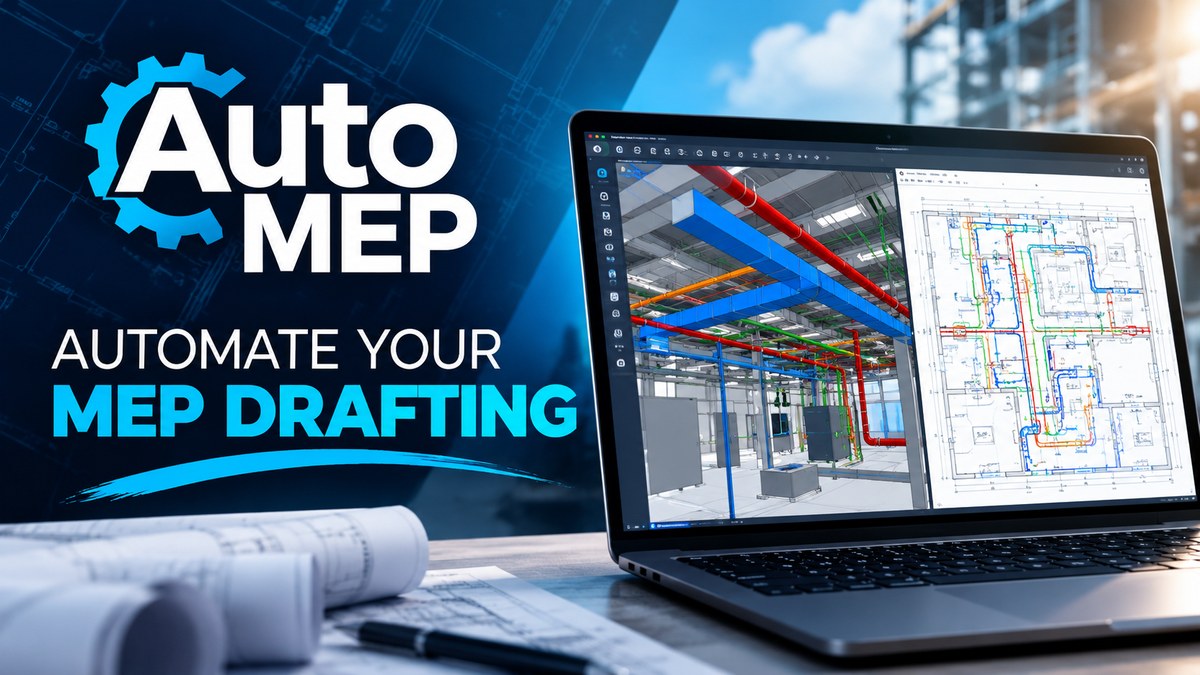
AutoMEP
Edits AutoCAD and Revit MEP drawings from plain-English requests, for engineers
The server answered 6 hours ago with a sign-in request for OAuth (HTTP 401), so we could not list its tools.
AutoMEP is an MCP server for construction tech. It runs as a hosted remote server, so there is nothing to install locally.
- Pricing
- Free trial
- Platforms
- Web, API
- Runs
- Remotely
- Access
- Needs sign-in (OAuth)
- Version
- 1.0.0
- Listing updated
Similar MCP servers


Install
Run in a terminal
claude mcp add --transport http automep https://mcp.automep.app/mcpAdd to Settings → Connectors → Add custom connector
https://mcp.automep.app/mcpAdd to ~/.cursor/mcp.json
{
  "mcpServers": {
    "automep": {
      "url": "https://mcp.automep.app/mcp"
    }
  }
}Add to .vscode/mcp.json
{
  "servers": {
    "automep": {
      "type": "http",
      "url": "https://mcp.automep.app/mcp"
    }
  }
}
Add to ~/.codeium/windsurf/mcp_config.json
{
  "mcpServers": {
    "automep": {
      "serverUrl": "https://mcp.automep.app/mcp"
    }
  }
}
Add to Grok Bot desktop app → Connect apps → Add a custom connector
https://mcp.automep.app/mcpEnter a Name (for example "AutoMEP"), choose Type: Remote HTTPS, paste this as the Server URL and choose Add plugin. When we checked, this server asked for OAuth sign-in. If its docs give you an OAuth client ID and secret, enter them in the form's OAuth Client ID and Client Secret fields.
Add to your client's MCP settings (most use this shape)
{
  "mcpServers": {
    "automep": {
      "type": "http",
      "url": "https://mcp.automep.app/mcp"
    }
  }
}
Using several servers? Build one config file with the MCP config generator.
About AutoMEP
AutoMEP takes a DWG or RVT file and applies changes to the mechanical, electrical and plumbing content in it. You describe the edit the way you would brief a drafter, such as adding ceiling lights, routing a duct or placing outlets, and the agent reads the drawing's entities, layers, blocks and room labels before making the change. The result comes back as a native DWG or RVT that you can review in the browser before downloading.
Beyond the drawing itself, the service follows the AIA/NCS layer naming standard or your office's own CAD layers, and a separate review pass compares the output with the request. It can also be used from Claude or ChatGPT on a paid plan, using the same account and usage.
The product suits MEP engineers, designers and project teams who need markups cleared without waiting on a drafter. Results are advisory and are meant to be checked by a licensed professional before construction.
What it does
- Plain-English drawing edits
- Describe a change in ordinary language and the agent plans and applies it to the drawing.
- Native DWG and RVT output
- Edited files return in the same format so they open in the CAD or Revit software you already use.
- Browser viewer review
- Open the finished drawing in the browser to check it before downloading anything.
- Standard MEP layers
- New work follows NCS layer names or your office's CAD standard when one is in use.
- Automated review pass
- A second check compares the edited drawing against the original request.
- Revit element tools
- In Revit models it can tag elements, place devices, add dampers and valves, and load missing families.
- Claude and ChatGPT access
- Submit jobs and download edited files from inside Claude or ChatGPT on paid plans.
Good for
- Adding ceiling lights, diffusers and detectors to a reflected ceiling plan
- Routing a duct run and labeling its size and airflow
- Placing outlets and switches along walls on an electrical floor plan
- Clearing client markups on an existing AutoCAD or Revit drawing
- Adding plumbing fixtures and pipe notes to a floor plan
Pricing
Free trial, from $39 a month
7-day free trial on all plans; Starter $39/mo, Pro $99/mo, Team $249/mo; extra jobs billed by usage on paid plans
Prices change. Check automep.app before you buy.
AutoMEP FAQ
Do I need to install anything?
No. AutoMEP runs in the browser, and you do not need plugins or macros on your machine to submit a job.
Which file types does AutoMEP support?
AutoCAD DWG and Revit RVT files. You get the same file type back, and a PDF of the result is available to download.
How much does AutoMEP cost?
Starter is $39 per month, Pro is $99 and Team is $249. Every plan starts with a 7-day free trial that requires a card, and you are not charged until the trial ends.
Are failed jobs charged?
No. Failed jobs and jobs that make no changes are returned to your usage allowance.
How do I add AutoMEP to Claude Code?
Run this command in your terminal: claude mcp add --transport http automep https://mcp.automep.app/mcp
What are the best alternatives to AutoMEP?
The closest alternatives to AutoMEP are BAMROC (Vavetek), Estimate, Autodesk Revit MCP Server and Engineering.
Where this comes from
- Description: written from the project's website and its MCP Registry entry.
- Status: checked automatically by AIPoweredBot on 21 November 2026.
- Install steps: from the official MCP Registry entry.