
AnyCutlist
Reads customers' cutting lists into parts; quotes and machine files need human sign-off
- Pricing
- Freemium
- Platforms
- Web, API
- Runs
- Remotely
- Version
- 1.0.1
- Listing updated
- 2 days ago
About AnyCutlist
AnyCutlist is a freemium MCP server for manufacturing. It runs as a hosted remote server, so there is nothing to install locally.
Workshops receive cutting lists as photos, PDFs, spreadsheets or typed notes. This remote server lets an assistant hand AnyCutlist such a document and get back the parts, the fields it is unsure about and a draft cut list for the workshop to confirm.
The key design rule is that a person decides. Uncertain fields stay flagged until someone in the workshop confirms them, and the assistant can only propose values. Quotes need approval in AnyCutlist or in chat if the workshop allows it, and machine files such as MaxCut, CutList Plus or Cut Rite are downloaded by a person. Notes on customer lists are treated as data, not instructions.
Access needs the Professional or Enterprise plan. Sign-in uses OAuth, or an organisation key as a bearer header for scripts, and the same keys work with a REST API. Photos and PDFs use the organisation's AI parse credits.
Install
Run in a terminal
claude mcp add --transport http anycutlist https://www.anycutlist.com/api/mcpAdd to Settings → Connectors → Add custom connector
https://www.anycutlist.com/api/mcpAdd to ~/.cursor/mcp.json
{
  "mcpServers": {
    "anycutlist": {
      "url": "https://www.anycutlist.com/api/mcp"
    }
  }
}Add to .vscode/mcp.json
{
  "servers": {
    "anycutlist": {
      "type": "http",
      "url": "https://www.anycutlist.com/api/mcp"
    }
  }
}
Add to ~/.codeium/windsurf/mcp_config.json
{
  "mcpServers": {
    "anycutlist": {
      "serverUrl": "https://www.anycutlist.com/api/mcp"
    }
  }
}
Add to your client's MCP settings (most use this shape)
{
  "mcpServers": {
    "anycutlist": {
      "type": "http",
      "url": "https://www.anycutlist.com/api/mcp"
    }
  }
}
Tools this server provides (24)
Taken from the project documentation; the running server may differ.
- parse_cutlist
- Reads a photo, PDF, spreadsheet or typed list into parts.
- get_job
- Waits for a reading to finish and returns parts and review counts.
- get_review_items
- Fields a person still needs to check.
- correct_parts
- Suggests values for uncertain fields.
- check_cutlist
- Free pre-flight check of parts and materials.
- search_catalog
- Finds boards and edging in the workshop's catalogue.
- save_cutlist
- Saves parts as a draft cut list.
- get_status
- Whether a saved list is verified and its latest quote.
- list_cutlists
- Lists or finds the workshop's saved cut lists.
- read_comments
- Reads internal cut list discussions.
- add_comment
- Adds an AI-labelled internal note.
- optimize_cutlist
- Plans sheets for a verified cut list.
- create_quote
- Asks for a quote for a verified list.
- export_cutlist
- Asks for a machine file such as MaxCut or CutList Plus.
- search_customers
- Finds customers by name, code, email or phone.
- create_customer
- Adds a customer.
- set_cutlist_customer
- Assigns a customer to a saved cut list.
- list_incoming
- Lists cut lists sent in by customers awaiting acceptance.
- get_org_context
- Branches, currency, formats and quote approval settings.
- get_budget
- Remaining AI parses, optimizations, lists, customers and quotes.
- get_cutlist_source
- Returns the original customer photo, scan or PDF page.
- get_cutlist_parts
- A saved list's parts and which await a person.
- second_read
- Sends the assistant's own reading for comparison.
- get_approval
- Whether a person approved a request.
What it does
- List reading
- Turns photos, PDFs, spreadsheets and typed lists into parts.
- Review flags
- Shows the fields a person must check, with the original customer text.
- Pre-flight checks
- Free check for parts too big for their board or unpriced materials.
- Quotes and exports
- Request a quote or a machine file that a person approves or downloads.
- Customer handling
- Search or create customers and attach them to saved cut lists.
- Budget visibility
- See how many AI parses, optimizations and quotes remain.
Good for
- Read a customer's photographed cutting list
- Check parts against the workshop's board catalogue
- Draft a cut list for a person to verify
- Request a quote for a verified list
- Export a verified list to a cutting machine format
Pricing
Freemium
Free plan with 10 AI reads; MCP access needs Professional or Enterprise, prices not published
Prices change. Check anycutlist.com before you buy.
AnyCutlist FAQ
Which plans include MCP access?
The Professional and Enterprise plans.
Can the assistant approve its own quote?
No. A person approves each quote and downloads each machine file.
How do I sign in?
Through OAuth in the client, or with an organisation key sent as a bearer header.
Is there a REST API too?
Yes, at /api/v1 using the same organisation keys.
Is AnyCutlist free?
AnyCutlist has a free plan, with paid plans for more usage or features.
How do I add AnyCutlist to Claude Code?
Run this command in your terminal: claude mcp add --transport http anycutlist https://www.anycutlist.com/api/mcp
What are the best alternatives to AnyCutlist?
The closest alternatives to AnyCutlist are Cutlab CNC, ProofPass, 轻排生产排产(MRP-PMC), The Cable Code and Formada3D 3D Printing.
Alternatives to AnyCutlist

Cutlab CNC
MCP serverQuote estimates and quote requests for a CNC cutting workshop in Tallinn
- 3 tools
- Remote
- Paid
- Manufacturing
ProofPass
MCP serverCurrent safety data sheets, EU product-document deadlines and duties, plus your account
- 31 tools
- Remote
- Freemium
- Legal and government
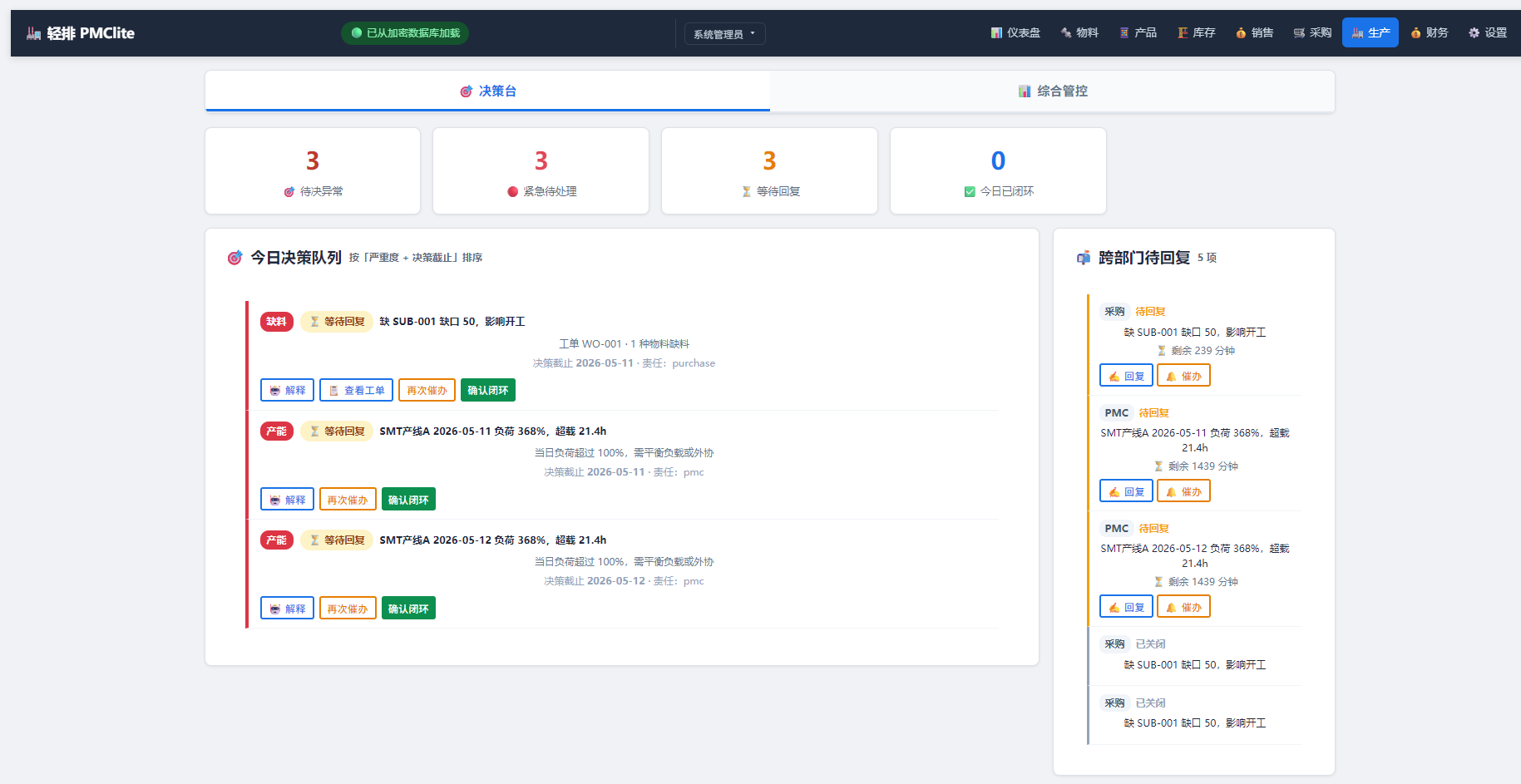
轻排生产排产(MRP-PMC)
MCP serverDrive the local MRP-PMC factory scheduler from AI for scheduling and material checks
Runs locally- Freemium
- Manufacturing

The Cable Code
MCP serverDecode cable designations across 71 coding systems and run cable design and sizing checks
- 25 tools
- Remote
- Freemium
- Engineering simulation

Formada3D 3D Printing
MCP serverQuote STL, 3MF and OBJ files for Melbourne 3D printing and browse printed products
- 34 tools
- Remote
- Paid
- Design and media

OTDeck
MCP serverLet AI agents read MQTT, Modbus, OPC UA and BACnet, with your approval for every write
Runs locally- 17 tools
- Freemium
- Developer tools