Accessible Color Palette & WCAG Contrast Checker
Generate UI colour palettes and verify WCAG 2.1 contrast ratios
Accessible Color Palette & WCAG Contrast Checker is a free MCP server for design and media. It runs as a hosted remote server, so there is nothing to install locally.
- Pricing
- Free
- Platforms
- Web, API, Chrome extension
- Runs
- Remotely
- Version
- 1.0.0
- Listing updated
Similar MCP servers



Install
Run in a terminal
claude mcp add --transport http color-palette https://randomcolorgenerator.app/api/mcpAdd to Settings → Connectors → Add custom connector
https://randomcolorgenerator.app/api/mcpAdd to ~/.cursor/mcp.json
{
  "mcpServers": {
    "color-palette": {
      "url": "https://randomcolorgenerator.app/api/mcp"
    }
  }
}Add to .vscode/mcp.json
{
  "servers": {
    "color-palette": {
      "type": "http",
      "url": "https://randomcolorgenerator.app/api/mcp"
    }
  }
}
Add to ~/.codeium/windsurf/mcp_config.json
{
  "mcpServers": {
    "color-palette": {
      "serverUrl": "https://randomcolorgenerator.app/api/mcp"
    }
  }
}
Add to Grok Bot desktop app → Connect apps → Add a custom connector
https://randomcolorgenerator.app/api/mcpEnter a Name (for example "Accessible Color Palette & WCAG Contrast Checker"), choose Type: Remote HTTPS, paste this as the Server URL and choose Add plugin.
Add to your client's MCP settings (most use this shape)
{
  "mcpServers": {
    "color-palette": {
      "type": "http",
      "url": "https://randomcolorgenerator.app/api/mcp"
    }
  }
}
Using several servers? Build one config file with the MCP config generator.
About Accessible Color Palette & WCAG Contrast Checker
This server generates harmonious HEX and HSL colour palettes for interfaces and verifies WCAG 2.1 AA and AAA contrast ratios, so an assistant can propose colours and check that text stays readable.
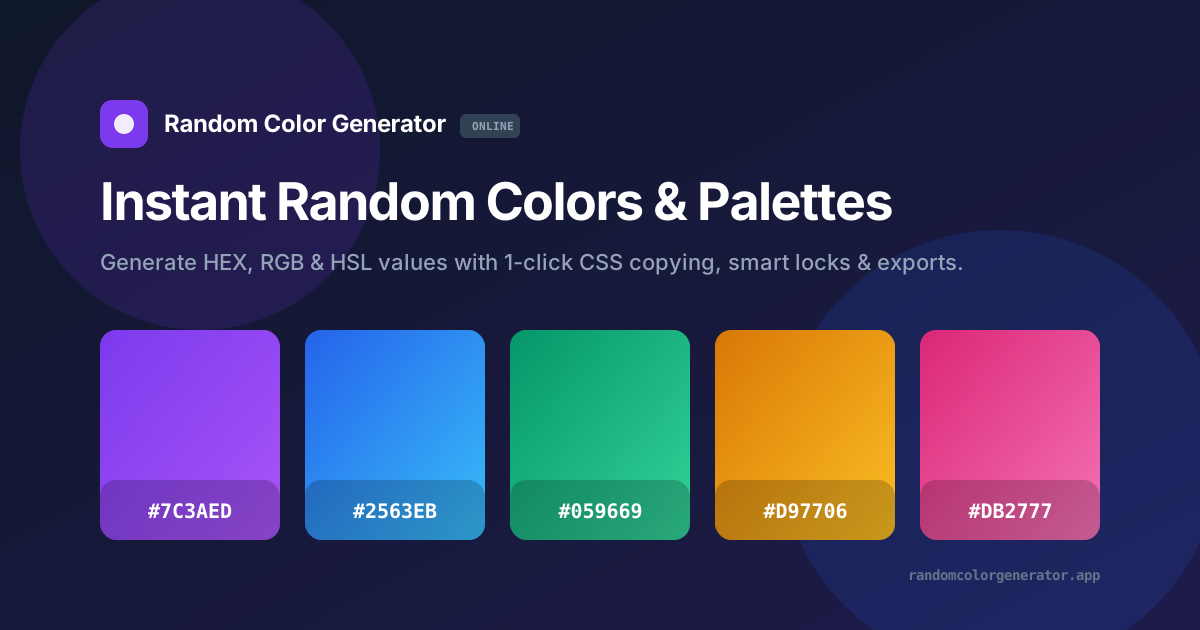
It belongs to a colour tool site that offers random HEX, RGB and HSL generation with one-click copy, a palette studio for 2 to 10 harmonised colours with locking and CSS and SVG export, a contrast checker and a browser sidepanel companion.
The remote endpoint uses Streamable HTTP and is meant for designers and developers who want accessible colour choices from inside an AI client.
What it does
- Palette generation
- Generate harmonious UI palettes in HEX and HSL.
- WCAG contrast checks
- Verify AA and AAA contrast ratios under WCAG 2.1.
- Palette studio
- On the site, build 2 to 10 colour palettes with locking and CSS or SVG export.
- Random colours
- Random HEX, RGB and HSL values with one-click copy.
Good for
- Create a UI palette for a new project
- Check text and background contrast for accessibility
- Find accessible colour pairs
- Export palettes as CSS
Pricing
Free
Free to use
Prices change. Check randomcolorgenerator.app before you buy.
Accessible Color Palette & WCAG Contrast Checker FAQ
What contrast standards does Accessible Color Palette & WCAG Contrast Checker check?
WCAG 2.1 AA and AAA.
Which colour formats are supported?
HEX, RGB and HSL on the site; the server describes HEX and HSL palettes.
Is the site free?
Yes, the colour generator site is free to use.
How do I add Accessible Color Palette & WCAG Contrast Checker to Claude Code?
Run this command in your terminal: claude mcp add --transport http color-palette https://randomcolorgenerator.app/api/mcp
What are the best alternatives to Accessible Color Palette & WCAG Contrast Checker?
The closest alternatives to Accessible Color Palette & WCAG Contrast Checker are HyperFrames by HeyGen, ffmpeg-skill, next-ai-draw-io, mcp-for-blender and cursor-talk-to-figma-mcp.
Where this comes from
- Description: written from the project's website and its MCP Registry entry.
- Install steps: from the official MCP Registry entry.