Contenta Photo Converter vs KopiTehnik Converter
Contenta Photo Converter is an MCP server for design and media. KopiTehnik Converter is an open-source MCP server for files and documents.
- KopiTehnik Converter is open source, while Contenta Photo Converter is free trial.
- Contenta Photo Converter is best for resize and watermark hundreds of product photos for online shops.
- KopiTehnik Converter is best for prepare a customer's mixed flash-drive files for printing.

- What it is
- Contenta Photo Converter is an MCP server for design and media.KopiTehnik Converter is an open-source MCP server for files and documents.
- Best for
- Resize and watermark hundreds of product photos for online shopsPrepare a customer's mixed flash-drive files for printing
- Kind
- MCP serverMCP server
- Pricing
- Free trialOpen source
- Platforms
- Windows, CLIWindows, CLI
- Runs
- LocallyLocally
- Open source
- Good for
- Resize and watermark hundreds of product photos for online shops; Convert a wedding shoot's RAW files to web-ready JPEGs overnight; Prepare listing photos for MLS upload with metadata handledPrepare a customer's mixed flash-drive files for printing; Lay out 10x15 or ID-photo sheets with cut marks; Convert HEIC and PSD photos to JPG or PDF in bulk
What Contenta Photo Converter does
Batch conversion
batch_convert runs a whole folder of photos through one set of format, size and quality settings.
Wide format support
Reads RAW, HEIC, AVIF, PDF, SVG and many legacy formats, and writes 28 output types.
PDF albums and slideshows
create_pdf_album, create_slideshow and merge_pdfs turn image sets into documents.
Metadata control
read_metadata and write_metadata handle EXIF, IPTC and XMP fields.
Install helper
Without the app present, a get_started tool gives the agent the download link and steps.
Cancellable jobs
The app is told to stop a running job when the client cancels it.
What KopiTehnik Converter does
Batch photo conversion
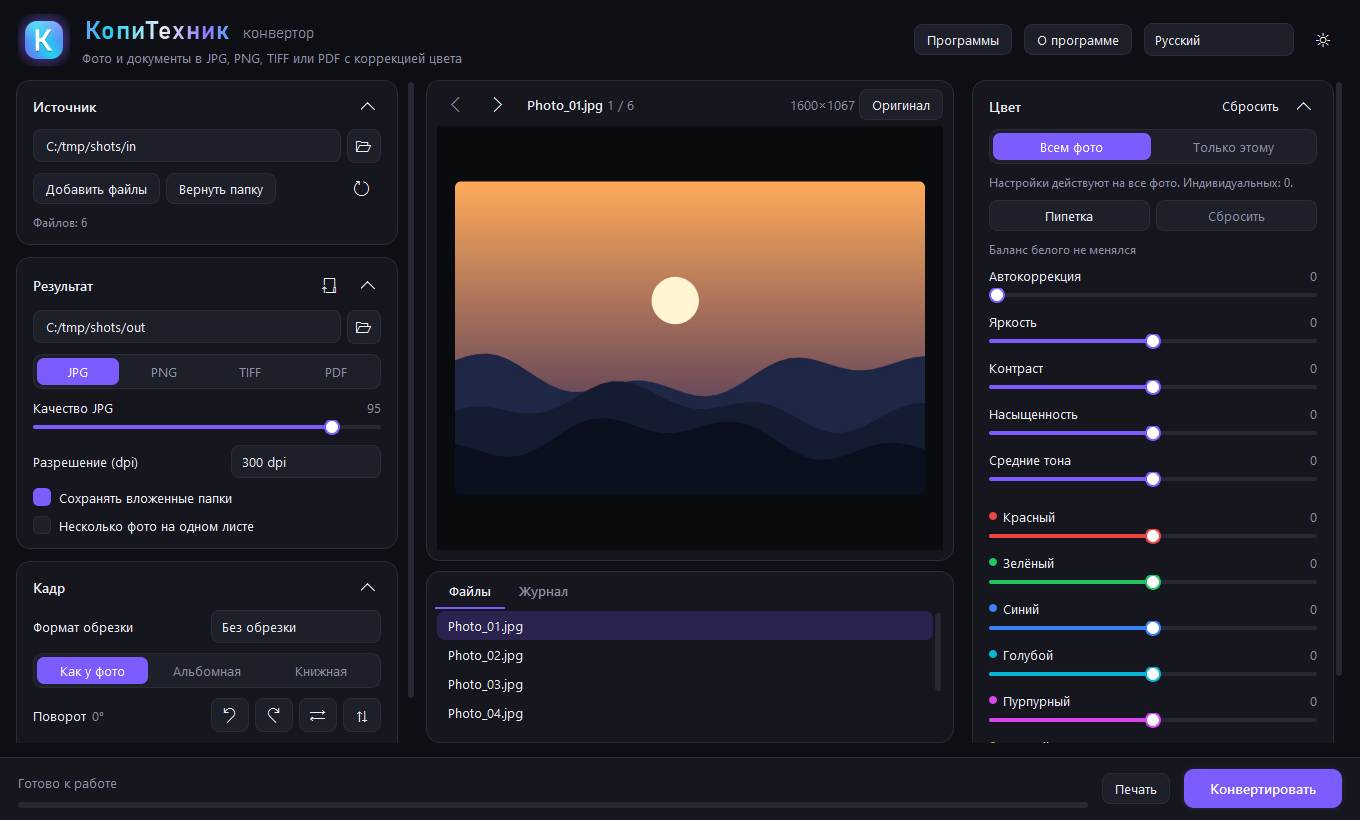
Converts photos and documents to JPG, PNG, TIFF or PDF across a whole folder.
Print sheet layouts
Builds 10x15, ID-photo and contact sheets with cut marks, margins and captions.
ICC colour handling
Honours embedded ICC profiles, converts to sRGB and offers manual colour correction.
Scan recognition
Recognises scans offline in Russian and English and turns lines into editable PDF blocks.
Requisites check
Highlights doubtful tax numbers, bank details, dates and mixed-alphabet text.
Crop and tilt
Mouse-drawn crop frames with fixed formats and tilt of up to 45 degrees.
Contenta Photo Converter vs KopiTehnik Converter: questions
Is Contenta Photo Converter or KopiTehnik Converter cheaper?
KopiTehnik Converter is the cheaper option: it is open source.
What is the difference between Contenta Photo Converter and KopiTehnik Converter?
Contenta Photo Converter is an MCP server for design and media. KopiTehnik Converter is an open-source MCP server for files and documents. KopiTehnik Converter is open source, while Contenta Photo Converter is free trial.