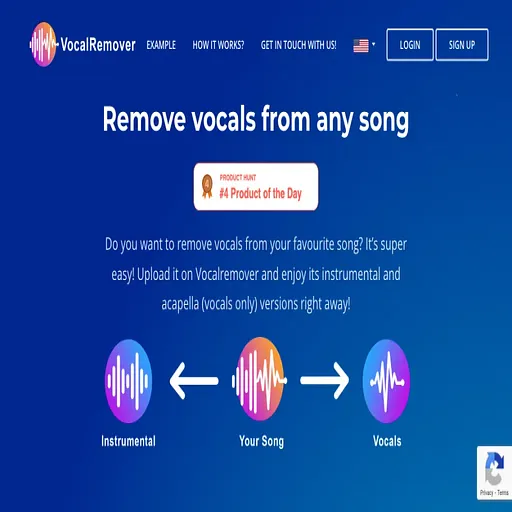
Vocalremover
Splits songs and videos into vocal and instrumental tracks for karaoke and remixing
Vocalremover is a freemium AI tool for music. It is available on Web.
- Pricing
- Freemium
- Platforms
- Web
- Listing updated
Similar tools

About Vocalremover
The service takes an uploaded song or video and separates the vocal track from the instrumental, returning a karaoke version with vocals removed and a vocals-only version with the music removed. Processing runs in the browser-based workflow, and the site says a typical track finishes in about a minute, though the FAQ notes that longer queues can take minutes.
Billing is based on conversion minutes: each file's length is rounded to the nearest whole minute and drawn from a purchased package. The site offers a free trial that converts 30 seconds of audio, so buyers can check result quality before paying. Stored files are kept for a limited period depending on the plan, so downloads should be saved promptly.
The tool suits musicians, singers, and hobbyists who want backing tracks or want to study individual parts of a recording. Results vary by song, and the site acknowledges that some vocals may remain on certain tracks.
What it does
- Vocal and instrumental split
- Separates a track into a karaoke version without vocals and a vocals-only version.
- Video file support
- Accepts common video formats and extracts the audio for separation.
- Original format output
- Returns results in the same format as the uploaded file, according to the site.
- Free trial conversion
- Converts 30 seconds of any song for free before a paid package is needed.
- Priority queue on Premium
- The Premium plan lists priority processing and larger uploads over 100MB.
- Browser-based upload
- Files are uploaded and processed through the website without installing software.
Good for
- Creating karaoke backing tracks from popular songs
- Isolating vocals for a cappella or acoustic covers
- Studying individual instruments and vocal arrangements in a recording
- Removing voice from a video to keep only background audio
Pricing
Freemium
Free 30-second trial; paid conversion minute packages and Premium and Unlimited plans.
Prices change. Check vocalremover.com before you buy.
Vocalremover FAQ
How are conversion minutes calculated?
Your purchased minutes are drawn from the combined length of your files, with each file rounded to the nearest whole minute. For example, a song of 1 minute 28 seconds counts as 1 conversion minute.
How long are my files stored?
Full conversions are kept while your subscription is active or until you delete them. Sample files are stored for 3 days, and top-up or one-time users have files kept for 30 days.
How do I cancel my subscription?
You can cancel at any time through the self-service customer portal in your account billing or subscription settings, or by contacting support.
Can I improve results if vocals remain?
The site says it has no tools to improve quality, since results vary by song, and recommends checking quality with the free 30-second conversion before buying.
What are the best alternatives to Vocalremover?
The closest alternatives to Vocalremover are LALAL.AI, Moises App, Audioshake, Cleanvoice AI and Revocalize AI.
Where this comes from
- Description: written from the project's website.