Vidyo.ai
Turns long videos and podcasts into captioned short clips for social platforms
- Pricing
- Freemium
- Platforms
- Web, iOS, Android
- Listing updated
- 1 day ago
Similar tools
About Vidyo.ai
Vidyo.ai is a freemium AI tool for generative video. It is available on Web, iOS, Android and API.
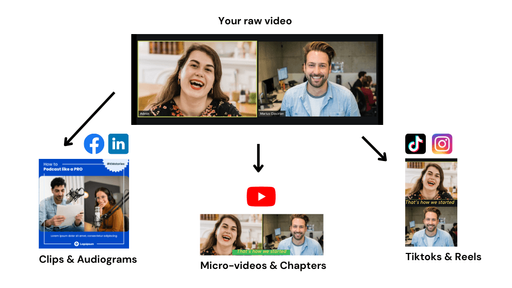
The product is aimed at turning recordings you already have into material for short-form feeds. You paste a link or upload a file, and it proposes candidate moments from the source, reframes them vertically, and adds word-level captions. You review each clip, trim the start and end, and choose a caption style before anything goes out.
Beyond clipping, it includes a text-based editor where you can remove words or silences, a subtitle generator covering 99 languages, and a calendar for scheduling posts to several networks. Brand kit templates let you apply a logo, colors and fonts on paid plans. Analytics and a content planner are available on higher tiers.
It suits creators, coaches, podcasters, churches and small agencies who record regularly and want to repurpose that footage without learning an editing suite. Usage is metered in credits, with roughly one credit per minute of processed video.
What it does
- AI clip discovery
- Scores moments in a long recording by predicted virality and proposes short clips from them.
- Auto captions
- Adds word-level animated captions with subtitles in 99 languages and optional filler-word removal.
- Text-based video editing
- Lets you cut video by deleting words in a transcript, with silence removal available.
- Multi-format export
- Exports clips in 16:9, 9:16 and 1:1 aspect ratios.
- Social scheduling
- Plans and schedules posts from one calendar, with TikTok publishing on the free plan and more networks on paid plans.
- Brand kit templates
- Applies saved logos, colors and fonts to clips on paid plans.
Good for
- Turning a weekly podcast episode into a batch of short vertical clips
- Repurposing webinars or livestreams into posts for TikTok, Reels and Shorts
- Scheduling a month of short-form posts across several platforms
- Adding accurate multilingual subtitles to existing video
Pricing
Freemium, from $29 a month
Free plan with 75 credits/month; Lite from $29/mo or $174/yr; pricing varies by country
Prices change. Check vidyo.ai before you buy.
Vidyo.ai FAQ
What can I import into quso.ai?
Links from YouTube, Vimeo, X, Facebook, Twitch, Rumble, Loom, LinkedIn and Zoom, plus Google Drive, Dropbox or a local upload.
Which platforms can I schedule to?
The page lists TikTok, Instagram, YouTube, LinkedIn, Facebook, X and Pinterest. The free plan connects TikTok; plans that include scheduling connect the rest.
How are credits counted?
One credit is roughly one minute of processed video, and clipping, captioning and editing draw from the monthly allowance.
Is there a free plan?
Yes, the free plan includes 75 credits a month at 720p with a watermark. Availability varies by country, and some regions use one-time credit packs instead.
Is Vidyo.ai free?
Vidyo.ai has a free plan, with paid plans for more usage or features. Paid plans start at $29 a month.
What are the best alternatives to Vidyo.ai?
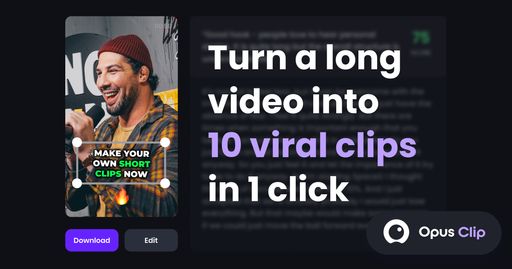
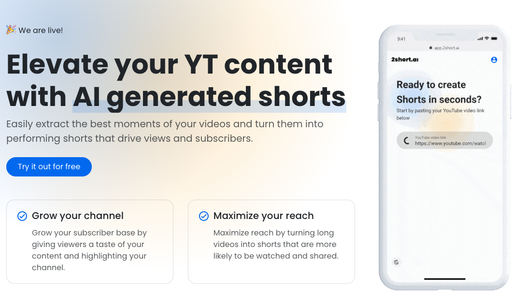
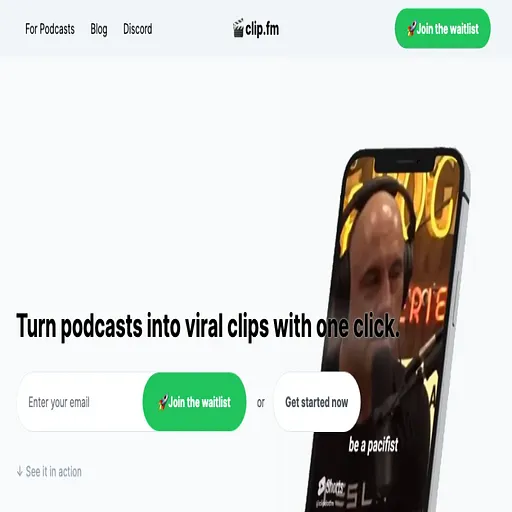
The closest alternatives to Vidyo.ai are Opus Clip, 2short.ai, Clip FM, Klap and Captions.
Where this comes from
- Description: written from the project's website.