Saga
AI-assisted workspace linking notes, docs, and tasks for individuals and small teams
Saga is a freemium AI tool for productivity. It is available on Web, macOS and Windows.
- Pricing
- Freemium
- Platforms
- Web, macOS, Windows
- Listing updated
Similar tools

About Saga
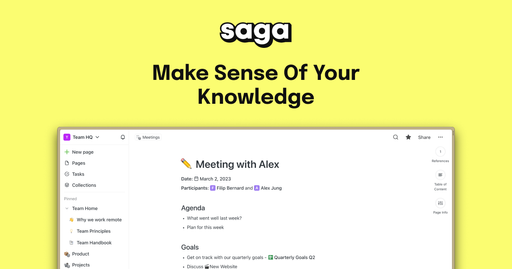
Saga keeps notes, documents and task boards in one connected space, so the pages you write and the tasks you track can reference each other without switching apps. Its built-in AI assistant can draft, rewrite and summarize content directly where you are working, which the site presents as a way to avoid copying text between separate tools.
Pages link to each other automatically, and a references view surfaces relationships across the knowledge base. Tasks live inside notes and can also be arranged on a Kanban board. Real-time editing and sharing let a team work in the same documents, and the workspace can connect to Google Drive and Linear, with Google Drive files openable alongside pages.
The Free plan suits personal use and small groups, while paid plans add unlimited collaborators and AI usage. Saga also offers desktop apps for Mac and Windows, and the pricing FAQ says a dedicated mobile app is still on the roadmap.
What it does
- Connected notes and docs
- Pages link to each other automatically and a references view shows relationships across the workspace.
- Integrated AI assistant
- Built-in language models help draft, rewrite and summarize content inside the workspace.
- Lightweight task management
- Tasks sit inside notes and can be organized on a Kanban board to track progress through stages.
- Real-time collaboration
- Team members can edit and share pages together, with guests able to view and comment.
- App integrations
- Google Drive files can be opened side by side with pages, and Linear is named among the connected apps.
- Live blocks for updates
- Blocks can be used to refresh outdated notes so information stays current.
Good for
- Keeping team documentation and wikis connected in one place
- Tracking project tasks on a Kanban board next to the related notes
- Drafting and summarizing meeting notes with the built-in AI
- Sharing public documentation pages with anyone holding the link
Pricing
Freemium
Free plan for personal use and small teams; paid Standard and Business plans add unlimited members and AI.
Prices change. Check saga.so before you buy.
Saga FAQ
Is there a free plan?
Yes. The Free plan includes unlimited pages and tasks, up to 3 members per workspace and 5,000 words per month of Saga AI.
How many guests can I invite on the Free plan?
The pricing FAQ says you can invite up to 10 guests to view and comment on the Free plan.
Is there a desktop app?
Yes, Saga is available as a desktop app for Mac and Windows. The FAQ says a dedicated mobile app is on the roadmap.
Does Saga use my data to train AI models?
The FAQ states that Saga does not use customer data to train AI models and that data is encrypted at rest and in transit.
What are the best alternatives to Saga?
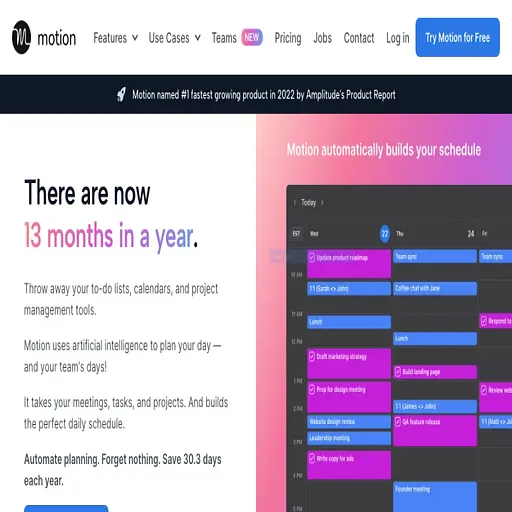
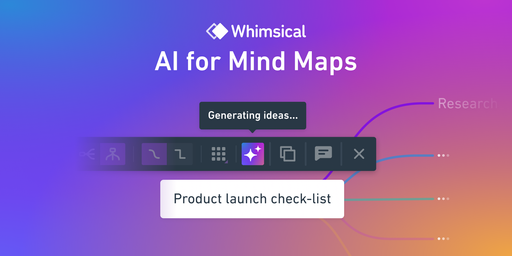
The closest alternatives to Saga are Usemotion, Coda AI, Fibery AI, Whimsical AI and Stitch.ai.
Where this comes from
- Description: written from the project's website.