MonitUp Time Tracking
Windows employee activity and assigned-job time tracking for companies
- Pricing
- Paid
- Platforms
- Windows, Web
- Listing updated
- 2 days ago
Similar tools
About MonitUp Time Tracking
MonitUp Time Tracking is a paid AI tool for productivity. It is available on Windows and Web.
The site describes MonitUp as a way for companies to review work activity on Windows computers. Rather than a general personal timer, it is aimed at employers who want visibility into which applications and websites are used on company PCs and how time is spent on assigned work.
The product has two tracking modes. Premium records application and website usage automatically whenever a company Windows PC is switched on during configured working hours. Freelancer is built for external workers: the company assigns a job, and the worker starts and stops tracking manually in the desktop application, so nothing is recorded when the PC simply turns on.
Managers can label applications as productive, unproductive or neutral to shape their reports, and can optionally enable screenshots on a schedule with adjustable quality. The site also mentions AI productivity suggestions built on recorded activity, and notes that screenshots are planned for future AI interpretation. Windows is the only supported operating system at present; a Mac waiting list is offered.
What it does
- Automatic employee tracking
- Premium starts recording application and website usage when a company Windows PC turns on during configured working hours.
- Manual job tracking
- Freelancer lets external workers select an assigned job in the desktop app and start and stop tracking themselves.
- Productivity categorization
- Managers can mark applications as productive, unproductive or neutral to shape productivity reports.
- Optional screenshots
- Screenshots are passive by default and can be scheduled at set intervals with adjustable quality.
- AI productivity suggestions
- Suggestions are generated from recorded activity to help teams review work patterns alongside reports.
- Open and close time list
- Records of computer start and shutdown times are included in the company dashboard.
Good for
- Reviewing how full-time employees use applications and websites on company Windows PCs
- Tracking hours spent by external freelancers on jobs assigned by the company
- Categorizing apps as productive or unproductive to interpret team activity reports
- Setting up optional screenshots for visual context under a company monitoring policy
Pricing
Paid, from $9 a month
Freelancer from $11 per user/month billed monthly; Premium listed at $9. A 7-day free trial is offered.
Prices change. Check timetracking.monitup.com before you buy.
MonitUp Time Tracking FAQ
Does MonitUp work on Mac?
Currently it only works on Windows. The site offers a waiting list for Mac OS support.
How does Freelancer tracking start?
The external worker opens the desktop app, selects the assigned job and manually starts and stops tracking. It does not start when the PC turns on.
Are screenshots enabled by default?
The screenshot feature is initially set to passive mode, and the company can choose to activate it with its own schedule and quality settings.
Is MonitUp Time Tracking free?
No. MonitUp Time Tracking is a paid product. Paid plans start at $9 a month.
What are the best alternatives to MonitUp Time Tracking?
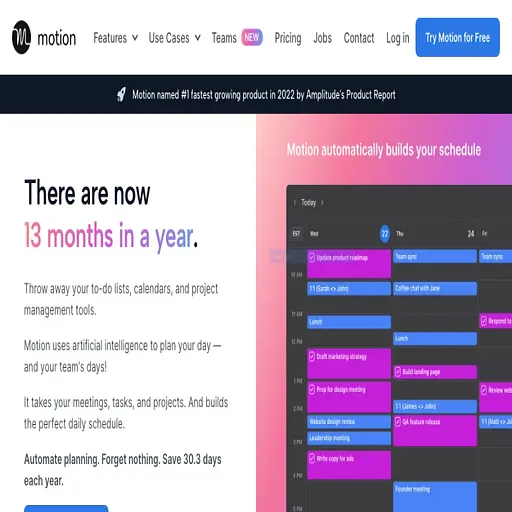
The closest alternatives to MonitUp Time Tracking are Timely, Usemotion, TimeTo, Hexometer and Magical.
Where this comes from
- Description: written from the project's website.