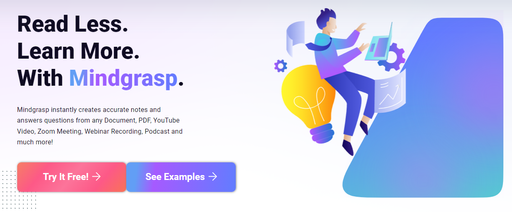
Mindgrasp
AI study tool that turns lectures and readings into notes, flashcards and quizzes
- Platforms
- Web, iOS, Android
- Listing updated
- today
Similar tools
About Mindgrasp
Mindgrasp is an AI tool for research. It is available on Web, iOS, Android and Chrome extension.
Mindgrasp takes recordings and course files and produces study materials from them. You can record a live lecture in the app or upload PDFs, slides, audio, MP4 video, DOCX files, web article links, YouTube or Vimeo links. From that material it generates notes, a summary, flashcards, quizzes and a chat-based AI tutor that answers questions about the content.
Each study session is a separate workspace, so a single lecture, chapter or exam topic keeps its own notes, cards and quizzes. A progress checklist shows which outputs have been generated and what remains to review. The site also lists a Chrome extension for pulling content from pages such as Canvas and Blackboard, and says the product works in 20+ languages.
The product is aimed mainly at high school, college and graduate students preparing for exams, with secondary audiences of self-learners, test-prep candidates, teachers and working professionals.
What it does
- Lecture recording
- Records live lectures in the app so they can be processed into study material.
- Multi-format uploads
- Accepts PDFs, slides, DOCX, audio, MP4 video, web links and YouTube or Vimeo links.
- Auto-generated flashcards
- Creates flashcards from uploaded material for active recall practice.
- Generated quizzes
- Builds quizzes from the same material to test understanding before an exam.
- 24/7 AI tutor
- Chat assistant that answers questions about the session's content at any hour.
- Per-session progress tracking
- Checklist showing which notes, summaries, cards and quizzes are done for each session.
Good for
- Turning a recorded lecture into organized notes for later review
- Making flashcards from a textbook chapter before a midterm
- Creating practice quizzes from course videos or slides
- Getting clarification on a confusing topic outside office hours
- Summarizing long readings or articles into quick revision notes
Mindgrasp FAQ
What file types can I upload?
The site lists PDFs, DOCX, MP3, MP4, PowerPoint files, online article links, YouTube video links and Vimeo links.
Are there usage limits?
The FAQ says all plans come with unlimited uploads and no daily usage limits.
Who is Mindgrasp designed for?
It was first built for students, but the FAQ says professionals who want to learn faster and be more productive also use it.
How is it different from a general chatbot?
The FAQ says it was designed specifically for learning and supports a wider range of uploaded content types than general AI tools.
What are the best alternatives to Mindgrasp?
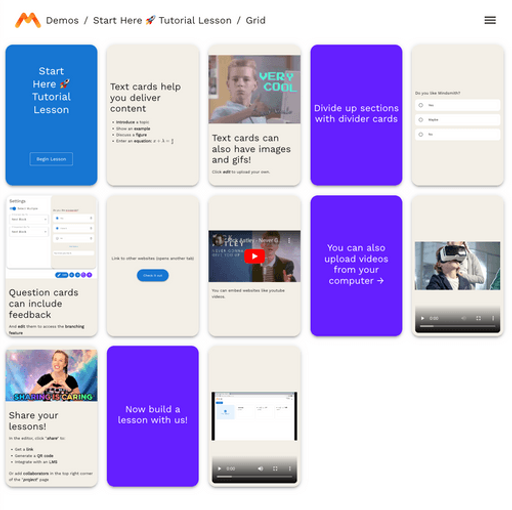
The closest alternatives to Mindgrasp are Quizwhiz, TutorAI, MindSmith, Notability and Questgen.
Where this comes from
- Description: written from the project's website.