
AIHelperBot
AI tools to generate, optimize, validate and explain SQL for analysts and developers
- Pricing
- Free trial
- Platforms
- Web, API
- Listing updated
- 1 day ago
Similar tools


About AIHelperBot
AIHelperBot is an AI tool for generative code. It is available on Web and API.
The site positions itself around four SQL workflows: turning a plain-language question into a query, rewriting slow queries, checking SQL for errors, and walking through what an existing query does. Each tool can take optional schema context so suggestions line up with your own tables and columns, and schemas can be imported as DDL, JSON or CSV.
SQLAI supports a broad range of engines, with the site listing 36 database engines and query languages including PostgreSQL, MySQL, SQL Server, Oracle, SQLite, BigQuery, Snowflake and MongoDB. Live connections are offered for a smaller set of engines, and queries are never run automatically; the user reviews the SQL first and can choose to run read-only queries in the app.
The product suits people who write SQL for work or study and want faster drafts or second opinions, including beginners who need explanations. The site itself notes that AI output can be wrong, so generated SQL should still be reviewed and performance-tested before production use.
What it does
- Text-to-SQL generation
- Converts plain-language questions into SQL queries, optionally guided by a supplied schema.
- Query optimizer
- Suggests rewrites and index recommendations for slow queries.
- SQL validator
- Flags potential errors in SQL and proposes corrections.
- Step-by-step explainer
- Summarizes queries in plain language and walks through them step by step.
- Schema import
- Accepts schemas as DDL, JSON or CSV, or works without one.
- Broad database coverage
- Lists support for 36 database engines and query languages, including NoSQL options like MongoDB.
- Read-only query execution
- Lets users run read-only queries from the app on supported live connections, with manual review first.
Good for
- Drafting a SQL query from a business question without writing it from scratch
- Speeding up a slow report query with suggested rewrites and indexes
- Checking a query for syntax or logic errors before running it
- Learning what an unfamiliar query does through step-by-step explanations
- Generating queries against a schema imported as DDL or CSV
Pricing
Free trial
7-day free trial for new customers; paid plans after trial
Prices change. Check aihelperbot.com before you buy.
AIHelperBot FAQ
Is SQLAI free?
New customers get a 7-day free trial, and you can cancel at any time. See the site's pricing page for details.
Can I use my own schema without connecting a database?
Yes. You can import your schema as DDL, JSON or CSV, or start without a schema.
Which databases can I connect directly?
Live connections are available for PostgreSQL, MySQL, SQL Server, Oracle and MongoDB, though features vary by engine.
Does SQLAI run queries against my database?
Not automatically. You review the SQL and decide whether to run it; read-only queries can be run in the app on supported connections.
Is AI-generated SQL always correct?
No. The site advises reviewing the SQL, checking results and testing performance before production use.
Is AIHelperBot free?
AIHelperBot is a paid product with a free trial.
What are the best alternatives to AIHelperBot?
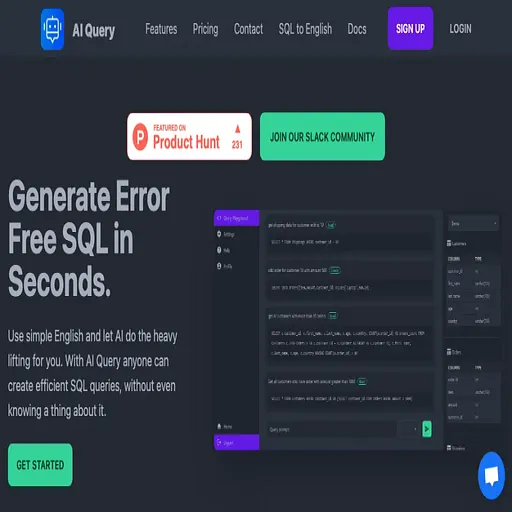
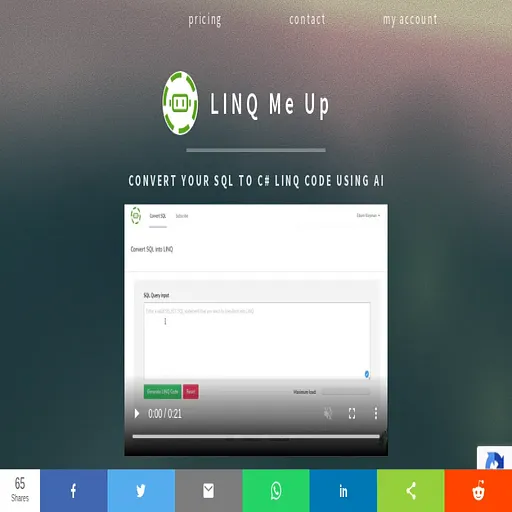
The closest alternatives to AIHelperBot are AI Query, Text2SQL.AI, LINQ Me Up, Excel Formula Bot and EZQL.
Where this comes from
- Description: written from the project's website.